S_ A
Inspiring
November 23, 2023
Question

anchor point parenting is not working

  • November 23, 2023
  • 1 reply
  • 833 views

Hello,


I am following one tutorial (cant attached, paid, I will end up in  jail).


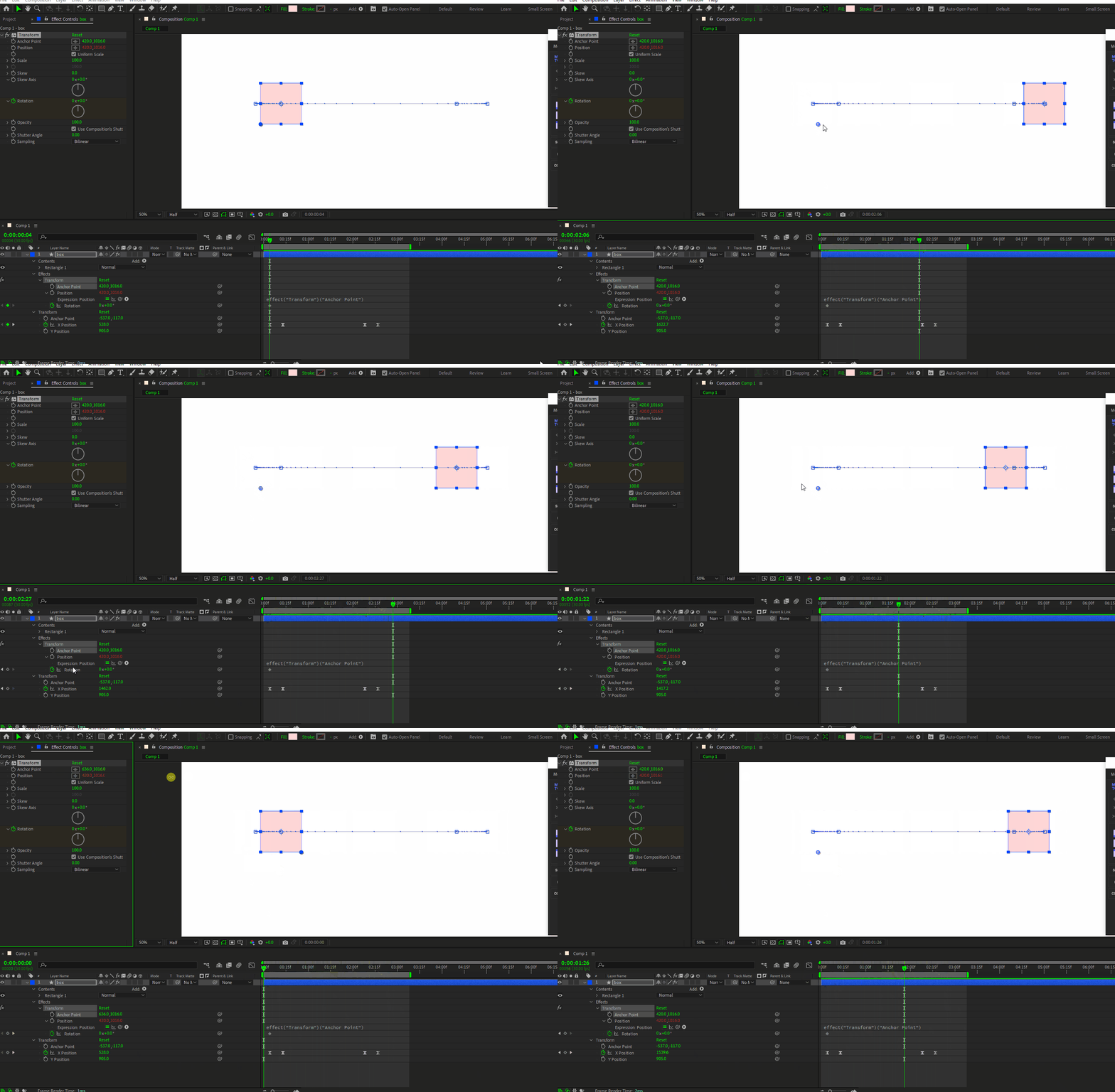
I exactly did what the teacher does. I applied transform effect to a layer and place anchor point from transform effect panel in a specific point (to rotate it from that point). Later I whipped position to the anchor point so that anchor point  follows position.


In the tutorial The anchor point remain attached with the shape layer no matter what the teacher does, rotate, move ect. But the  anchor point in my comp does not listen to my command. It stays like as if position is not attached to the anchor point. Anchor point stays fixed where I put it, it does not move if I move or rotate with the shape layer, but in tutorial it does exacltly the opposite, There the anchor point moves with the shape layer, there it is not fixed.


I dont understand what is wrong with my shape layer and its anchor point. please guide me.


This topic has been closed for replies.

1 reply

Community Expert
November 24, 2023

If you tie the Effect/Transform/Position to the Effect/Transform/Anchor point, changing the Effect/Transform/Position value will not move the layer in the frame, but it will move the center of rotation (and scale). To move the layer in the frame, you need to move the layer/Transform/Position or the layer/Transform/Anchor point.  Moving the layer/Transform/Anchor Point also changes the center of rotation (and scale). It looks like that is exactly what is going on in your comp. 


This should all make sense if you start at the top and figure that first, masks are applied, then effects, then the layer/Transform properties, and finally, the Layer Styles.


Your comp is behaving normally. What did you expect to happen? What was the instructor trying to make happen?


S_ A
S_ AAuthor
Inspiring
November 24, 2023

Hi Rick,


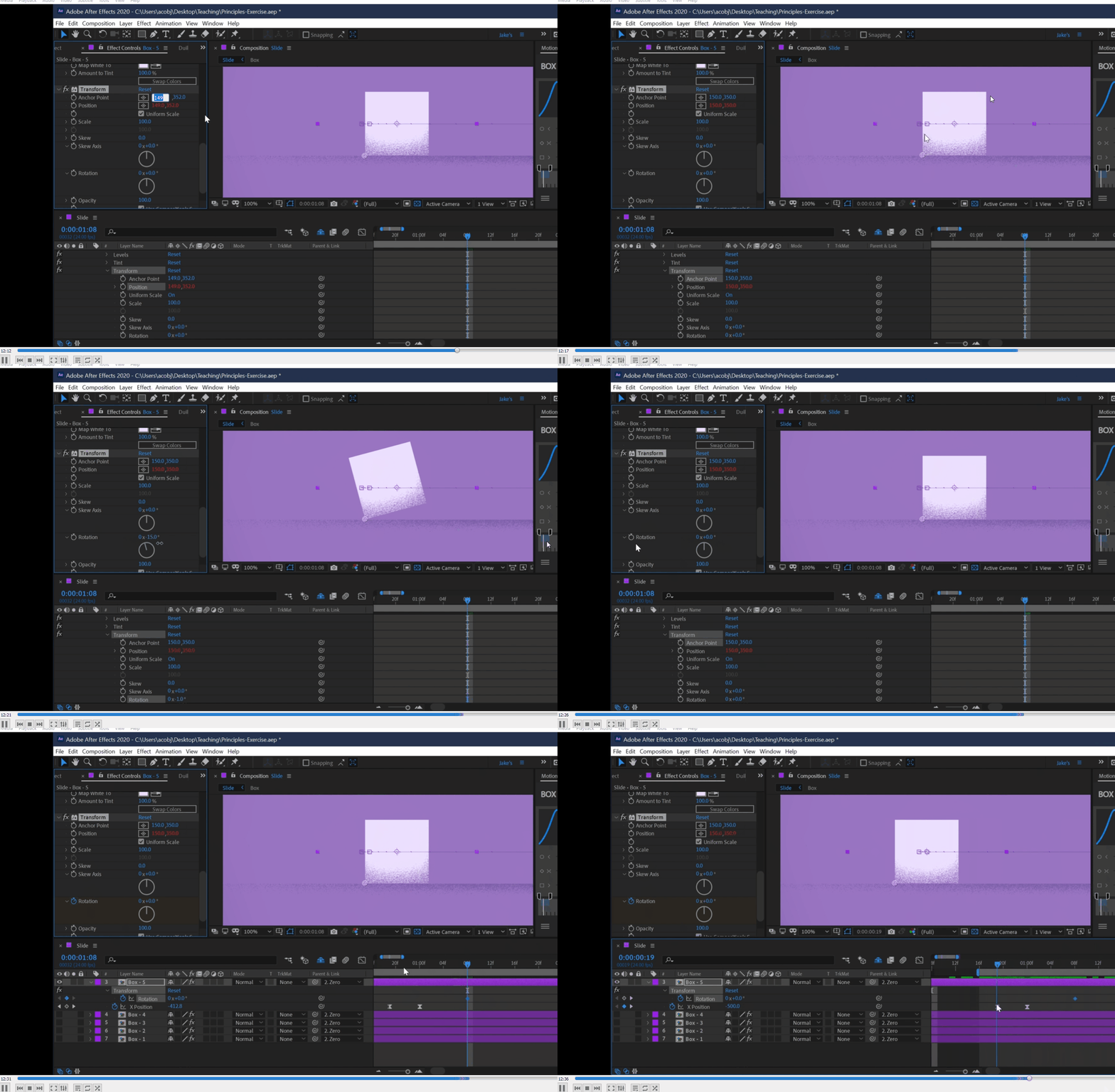
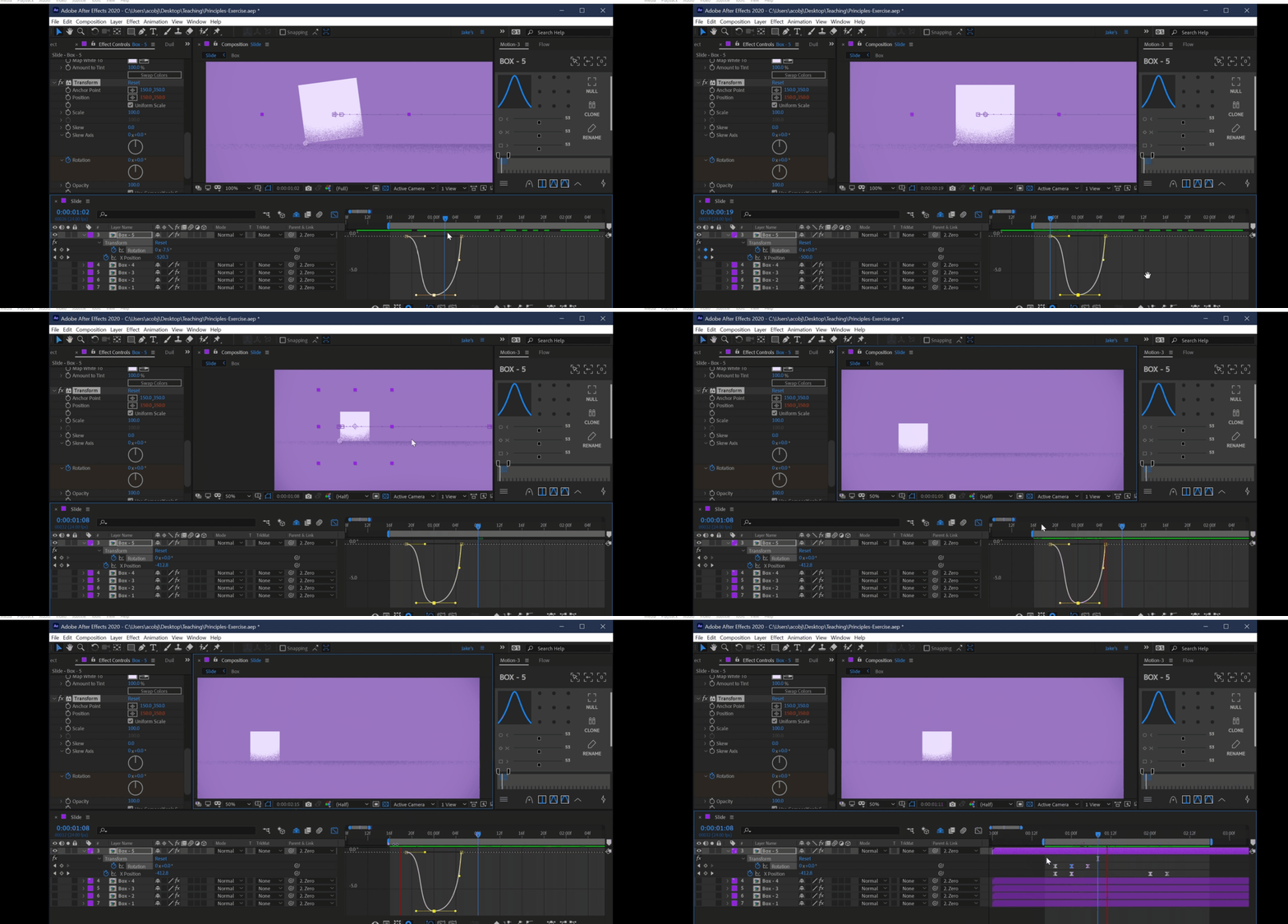
I have attached the tutorial. Kindly see how the bottom left anchor point remain attached with the box when he moves it or rotates. In my case the anchor point is not moving it stays fixed. 

ShiveringCactus
Community Expert
Community Expert
November 24, 2023

Do you have a link to the actual tutorial? The silent GIF is making it quite difficult to follow the set up.  It looks like the creator is using the Transform effect to be able to move the anchor point so that the layer can rotate on the corner.  I'm left wondering why they didn't alter the layer's actual transform properties, which I'm left to assume is because there's another reason.

It's also a little hard to tell from the tutorial gif if the transform effect's position or the layer's position is being keyframed to move the layer.