
Answered
Anchor point problems with 'wiggle rotation' effect
I know I can use expressions insted of effects for wiggles, but in this case I'd rather just stick with the effect.
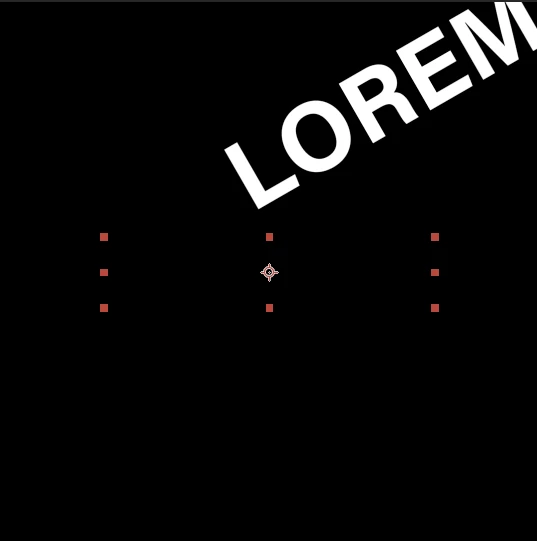
But when I rotate, it doesn't seem to correlate with the anchor point. It's as though the anchor point is in the top left corner.
See what happens when I add 'Wiggle Rotate' effect below... if I change the 'anchor point' properties in the effects window it doesnt appear to make any difference?
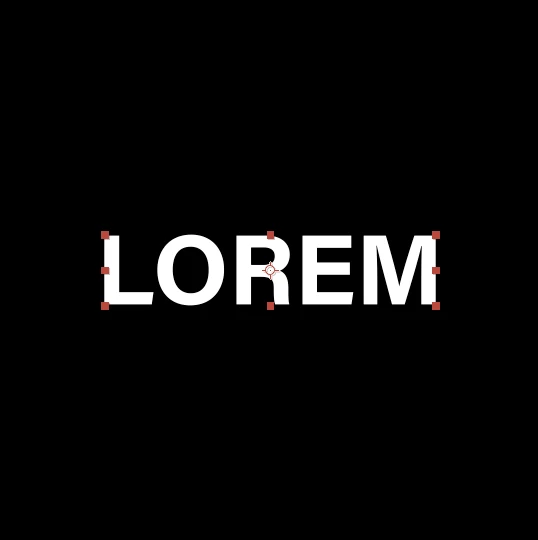 .
. 
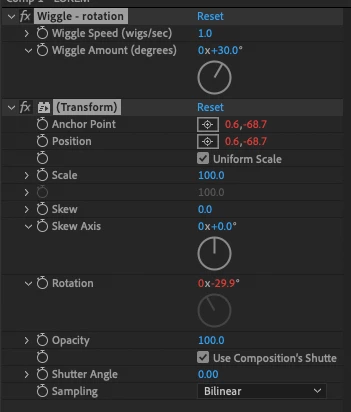
 AdChoices