



S_ A
Inspiring
July 26, 2024
Answered

angle control doesnt work

  • July 26, 2024
  • 2 replies
  • 415 views

Hi,


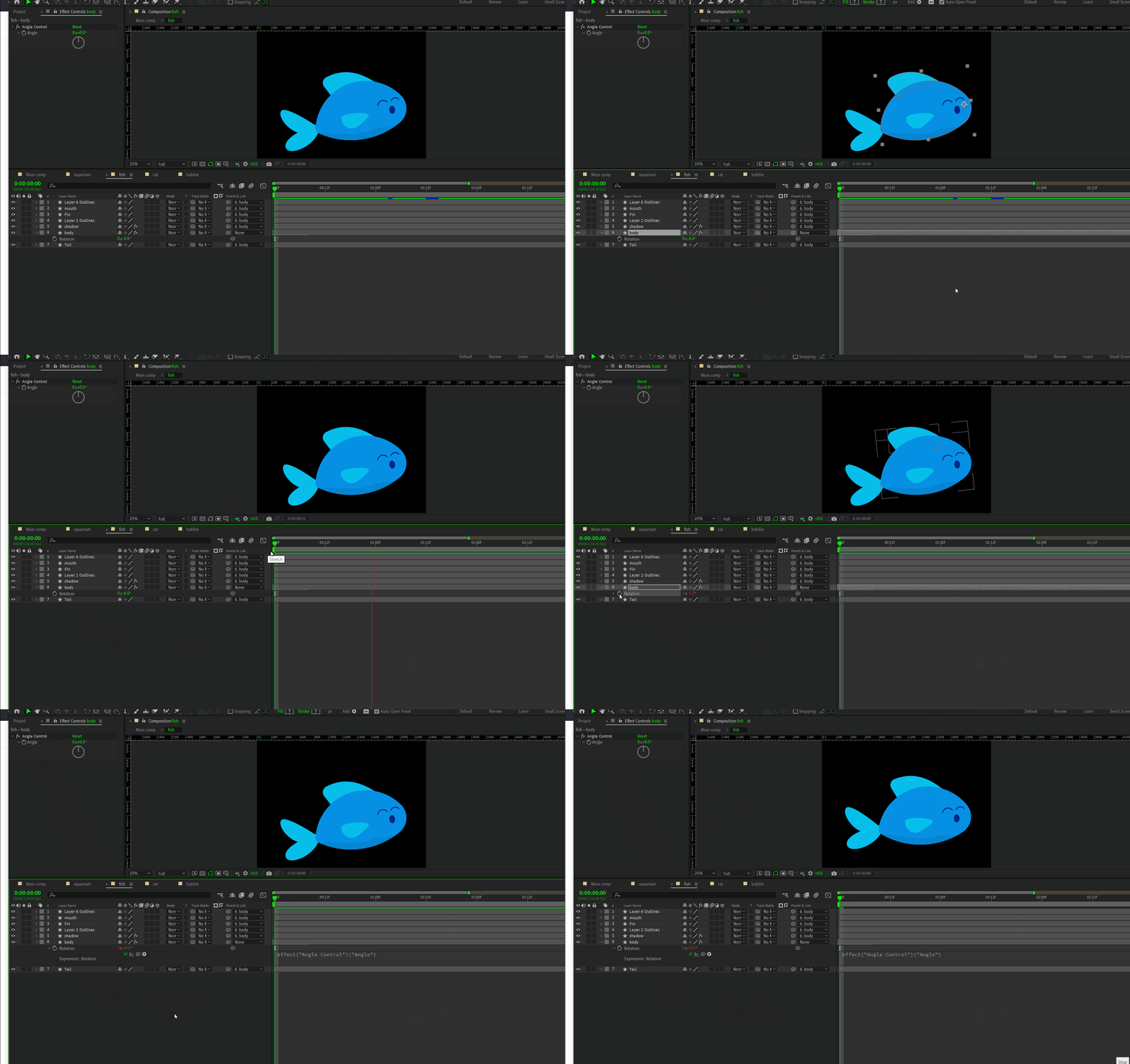
So I start The fish animation by making it a bit slanted. (0.6 degree) That was to be the original position. I thought I will apply angle control to animate rotation without hampering the initial potition ( slanted body position,0.6 degree). But when I apply angle control the initial rotation becomes 0.


I Want the body to be staying in that slanted position and want another rotation animation on that slanted position and I want a loop out animation on that secondary rotation values and  also this new rotation loop needs to match the rythm of  position Y loop. How can I do it. any way?


I tried making 0.6 a 2nd keyframe value, as pause, and start animating after that, it destroys the sync. It looks as if the fish suddenly starts rotating in a weird way.


Thank you.
 

This topic has been closed for replies.
Correct answer Rick Gerard

The angle control just returns numbers. You want to use the Transform effect and animate a second rotation. The only other option would be to add value + to the expression generated by the expression. This would add or subtract the Expression Control value from the current rotation angle, but it would use the same rotation point (Anchor Point). The Effect/Transform controls let you set a second anchor point. That is much more useful for the kind of animation you are describing.

2 replies

Rick GerardCommunity ExpertCorrect answer
Community Expert
July 26, 2024

The angle control just returns numbers. You want to use the Transform effect and animate a second rotation. The only other option would be to add value + to the expression generated by the expression. This would add or subtract the Expression Control value from the current rotation angle, but it would use the same rotation point (Anchor Point). The Effect/Transform controls let you set a second anchor point. That is much more useful for the kind of animation you are describing.

S_ A
S_ AAuthor
Inspiring
July 26, 2024

Thank you so much.