



Animated Sprite isn't showing up Trapcode Particular
Hi,
I am using Trapcode Particular, the newest version.
I know in the older version there used to be a Particle Type > Sprite > Texture > Then the precomp you wanted that had your animations in it. It wouuld appear instantly.
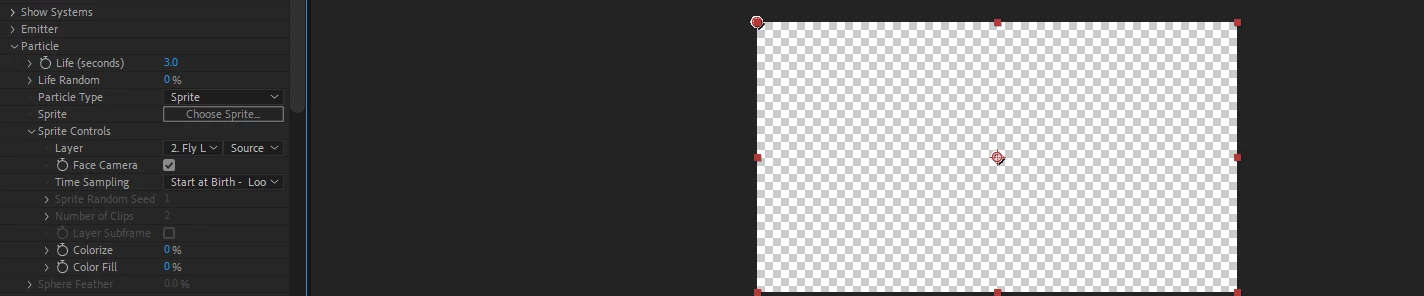
However, the newer versions of Trapcode do NOT have that anymore. It now goes Particle Type > Sprite > Choose Sprite or Layer > Source. I have a seperate precomp of a PNG that moves up and down. However, I can't add it as a sprite because it will just import a still image. But if I add it as a Sprite > Skip the choose Sprite and just change the Source Layer... everything just goes blank and dissapears.
How do I add custom, animated sprites/images into a particle for Trapcode Particular?
I am using After Effects 2022.
 AdChoices