Just in the interest of not having to animate the position of 20 odd separate layers. |
You may not have to. Depending on what exactly you are looking for you could always convert the text to masks/ paths and paste the different states of each shape into different keyframes. Visually it would make no difference, it may just not be an adequate hack for what you may be after. and of course the more complex the shapes, the more convoluted the procedures get.
Mylenium
There is no way to individually smoothly animate kerning between letters but you can set a keyframe for Source Text, move down a couple of frames and then use the character panel to adjust the Tracking between one or more letters. Because Source Text can only take hold keyframes the tracking that looks like kerning would snap from one setting to another.
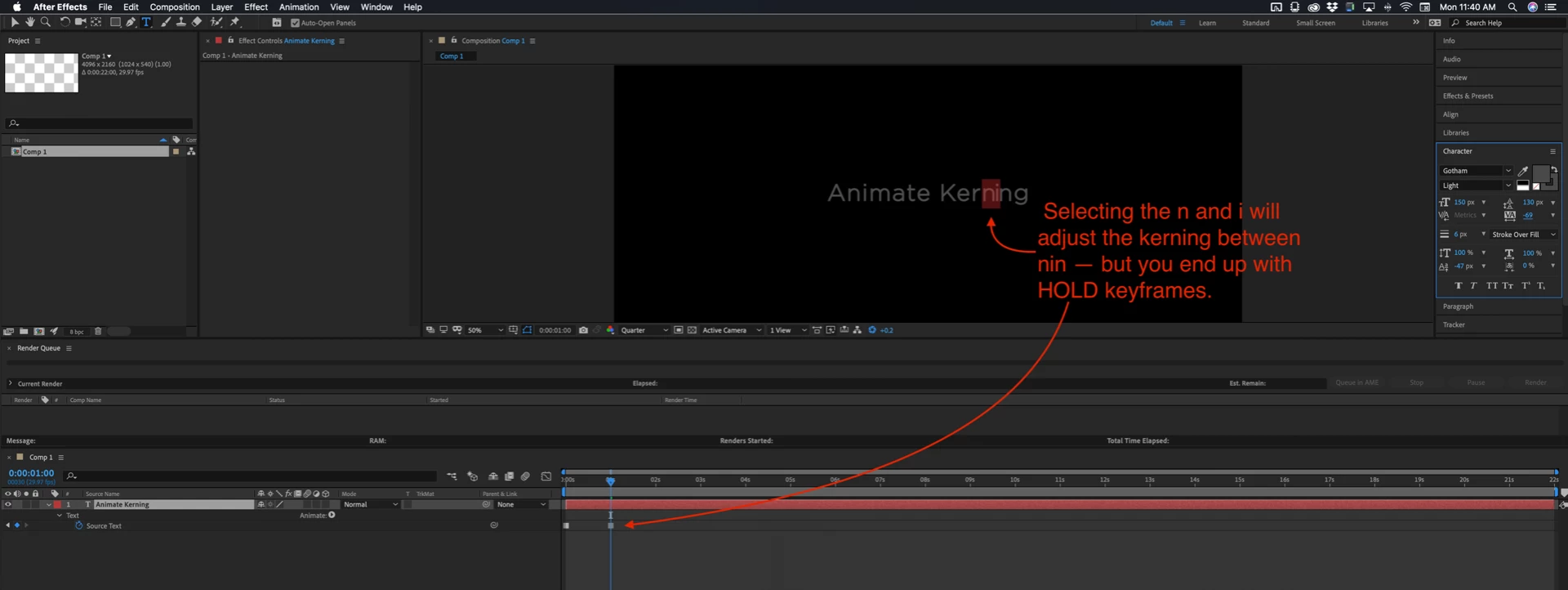
A much easier option would be to create two text layers each with the kerning set the way you want it to be set in Illustrator, convert those text layers to outlines, then expand the blend to 20 or 30 steps, release to layers, move them all above the original layer, then import the AI file as a composition, set the in and out point to one frame, then sequence the layers.
Did you follow that? Start with two overlapping layers in AI that have different kerning adjustments:
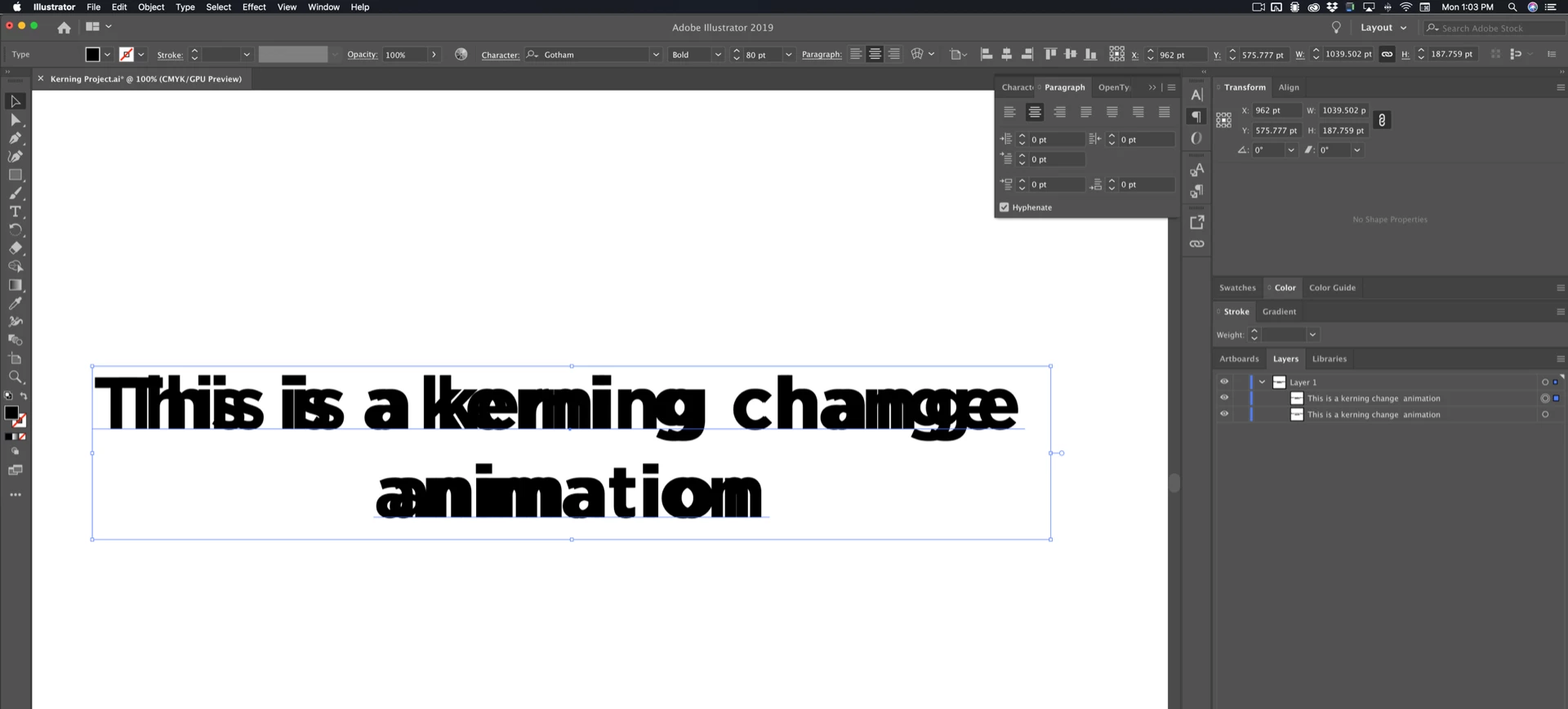
Convert to outlines, I changed the color of each layer so you could see the difference and the blended layers.
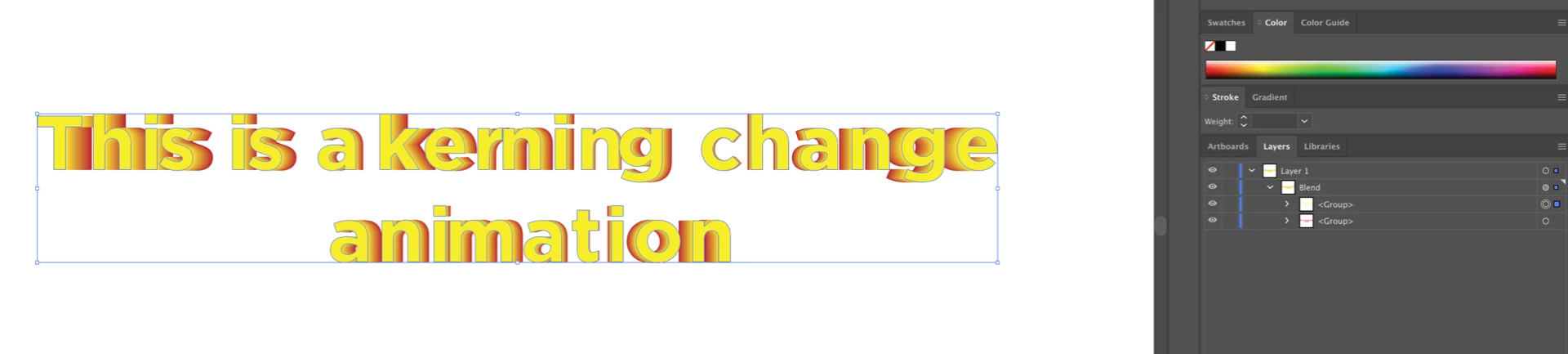
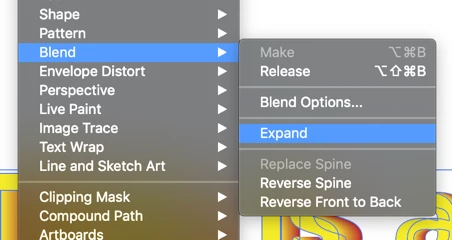
Expand the blend
and get this:
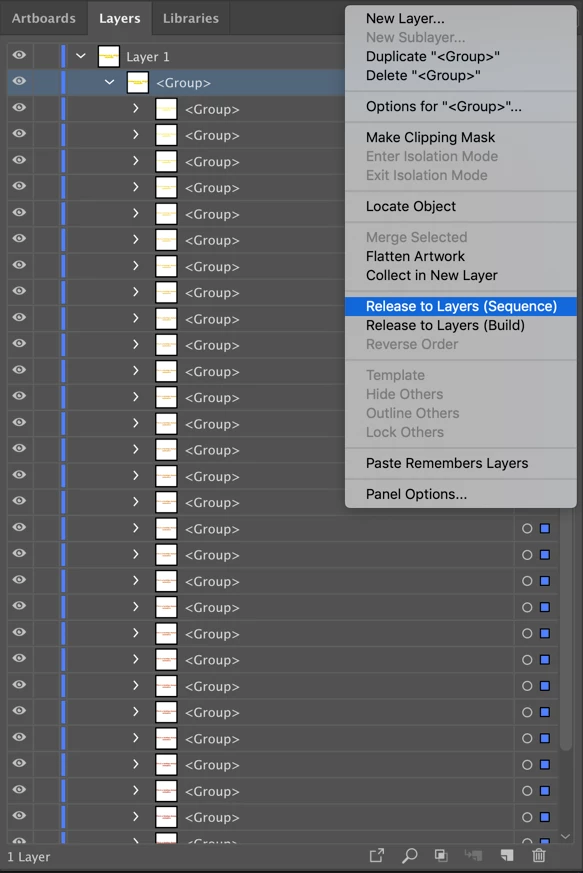
That's a group with a bunch of groups below, then as it shows above, select the TOP GROUP and Release To Layers Sequence and you get this:
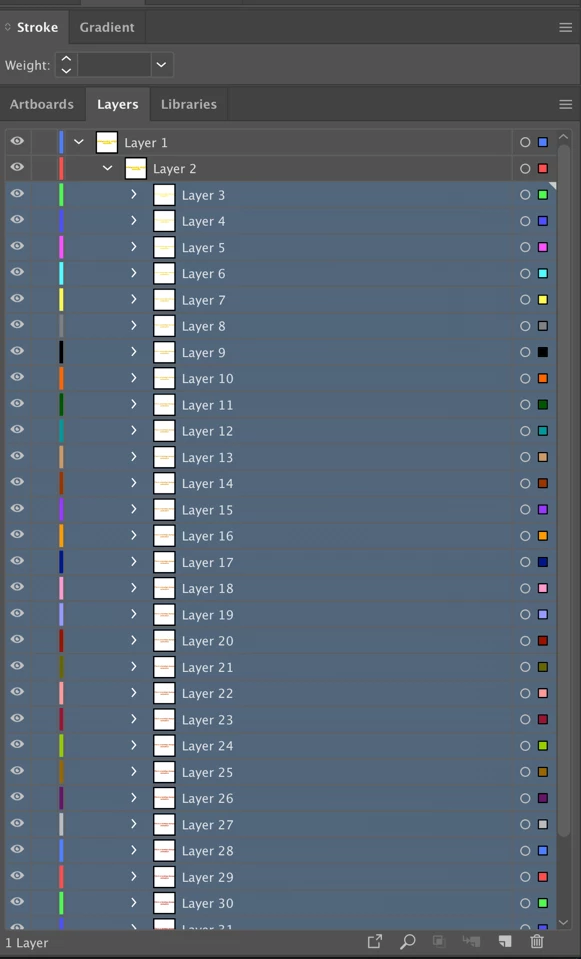
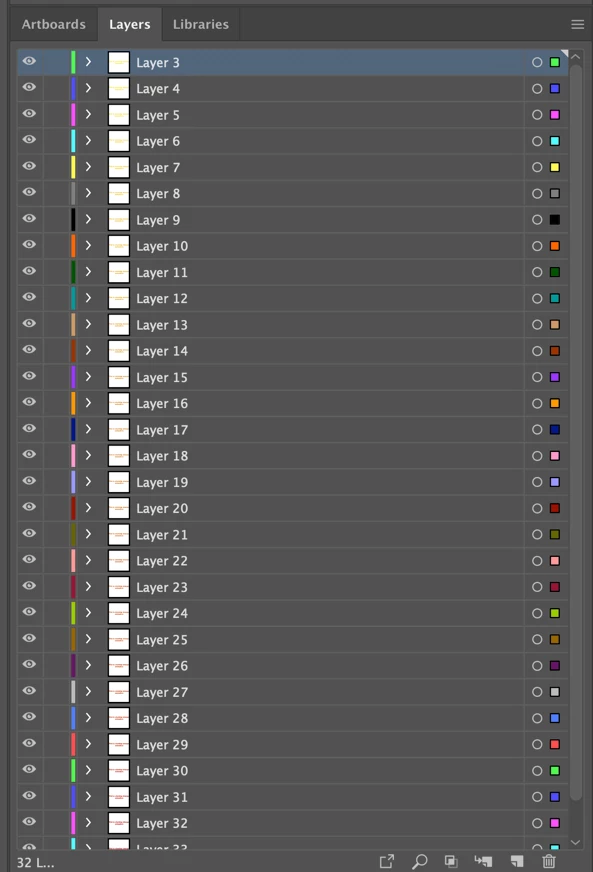
Then drag all of the layers under Layer 2 above Layer 1, delete layer 1 which contains layer 2 and end up with this:
Now import into AE as a Composition Retaining layer sizes.
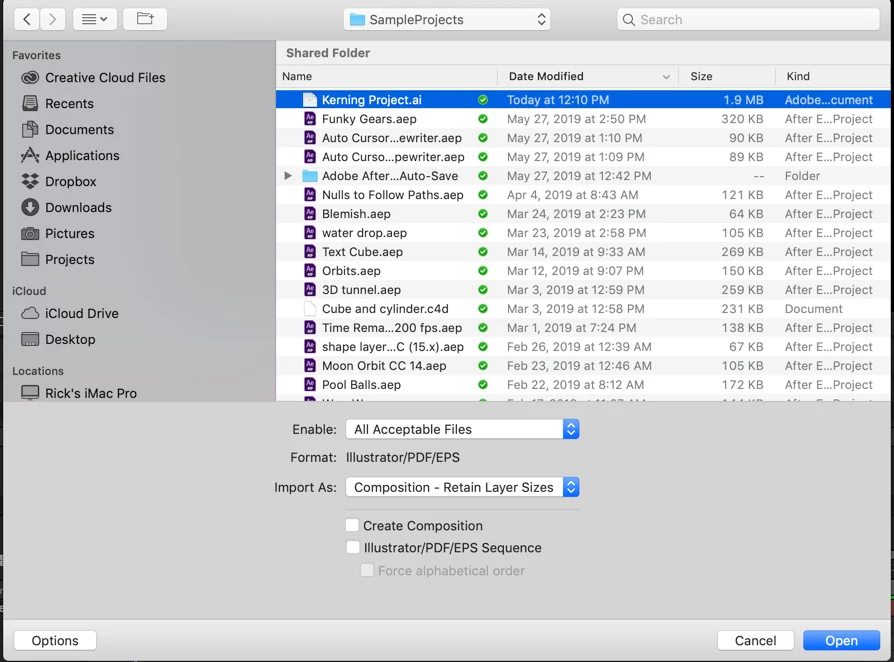
Open the comp, set in and out points for all layers and sequence layers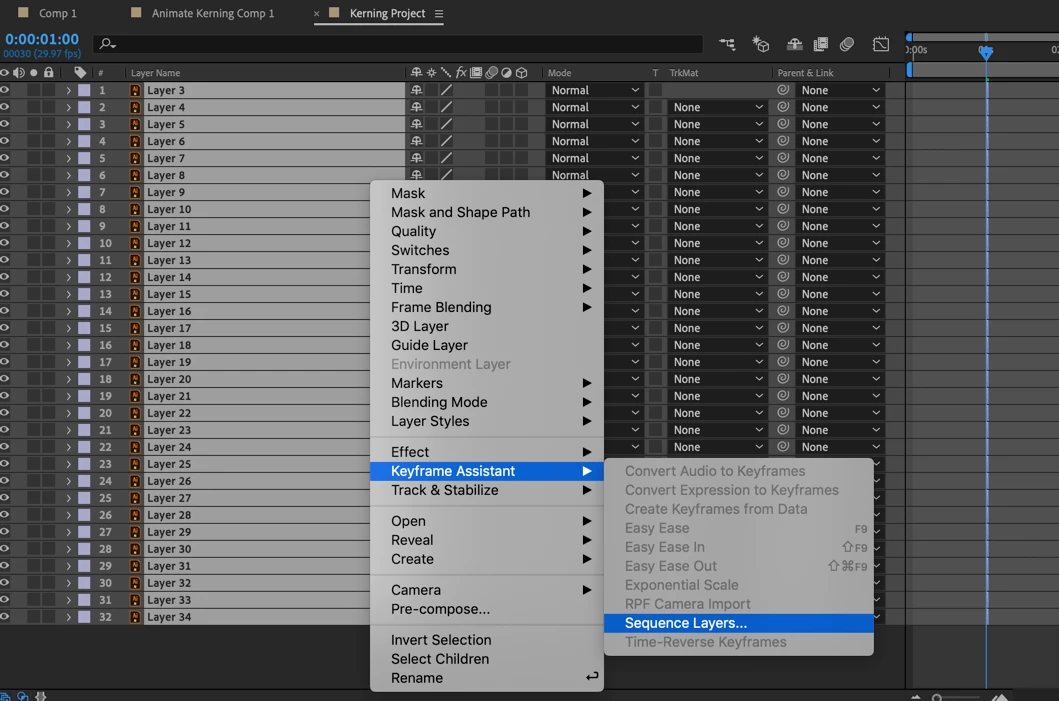
extend the in and out point of the top and bottom layer, Pre-compose, enable time remapping and end up with something like this:
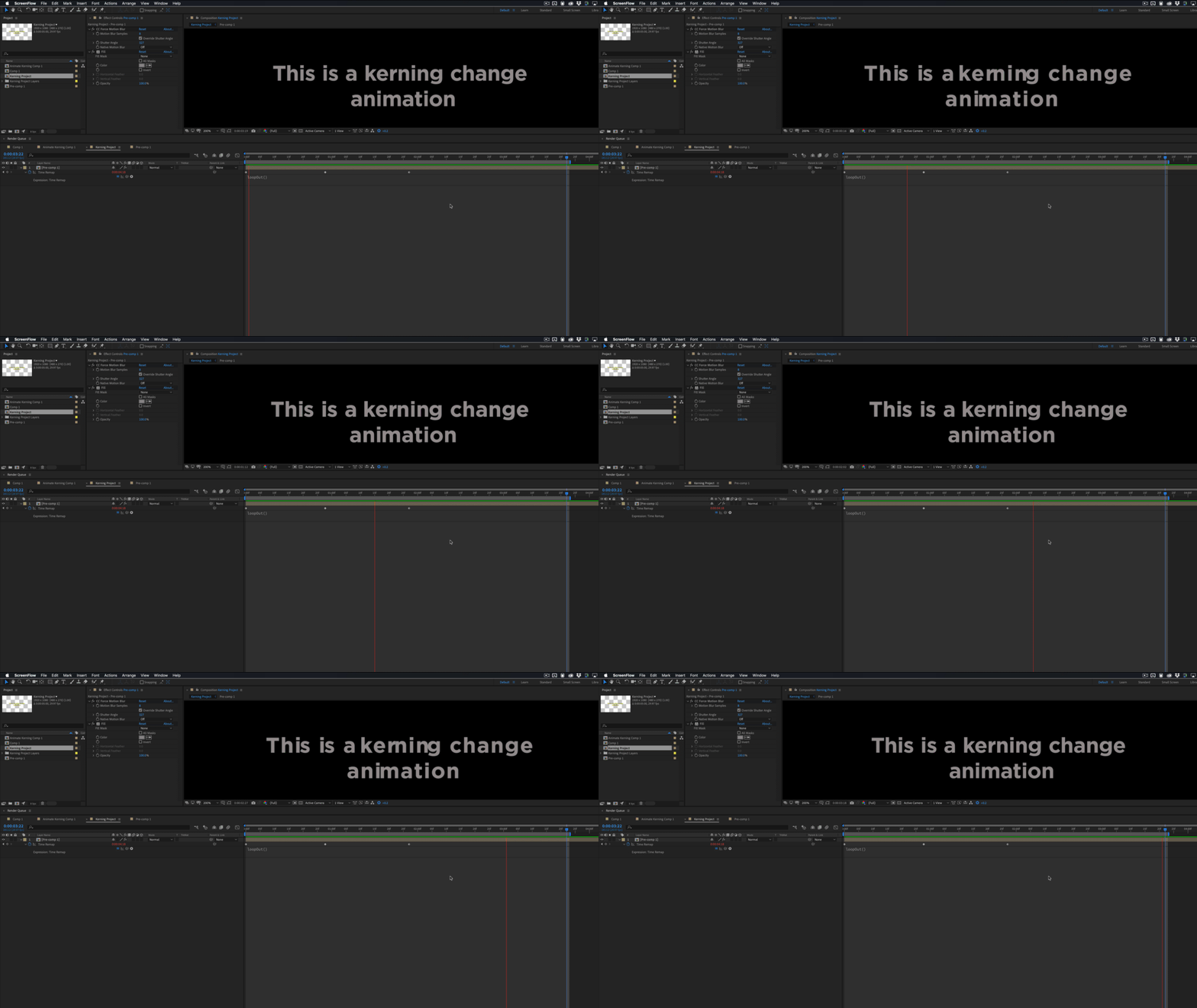
It will only take a few minutes and it will give you exactly what you want as a movie you can cut into your project.
If you want to see exactly how that was done here's a project file and an illustrator file: Dropbox - Animate Kerning Project.zip

 AdChoices