My first guess is that your anchor points are not properly lined up. I would start by creating a horizontal and vertical guideline that you can lock and use to perfectly line up the circle and the line (pointer).
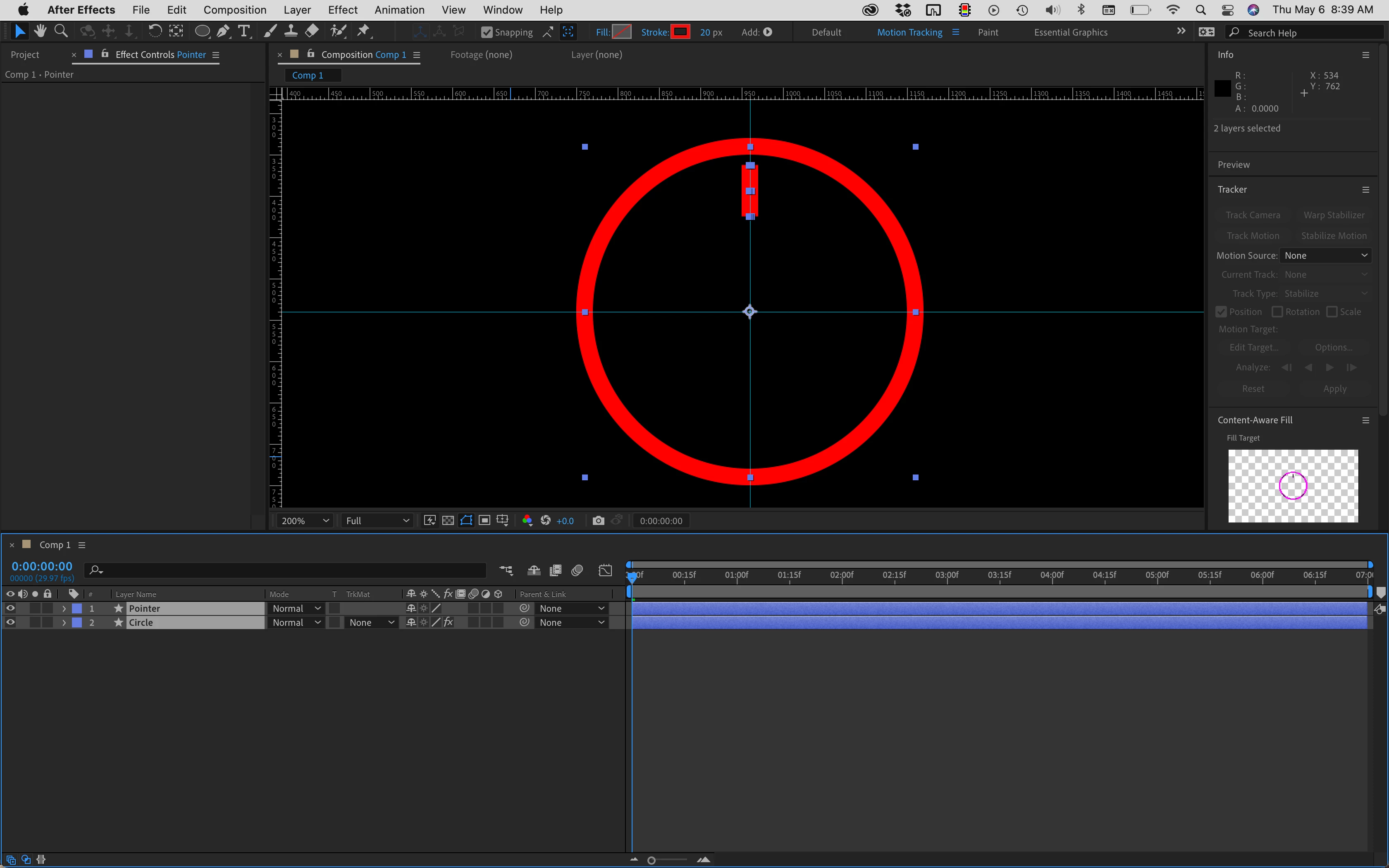
Radial Wipe has 5 properties. Transition Completion(%), Start Angle, Wipe Center, Wipe (direction), and Feather. Feather has nothing to do with movement so you don't need to consider that to set up the animation. By far the easiest way to set up this animation so you can easily modify the timing is to tie the rotation of the Pointer line to the Transition Completion percentage and the Start Angle. The math is pretty simple. To convert the Transition Complete to an angle just multiply the value by 3.6. All you have to do to match that to the Start Angle is add the two values. To change the direction you need to add an if statement that looks at Wipe direction and makes the value positive or negative. Here's how the expression for Pointer Rotation looks if the Circle layer is below the Pointer:
src=thisComp.layer(index + 1);
Srotation = Src.effect("Radial Wipe")("Start Angle");
RotPercnt = Src.effect("Radial Wipe")("Transition Completion") * 3.6;
RotDirection = Src.effect("Radial Wipe")("Wipe");
if (RotDirection == 1){
	RotAngle = RotPercnt;
}
else{
	RotAngle = - RotPercnt;
}
Srotation + RotAngle;
As long as the anchor points are properly lined up you can create any kind of animation you want for Wipe Complete and the line will follow.
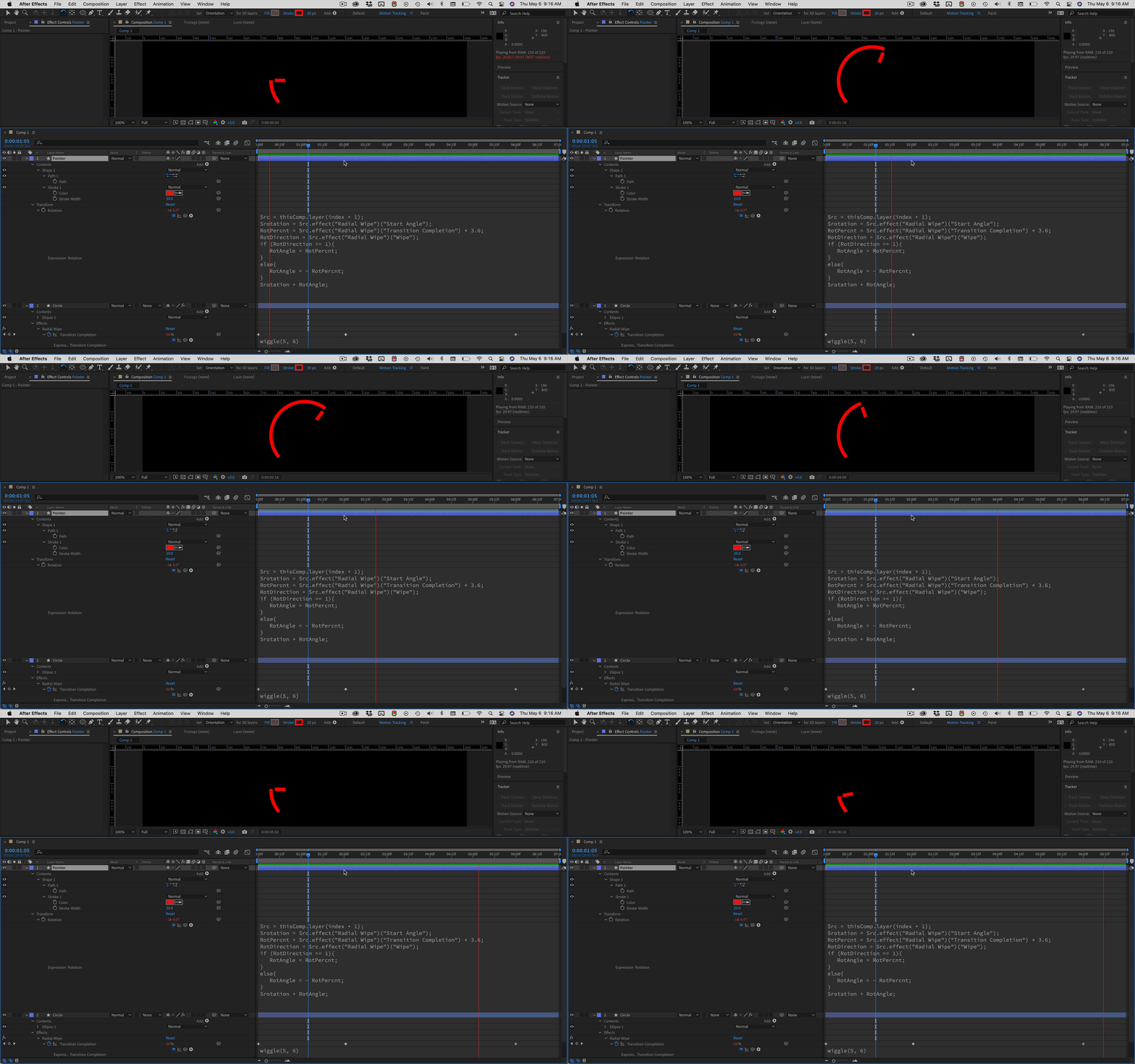
It would be easier to line up the line if it was a rectangle with no fill than a path because you have numbers you can work with. I have a dozen or so Animation Presets that create all kinds of UI gadgets like this on a single shape layer. I use Trim Paths and Offset to drive the animations and keep pointers lined up with the gauges. The math is the same because Trim Paths uses the percentage for start and end and angle for offset. If you have any problems lining up the pointer I suggest you use a rectangle instead and just check the values by selecting the layer and pressing 'uu'.

 AdChoices