Any efficient way to create this glitch looking
Hi,
I am trying to create a certain glitch effect in After Effect cc 2017.
It's a effect looks like the image is being pulled or expanded out; similar to the effect made in Photoshop by pulling out a part of the image with the smudge tool in a square-ish brush.
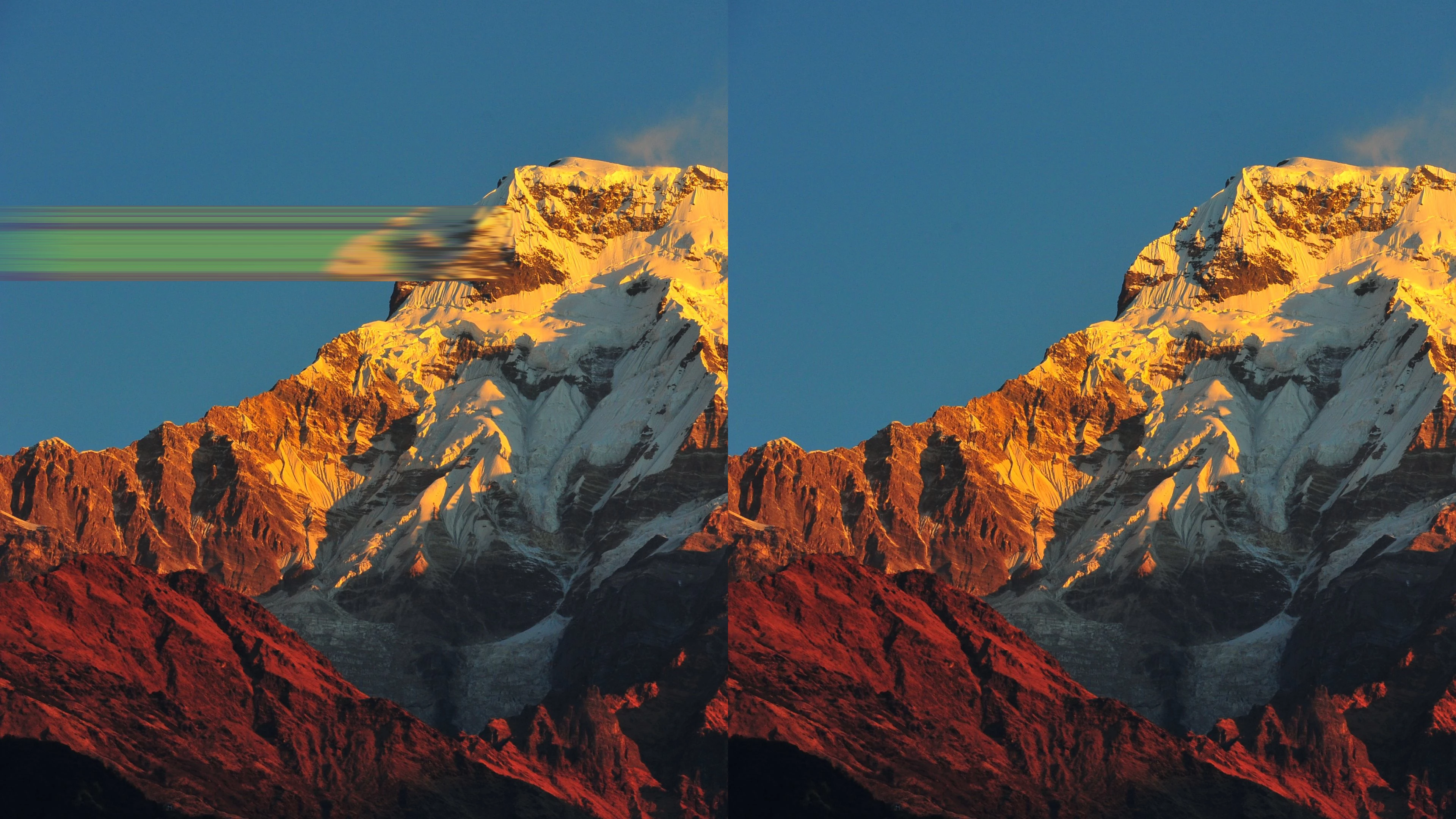
So, so far I made something close to what I want by duplicating the image for A LOT of times with an expression making each of them shift a little bit.
Glitch example for questioning - YouTube
However, the preview and render is too SLOW. My MacBook could hardly work when I duplicated it for 100 times.(so in this example I only duplicated it for like... I don't remember, maybe 30-ish times.)
I really want to make a project with this kind of cool effect, so that would be really awesome if anyone can provide me any other better method.
 AdChoices