Answered
any tutorials how to do this this animation in after effects ??
any tutorials how to do this this animation . make this tiny shapes follow the path or the shape like in the videos bellow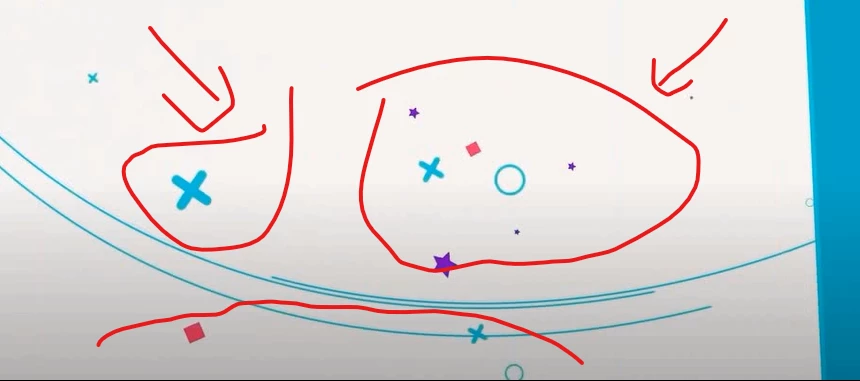

any tutorials how to do this this animation . make this tiny shapes follow the path or the shape like in the videos bellow
There are a couple of dozen approaches that I can think of. One is separate layers using variations of some of Dan Ebberts's expressions as described here.
Other approaches include creating a bunch of interlacing paths in Illustrator that you use as motion paths in After Effects by copy and paste or converting vector layers to shapes.
Other approaches involve 3rd party effects including the Trapcode Suite, Mir, Tao, and Particular and/or Boris FX. If you don't own the plug-ins those solutions will cost you some money.
It would help us help you if we knew your level of experience and what tools you have available. There is no simple answer and I can't find any simple tutorials that I think are very good on the no 3rd party effects path.
Already have an account? Login
Enter your E-mail address. We'll send you an e-mail with instructions to reset your password.
 AdChoices