
Apple ProRes Raw black screen. Works flawlessly in Premiere.
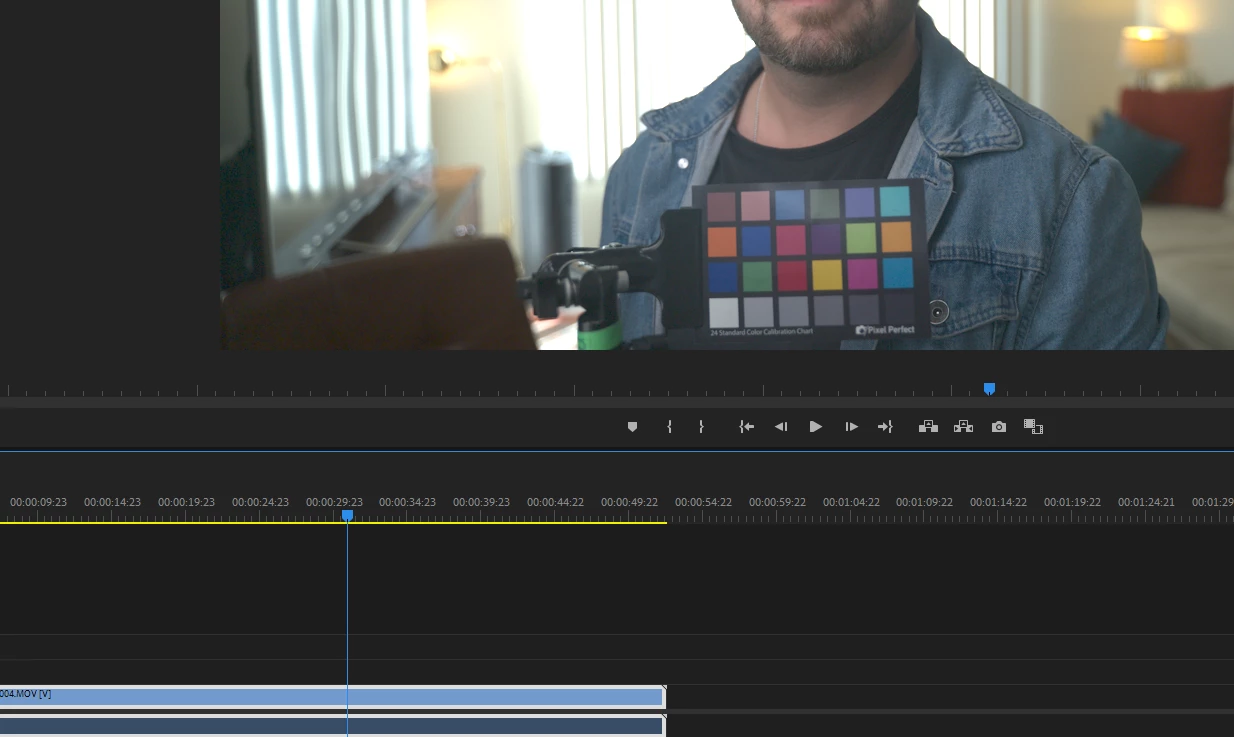
Was testing different raw formats to see what would work best for me. From what I've seen online, prores raw is what I should use. Performance in premiere pro is amazing, but opening the same files in AE, I can only see them correctly with software rendering. CUDA starts off as a black screen. If I wait, I'll start seeing some frames but a decent amount are either upside down, the wrong wrong colors, or both. I've seen others complain about drivers, but it works so well in Premiere for me. I tried older versions and the current beta but they all have the same issue. I get less of these frames if I don't touch anything while it loads, but some still pop up near the beginning. I got these sample clips from different sources online and they all do the same.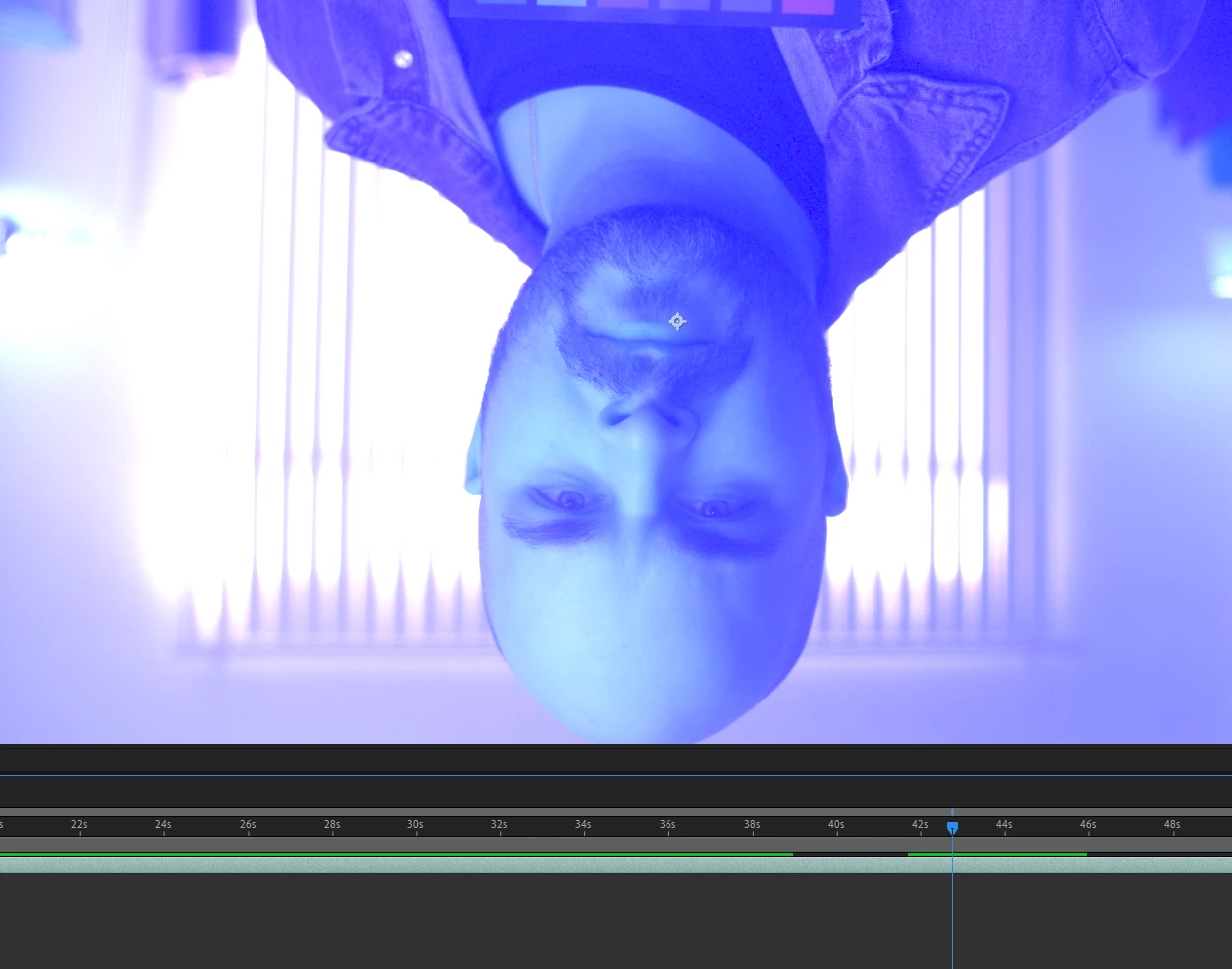
Apple ProRes RAW for Windows 1.3
OS: Windows 11
MB: ASUS X570
CPU: 5950X
RAM: 64GB (4x16) DDR4 3600
OS DISK: Samsung 990 PRO 2TB
SCRATCH DISK: MSI M470 2TB
GPU: MSI RTX 4090
 AdChoices