Participant
May 16, 2022 11:28 AM UTC
Question

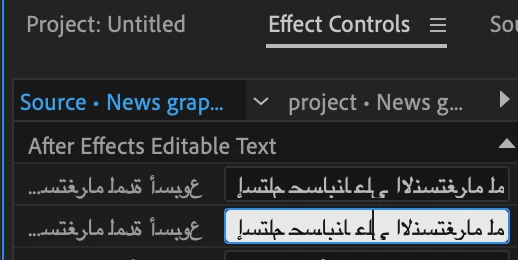
Arabic doesn't work everywhere in After effects 2022!

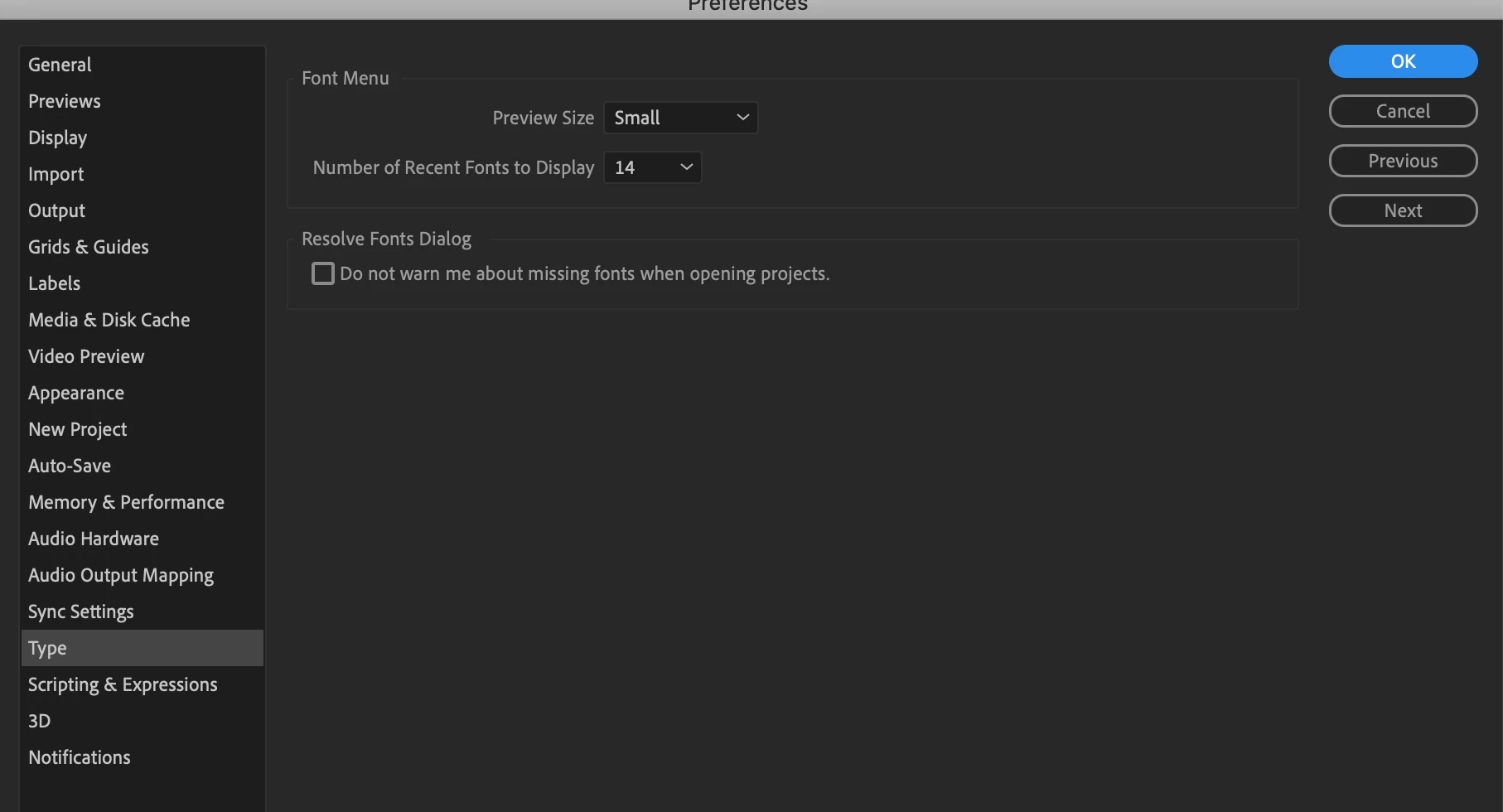
I'm used to having problems with After effects when it comes to Arabic. But, this used to be fixed by going to 


After effects/preferences/Type and choose /south Asian and middle east


Now this doesn't exist when I go to <type>


Any ideas how to fix this? 
 

5 replies

Jun 13, 2023 5:46 AM UTC

In paragraph tab, justr click on reset paragraph while clicling on the arabic text and it will automatically adapt 

Translate
Participant
Nov 2, 2024 2:03 PM UTC

thank you so much!


Translate
Zaid Al Hilali
Community Expert
Community Expert
May 17, 2022 6:30 AM UTC

Just like @Mathias Moehl mentioned, the new text engine in After Effects v.22.4.0 should support All languages "out of the box" including Arabic.

Now I'm not an Ae user, however, I wanted to know the font you're using, is it working in other Adobe applications like Photoshop?

Translate
Participant
Oct 25, 2022 5:50 AM UTC

Hello. I have an issue with Adobe After Effects v.22.5.0. 

My arabic text is: هُـــوَ الْإِ لَۤـــهُ وَ هُــوَ الــرَّحْمَـــانُ 

But the render is wrong with AE while with Photoshop is fine.

1) How can I have the same render in AE?

2) Which setting should I do to have the same render like Photoshop?

Correct Render:


Wrong Render:

Please could you help me to solve this issue?

Translate
Mathias Moehl
Community Expert
Community Expert
May 16, 2022 6:47 PM UTC

As far as I know, new Ae versions use a new, unified text engine that can deal with all kinds of texts - including Arabic text. In other words: the option is gone, since you should not need it anymore. Do you run into any specific issues?

Translate
Mathias Möhl - Developer of tools like BeatEdit and Automation Blocks for Premiere Pro and After Effects