
Answered
Arrow key & play head
For each stroke on arrow key of the keyboard, play head should move one frame back or forward but in my case arrow key does not respond. How to fix this? I use Windows.
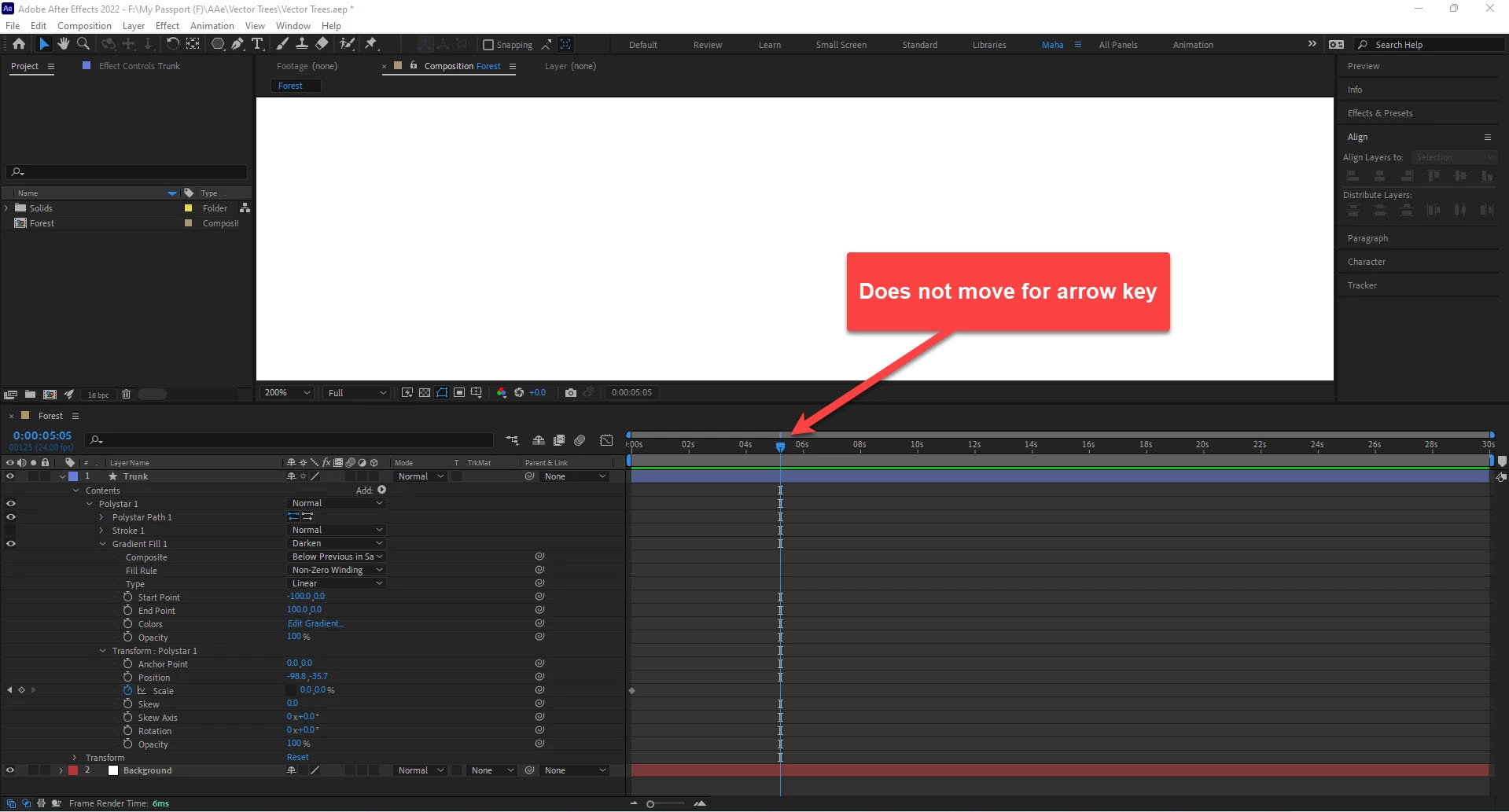
For each stroke on arrow key of the keyboard, play head should move one frame back or forward but in my case arrow key does not respond. How to fix this? I use Windows.
Page Up and Page Down move you forwards and backwards as well. Holding down shift with Page Up/Down moves you 10 frames at a time. I find these keys much more intuitive than the arrow keys, since they are traditionally used to physically move contents in the comp window.
Already have an account? Login
Enter your E-mail address. We'll send you an e-mail with instructions to reset your password.
 AdChoices