CC Particle world should be applied to a 2D layer. It will interact with AE's camera. Turning the layer 3D fouls all the relationships up. If CC Particle World was applied to the layer before you changed it to 3D you should have received this warning.
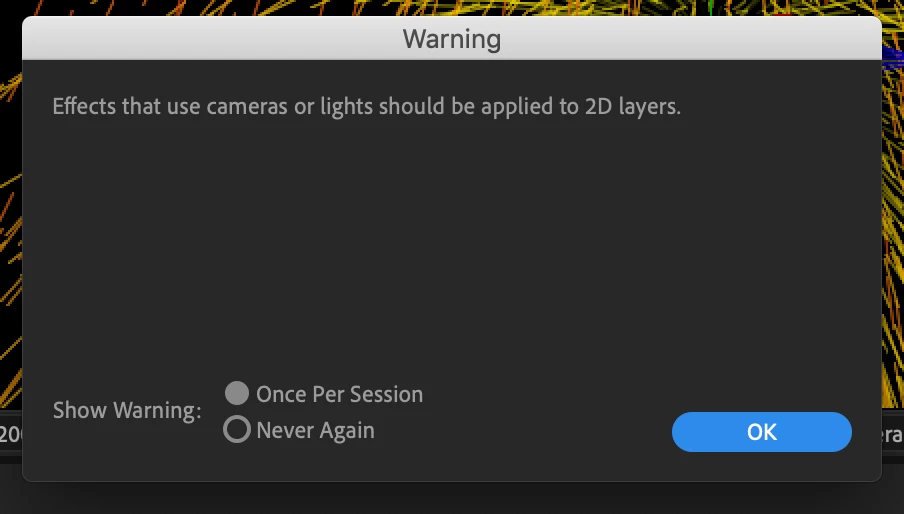
Converting the CC Particle world layer to a 3D layer also destroys the 3D nature of the particles.
Just leave the layer 2D. If you need to move the emitter in AE's 3D world you can attach the X, Y, and Z position of the CC Particle World/Producer to a null. I do it all the time with an animation preset that I made using these expressions for Position X, Y, and Z and for the Particle World layer:
// CC Particle World/Poducer/Position X
posFix = thisComp.layer(index - 1).transform.position[0];
(posFix / width) - .5

// CC Particle World/Producer/Position Y
posX = thisComp.layer(index - 1).transform.position[1];
(posX / width) - height / width / 2

// CC Particle World/Producer/Position Z
posFix = thisComp.layer(index - 1).transform.position[2];
(posFix / width)

// Layer/Transform/Position
[thisComp.width, thisComp.height] / 2
As long as the 3D null is one layer above the CC Particle World layer and the CC Particle World layer is the same size as the comp and centered in the comp, the producer will follow the null. The layer will always be centered in the comp if you add the position expression above.
If you are going to do this very much I suggest that you select all 4 of those properties in the timeline and save your own animation preset and call it something like "CC Particle World Follows the Null above"
 AdChoices