
Participant
October 6, 2021
Question

auto scale text box

  • October 6, 2021
  • 2 replies
  • 175 views

Hi, i have this code for a subtitle text box size


var tex=thisComp.layer(index-1);
var w=tex.sourceRectAtTime(time-tex.inPoint,true).width;

s = 10;

if (marker.numKeys > 0){
	
  m = marker.nearestKey(time);
  t = m.time;
  afterM= t+s*thisComp.frameDuration;
  beforeM= t-s*thisComp.frameDuration;	
  aw = linear(w,0,1820,t,beforeM);
  aw1 = linear(w,1820,0,t,afterM);

  if (t<time){
    ease(time,t,afterM,aw,w)
  }else{
    ease(time,t,beforeM,w,aw1)
  }
}else{
  w
}


I want the size of the box becomes the size of the next subtitle text smoothly, but in the above code, the size of the box becomes zero, and then it becomes the size of the text
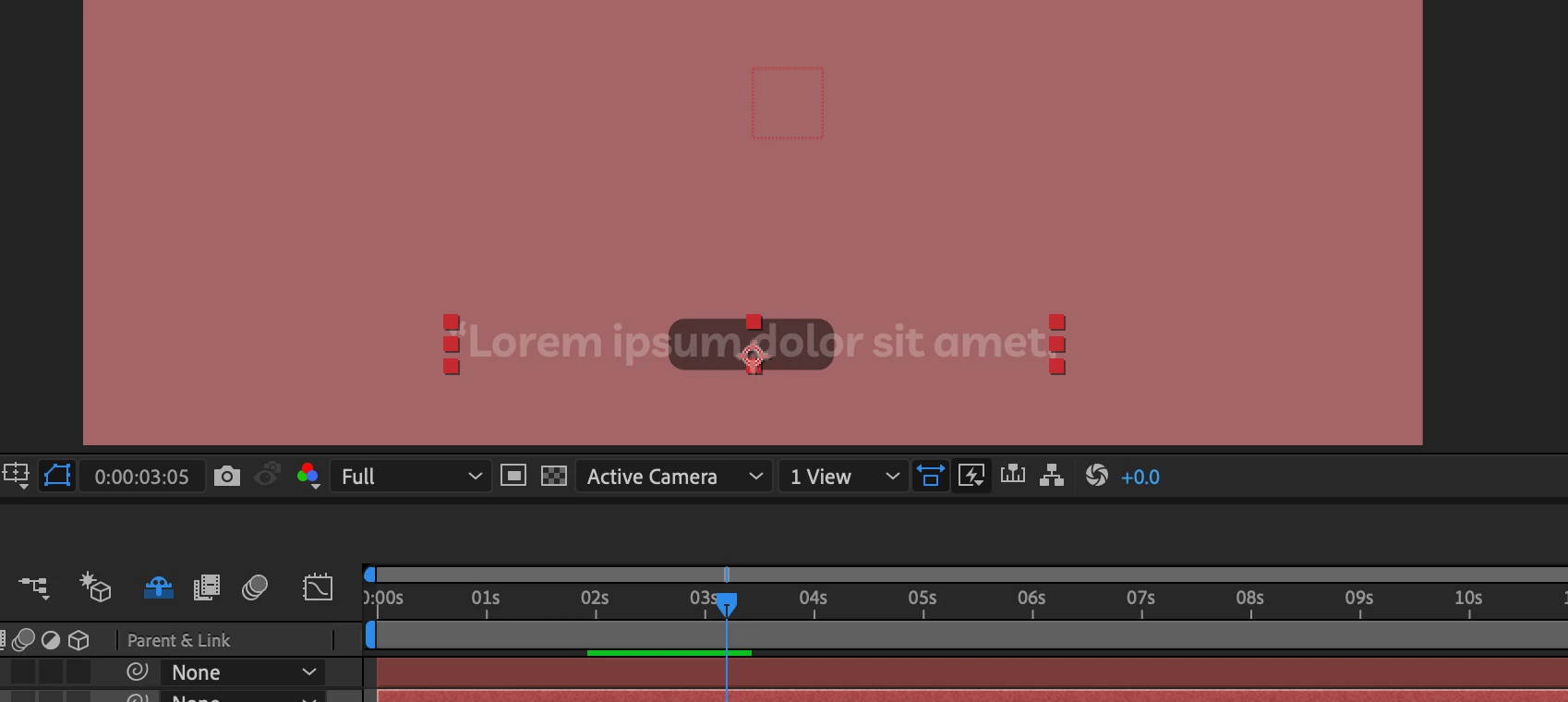
 

how can i fix it?

 
This topic has been closed for replies.

2 replies

Mylenium
Legend
October 9, 2021

Exactly the point: It zeroes out because there are undefined situations where it can't determine which was the previous marker and which one is the next. It's literally in the function's name: nearestKey() - if time is smaller than the half between the keys the nearest key is the previous one, otherwise it's the next one. That's why it needs to be run in a loop and have extra code to consistently calculate which markers are being used.


Mylenium

Mylenium
Legend
October 6, 2021

You need to run the code in a loop and iterate through the previous and next markers/ text keyframes/ layers, respectively. The code by itself really doesn't do anything but add a smooth transition based on time, but only does so once.


Mylenium

Mehdi5D85Author
Participant
October 9, 2021

I don't really get it, the size of the box is animated according to the markers and there is no problem for looping, my problem is with the animation box, when the text get bigger or smaller, the box gets the same size as the text smoothly, but in that code, the box size becomes 0 and then becomes as size as the text