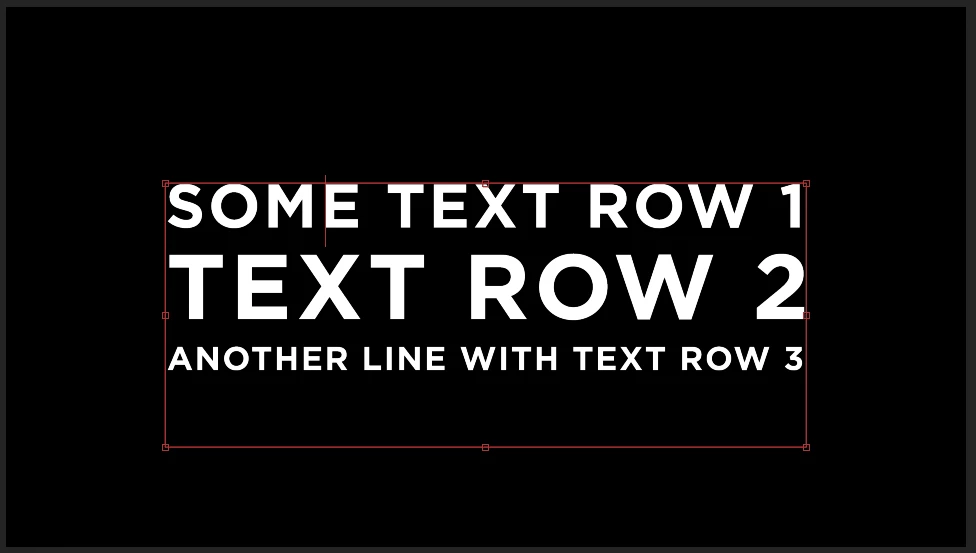
Text expressions only allow one font size or scale operator, so you need three text layers. You can't scale individual lines in a text box with an expression.
With the Anchor Point centered, Position tied to the layer above, and scale based on a percentage of the comp width, you can use sourceRectAtTime() to make the appropriate calculations. An expression to a text layer's Anchor Point and modified by scale will always center the anchor point in the text. Use scale multiplied by sourceRectAtTime.height/2 for horizontal positioning and thisComp,width/2 for centering along with an If/Else argument and you can stack up as many layers as you want.
Then, you can nest the Text Box comp in your main comp and adjust the position (of the pre-comp/nested comp). to place the text box where it needs to be.
Here are the expressions:
// Anchor Point
box = sourceRectAtTime();
s = scale[0/100];
[box.width/2 + box.left, box.height/2 + box.top];

// Position
if (index == 1){
	tLyr = index;
	x = thisComp.width/2;

	Ls = scale[0]/100;
	Lh = sourceRectAtTime().height/2 * Ls;
	pad = 20;
	p = [x, Lh + pad];
}
else{
	x = thisComp.width/2;
	TL = thisComp.layer(index - 1);
	TLs = TL.scale[0]/100;
	TLx = TL.position[1];
	TLh = TL.sourceRectAtTime().height/2 * TLs;

	Ls = scale[0]/100;
	Lh = sourceRectAtTime().height/2 * Ls;


	pad = 20;
	p = [x, TLx + TLh + Lh + pad];

}

// Scale
w = thisComp.width * .9;// 90% of comp width
box = sourceRectAtTime();
s = w/box.width * 100;
[s, s]
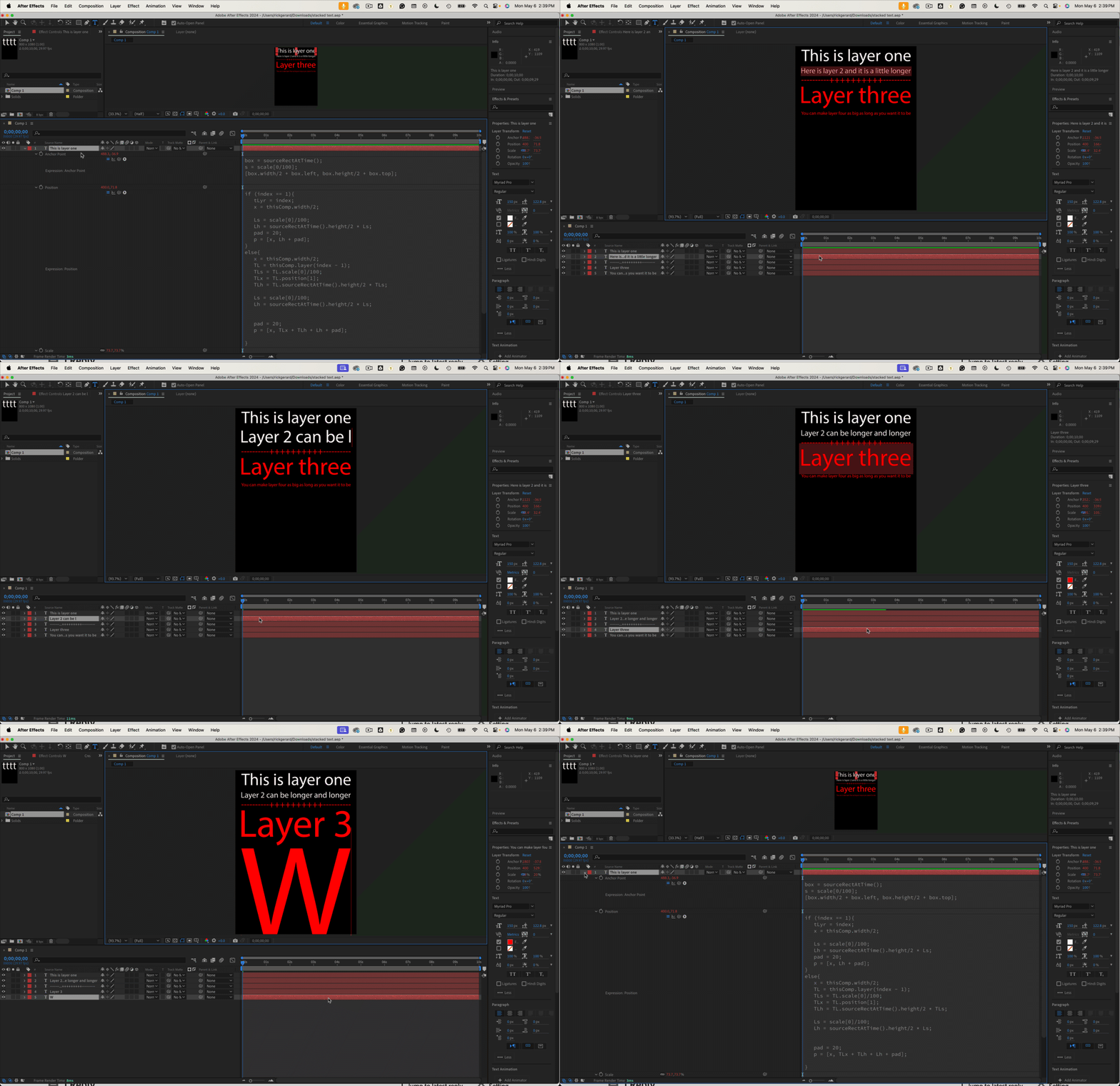
That should get you started.
note: I probably could have simplified the If/Else arguement.



 AdChoices