

Question
Automation Blocks - Set Start Time Question
I've got a comp that is 23.976.
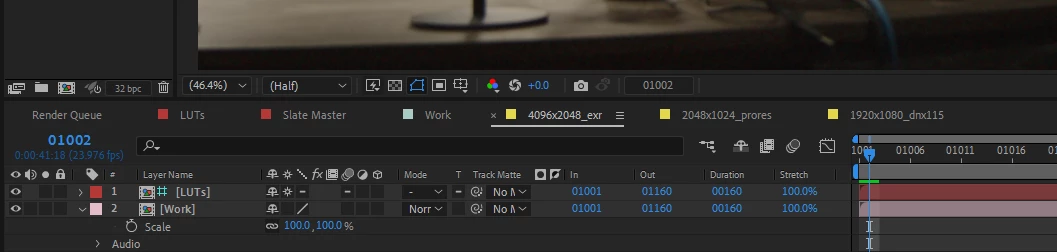
I'm trying to slip my "Work" comp one frame from frame 1000 to 1001.
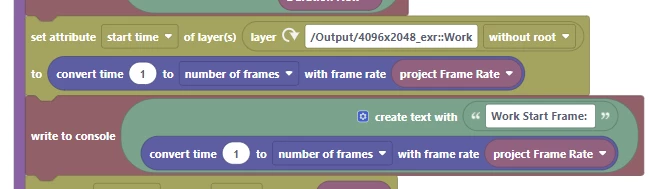
I make a "set attribute>start time" block set to
The problem is that I get nothing. The frame seems to be just a fraction beyond frame 1001.
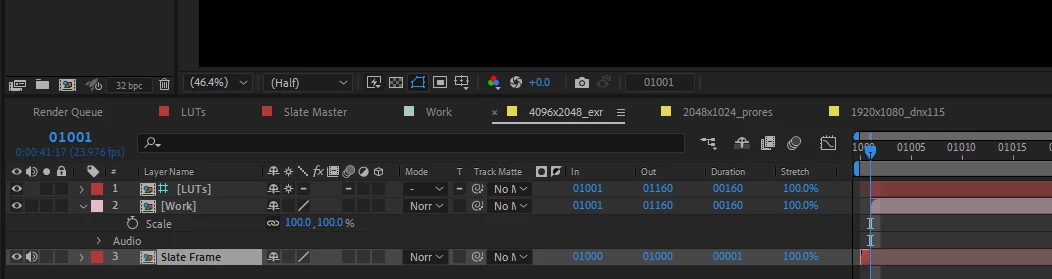
When I click the In Frame of my Work Comp and hit Ok with 1001.
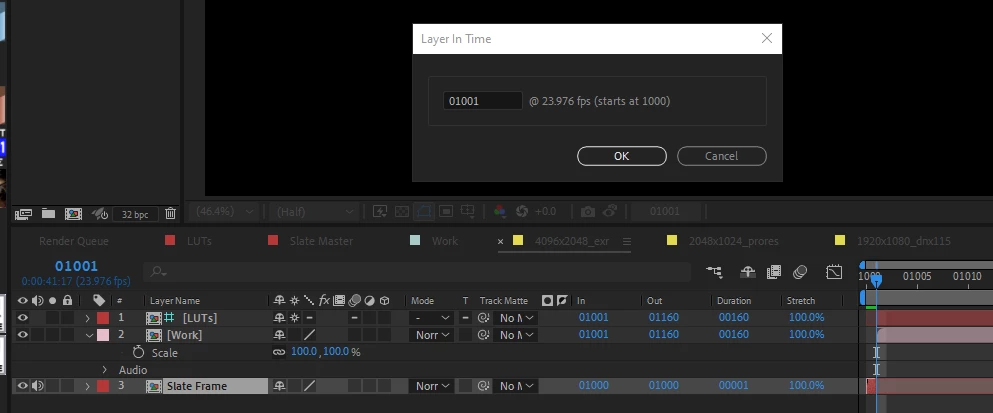
I get exactly the expected result.
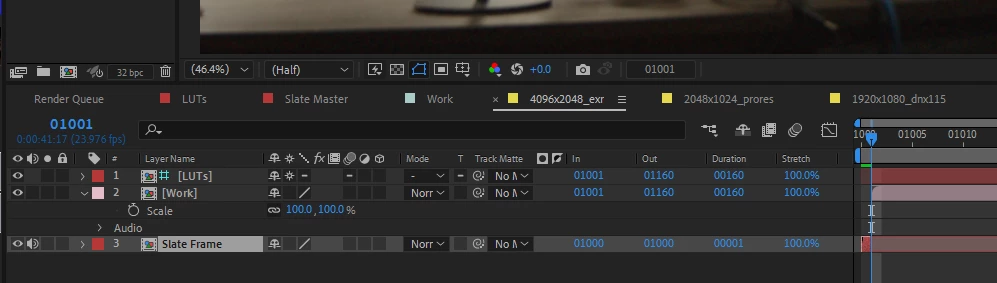
I'm guessing that this is a conversion between time and frames. I really wish I could "Set Time In" as frames rather than time, but I seem unable to do so.
Any input would be appreciated. Thank you as always.


 AdChoices