

Question
Automation Blocks - Spreadsheet alternate column selection
I'm trying to import a file listed in a spreadsheet and can not figure out how to use a column with a simple name in a drop down and then use a different column with the path when executing an import.
I've got a simple spreadsheet to list my asset name, the location, and what type.

I'd like to use a simplified name in the popdown.
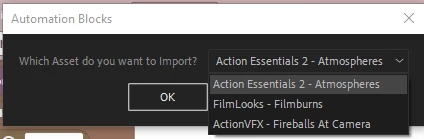
This works, but is inelegant and difficult to read.

These are my current blocks
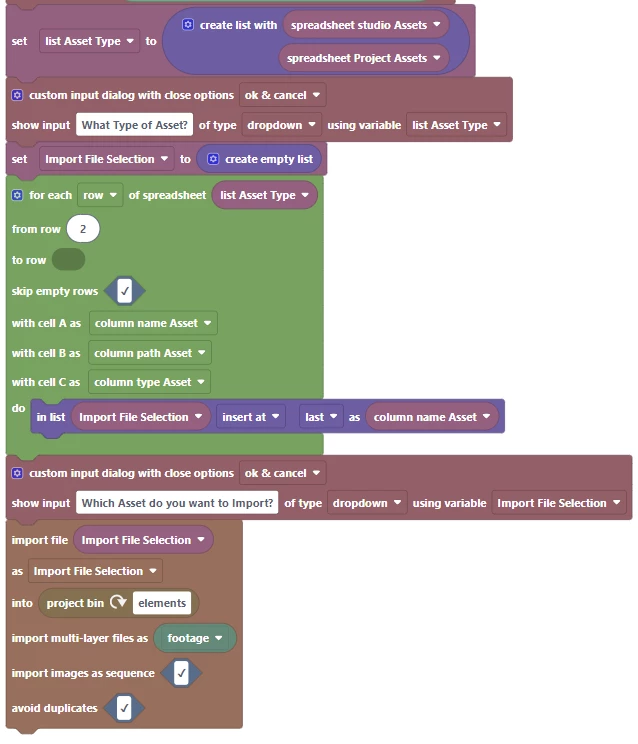
I will also being looking to move the imported asset into a project bin based on the "Type" in column 3 of the spreadsheet.
As always, any insight given will be appreciated. Thanks.
 AdChoices