

Question
Automation Blocks - Suppress Tinker File Path console
Is there any way to supress the console response to a Tinker File Path block?
It tends to cloud up the console with a lot of information that I'm not looking for unless it's not working.
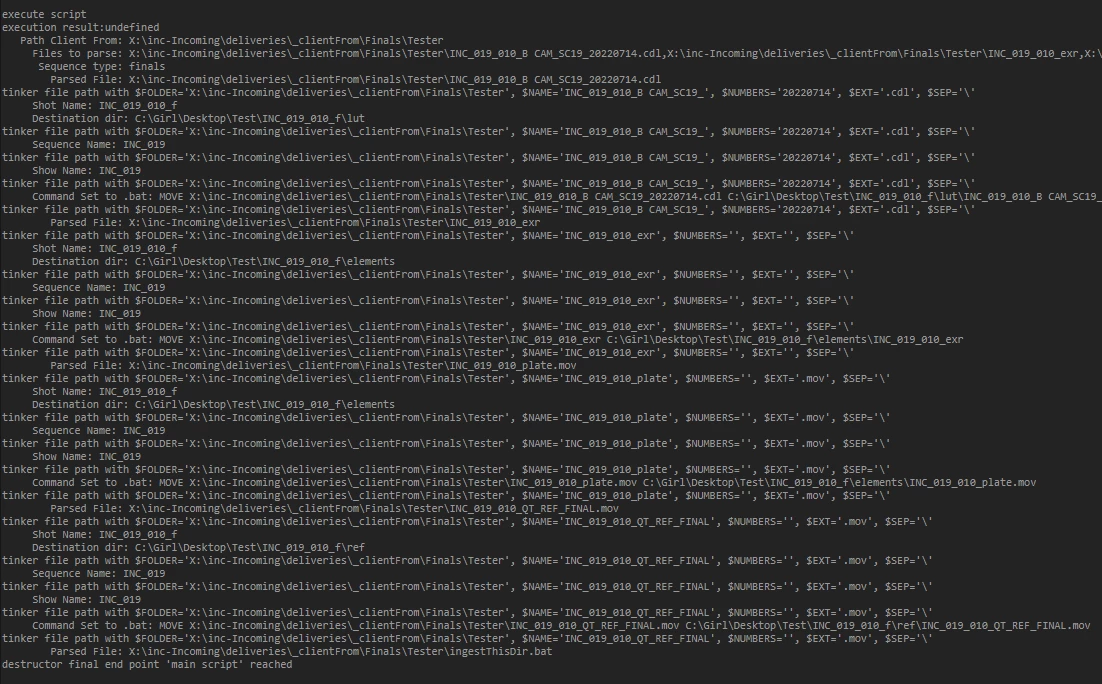
If we could have a way to selectively turn off the console feedback for this either as a check on the block itself or as a notation on the console window...

...I could then see my console feedback a little more clearly...
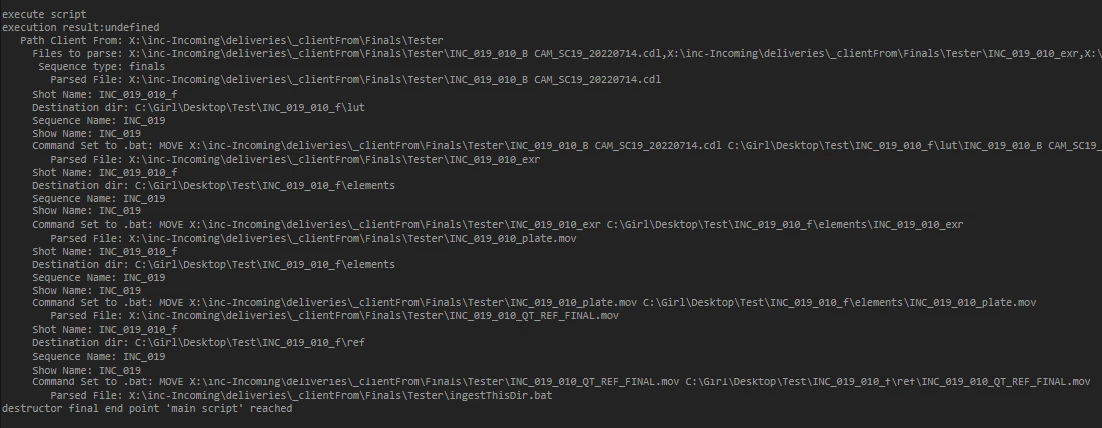
...and realize, I've got a block in the wrong order.
 AdChoices