


Participant
January 21, 2018
Question

Beginner Help - Morphing text/mask/psd layers

  • January 21, 2018
  • 2 replies
  • 297 views

So I'm newish to AE, and have a 20s animation I'm putting together for a friend. It's composed of text masks over an animated background.

I'm wanting to morph this layer:
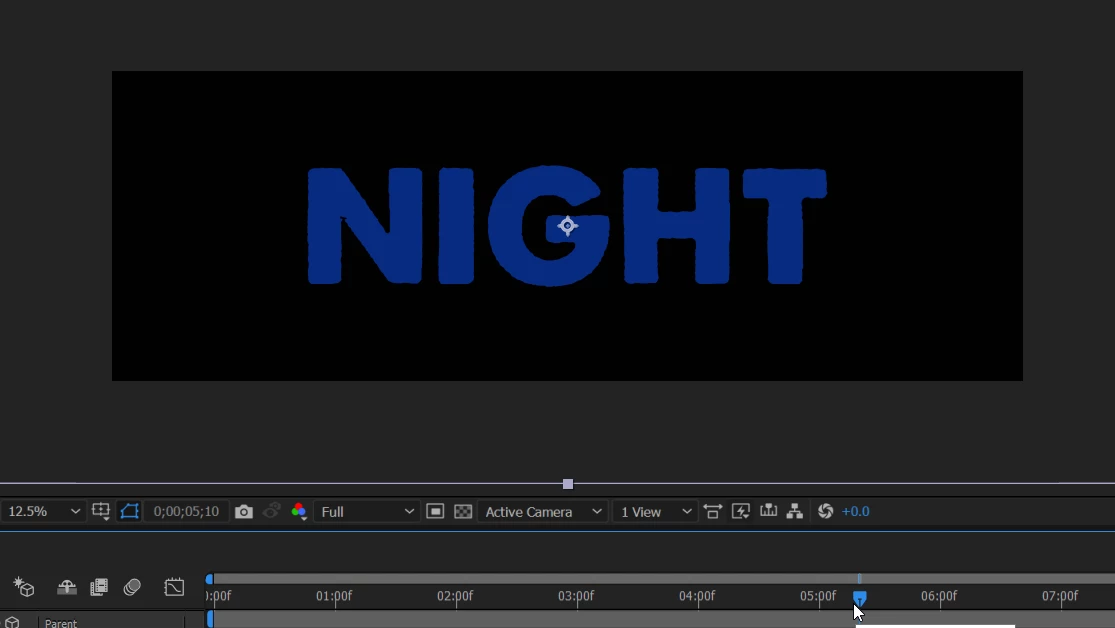
into this one:
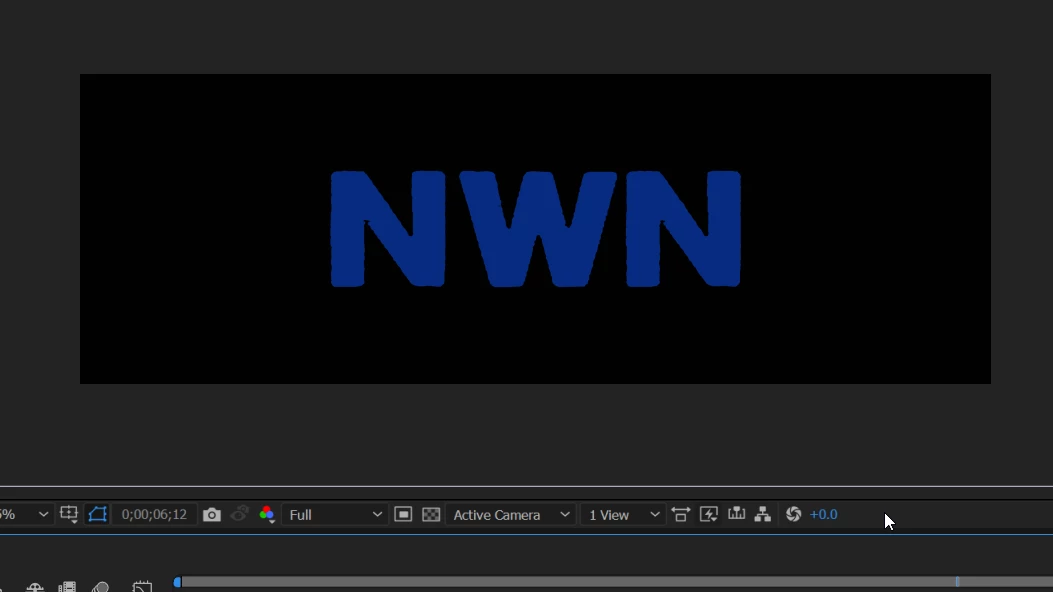
while retaining the ability to have them act as masks over the background like this:

I already removed the font's extra marks to reduce number of masks to deal with. Sorry for the noob post but I'm having a hard time. Any suggestions on how to do this?

Many Thanks!

Bella

    This topic has been closed for replies.

    2 replies

    P.M.B
    Legend
    January 21, 2018

    To morph one mask or shape into another first they both need to have the same number of verts.

    So for example if you wanted to morph the "H" into a "W"  Create the H and the W both with the same number of vertice points.

    Next set a key frame on the H's path property.

    Move forward however many frames.

    Then select the path property of the W, hit CTRL/CMD + C

    Select the H path property and paste the path inormation you just copied from the W

    The H should now Morph into the W.

    Do that for each letter then precompose those morphing layers and use them as a track matte.

    ~Gutterfish
    Community Expert
    January 21, 2018

    Type "track matte" in the search help field at the top right corner of AE and learn how to use that feature. You'll need 2 layers, the text and the video. No masks required.