
Answered
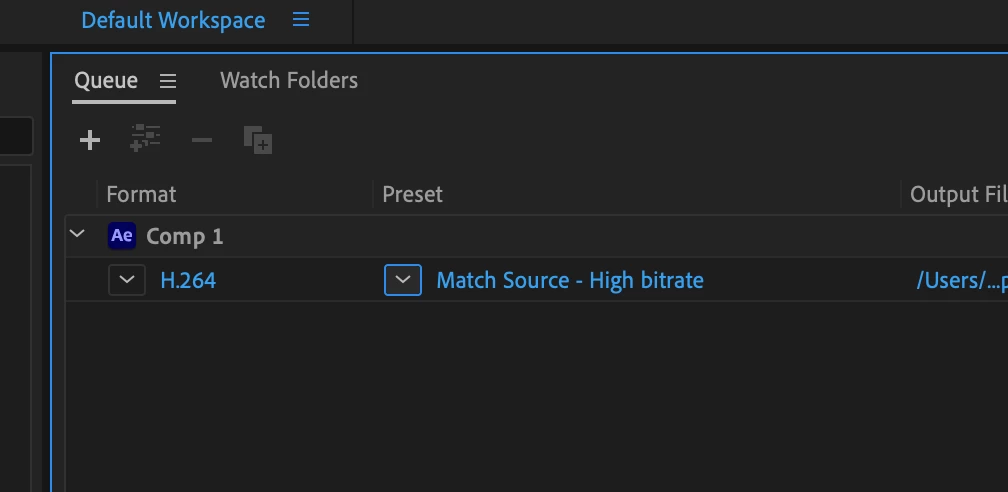
Best Export settings animation to H264
I am trying to export an animation project created in Adobe After Effects.
Composition settings: 1920x1080, black and white, 24fps.
The project contains "camera" movement across and along multiple 2d layers.
I need to provide the project in the highest quality possible for a museum projection. Nevertheless they require H264 format.
For exporting my file, I am having a few quesions:
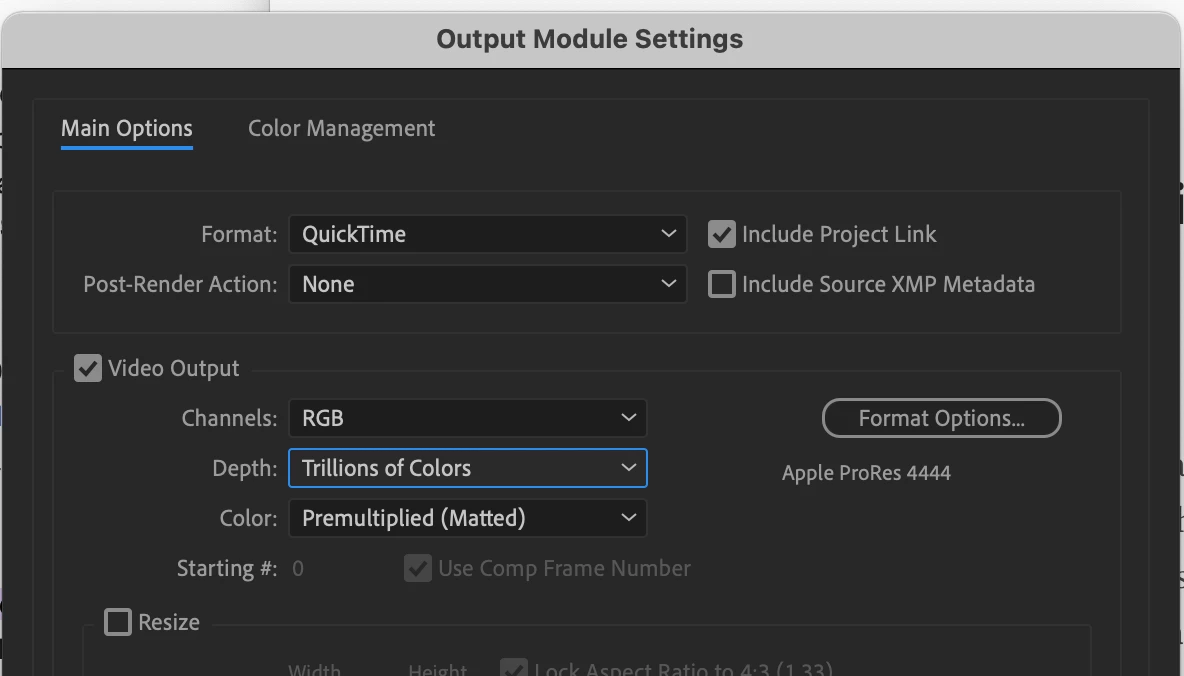
1) What sould be the recommended workflow in order to keep maximum image and movement quality?
So far I've considered first rendering to TIFF sequence from AE, and re-rendering it later through Media Encoder.
2) What would be the recommended settings for H264 (Bitrate, fps, ect.) in Adobe media encoder ?
Thank you kindly
A
 AdChoices