

Best way to animate dynamic strokes
Ran into some confusion when attempting to animate some shoe laces today. I was wondering what the best way to animate them would be. I wanted to achieve a realistic feel, where the end of the lace pulled first, then the rest followed eventually ending in a knot of some sort, the knot didn't need to be accurate, but I of course wanted the movement to feel and look good.
My first thought was manually animating the path but I ran into the problem of spacing between keyframes, which would cause the stroke to distort and not follow a natural line/ flow that the lace would naturally achieve, animating each keyframe could be possible with a reference for timing and spacing but still felt very slow and inefficient.
I then attempted to use Bones, which also didn't work and distorted the stroke.
Finally landed on points follow nulls. Which seemed at first to do the trick, only to run into the problem of the bezier handles causing the stroke to distort, as you cannot edit the path due to the points follow nulls expression. I managed to find a expression which allowed you to then apply nulls to each bezier handle, so you then have 3 nulls to one point. It did do the trick, but im wondering if its the best way to approach it. I still had problems with frames in between mu keyframes causing my paths to distort, which ended up meaning I had to basically manually keyframe most of it anyway, and its far from perfect.
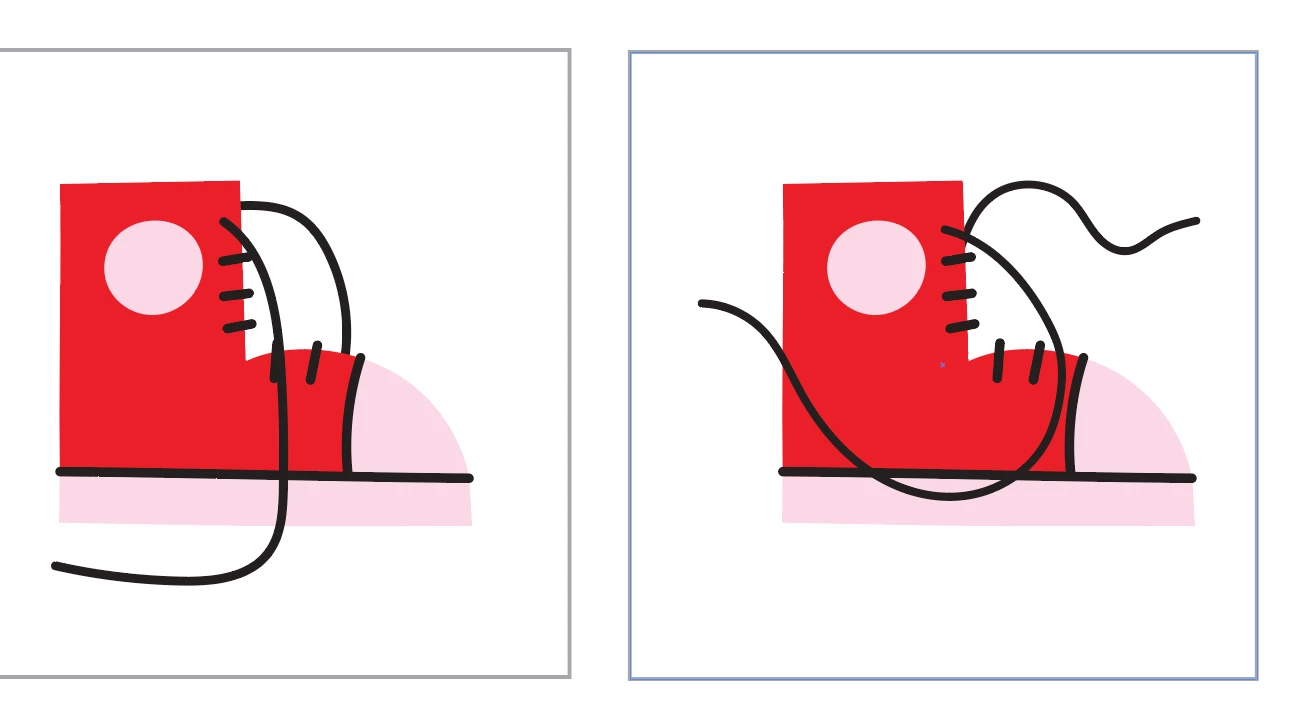
Is there a good workaround for this? How woud you attempt to animate shoe laces as a stroke going from tied to untied?
These are the laces for reference


 AdChoices