logan_mcnay
Inspiring
Jun 9, 2023 6:48 PM UTC
Question

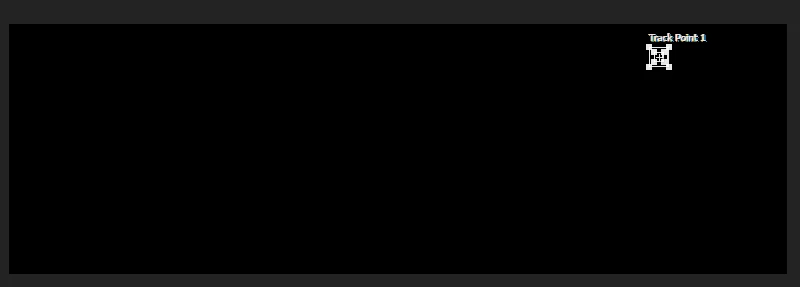
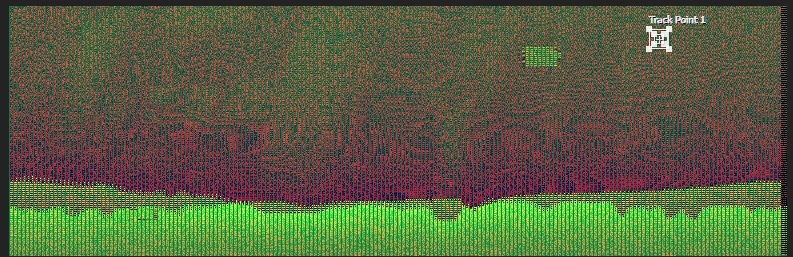
Black screen, glitch screen in layer panel
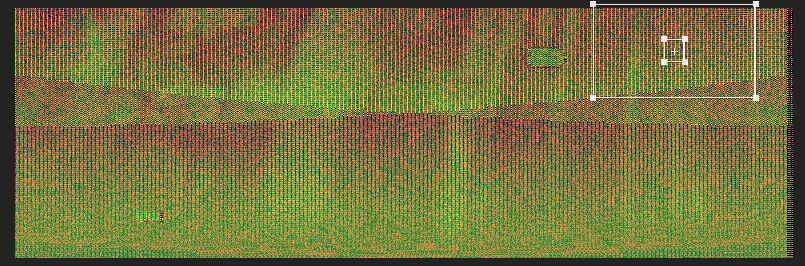
 

Super frustrating. This has been happening the last 2 days. I updated my drivers, restarted my computer. 

Black screen or glitch screen on layer panel when doing anything. Motion track, clone tool, paint tool.

AMD ryzen threadripper pro 5975WX

256GB RAM

SSDs

2x 4090 NVIDIA GPUs


This topic is closed to new replies. Start a new post to keep the conversation going.

3 replies

nishu_kush
Legend
Jun 28, 2024 7:16 PM UTC

Thanks for your message. Are you still having the issue? Let us know.

I am moving this thread from Bugs to Discussions for now.


Thanks,

Nishu

Translate
logan_mcnay
Inspiring
Jun 10, 2023 3:29 AM UTC

Hello, This was before & after. I found a few solutions. I was in 32 bit workflow, switched to 16 bit & I didn't get the glitching, don't know why. 

After I did that I still had an issue. I had an imported EXR image sequence & I wanted to motion track with it, I do this often importing EXR image sequences. And it didn't work, I found the workaround which was to render the sequence then motion track it, which was also equally head scratching to me. Would you know why this might be happening?

Thanks,

Translate
Jun 9, 2023 10:19 PM UTC

Did you update your drivers and then this happened or you updated your drivers after this started happening? 

Translate