
Participant
April 14, 2020
Question

Black screen in the Composition panel after importing the plugin

  • April 14, 2020
  • 1 reply
  • 1416 views

After importing the plugin to the project, the image in the Composition panel disappears. I have to reload the entire project to restore the image. I tried changing the settings of Video Rendering and Effects. Not help. Reinstalled the video card drivers. Uselessly. Reinstalled After Effects - the result is the same. I don't know what to do next.
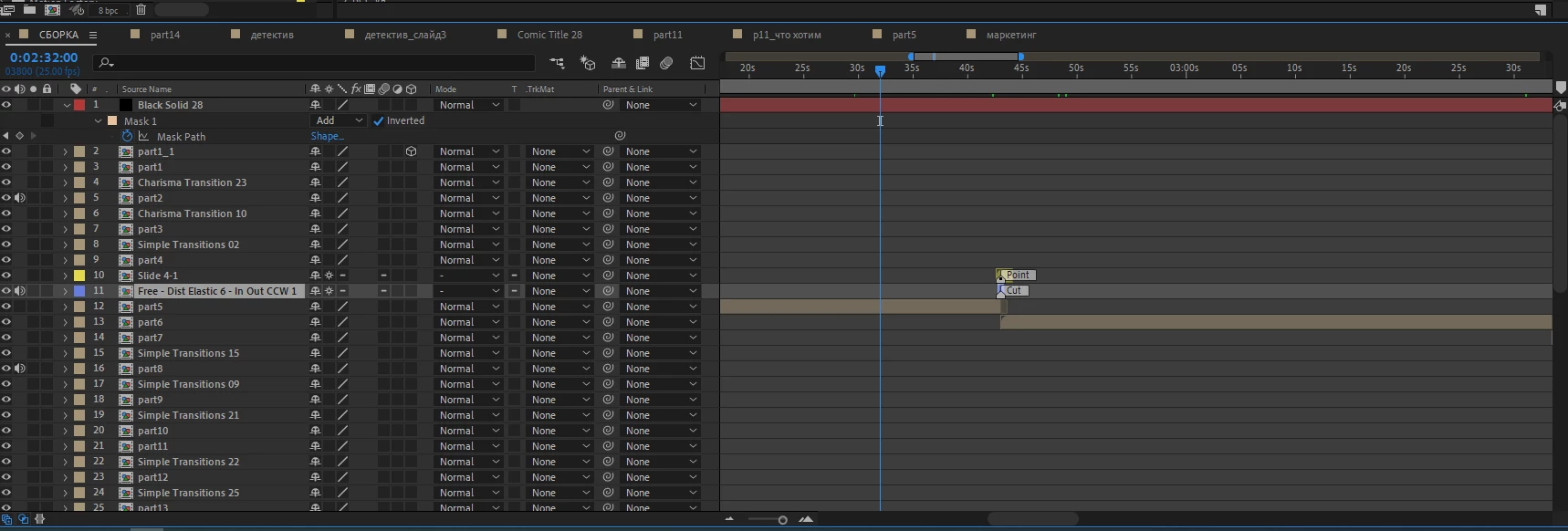
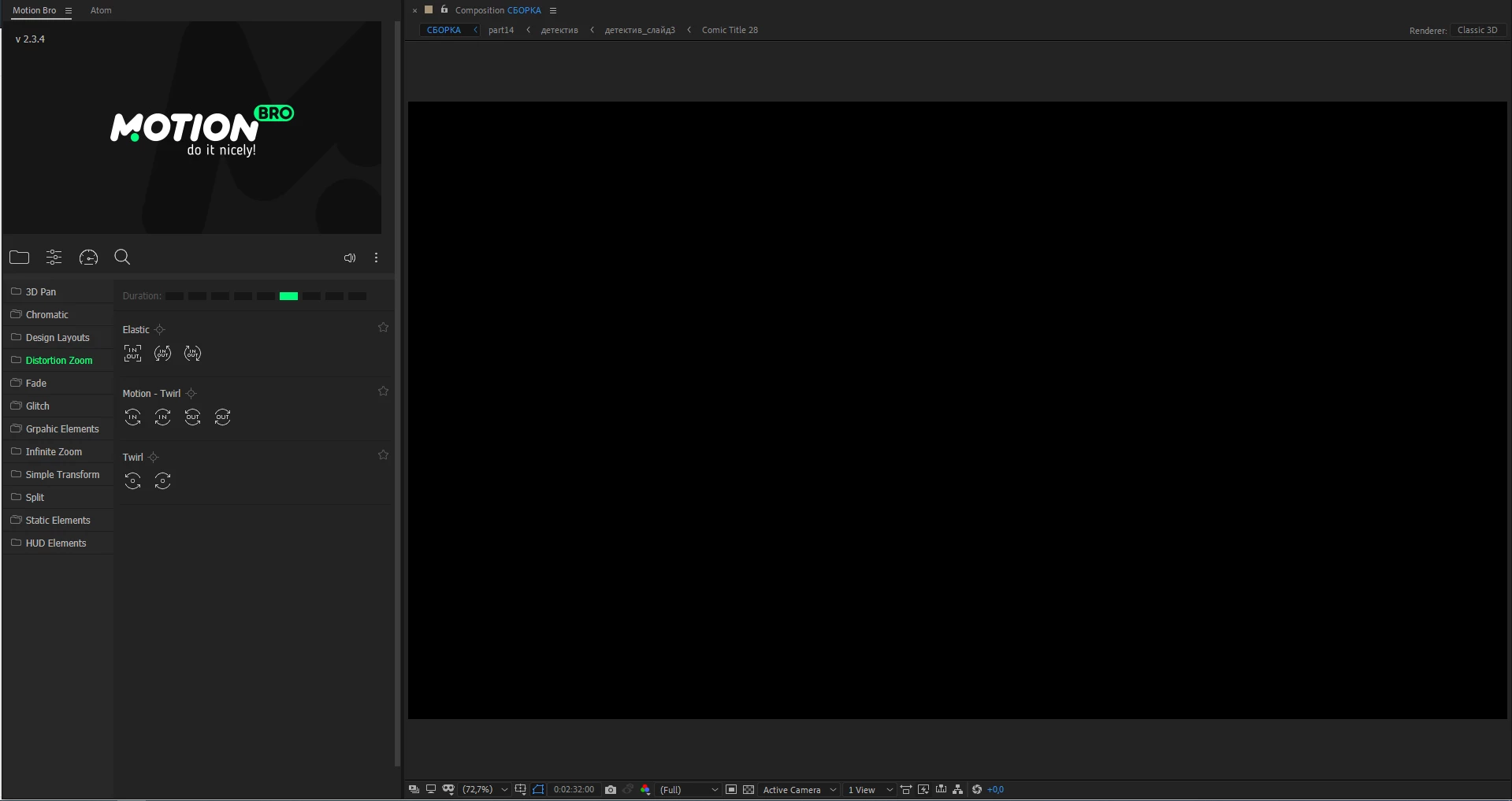
System characteristic:

Intel(R) Core(TM) i7-7700K CPU @ 4.20GHz

RAM 64GB

Windows 10 64 Bit

After Effects 2020 17.0.6

This topic has been closed for replies.

1 reply

ToolfarmJP
Community Expert
Community Expert
April 15, 2020

Have you already done the operation below? You launch After Effects and then move to


Windows menu -> Workspace -> Default

Participant
April 15, 2020

This don't work.

When I restart the project, the image appears. But if I insert another plugin, everything repeats. I have to restart the project again. It's impossible to work like this.

Community Expert
April 15, 2020

Motion Bro is an extension, not a plug-in. Does this problem only occur when using Motion Bro? I not have Motion Bro so I can't test it. I do have a few extensions installed that do not run on my system with AE 2020. One of them is Colorista IV. 


Have you contacted Motion Bro support? There is a contact button at the bottom of the page. Have you tried the extension in an earlier version of AE? Do the standard effects work? Have you tried changing the Video Rendering and Effects settings in the Project Settings panel (Shift + Alt/Option + Ctrl/Cmnd + k)?