
Black video after rendering in After Effects CC v15.1.2
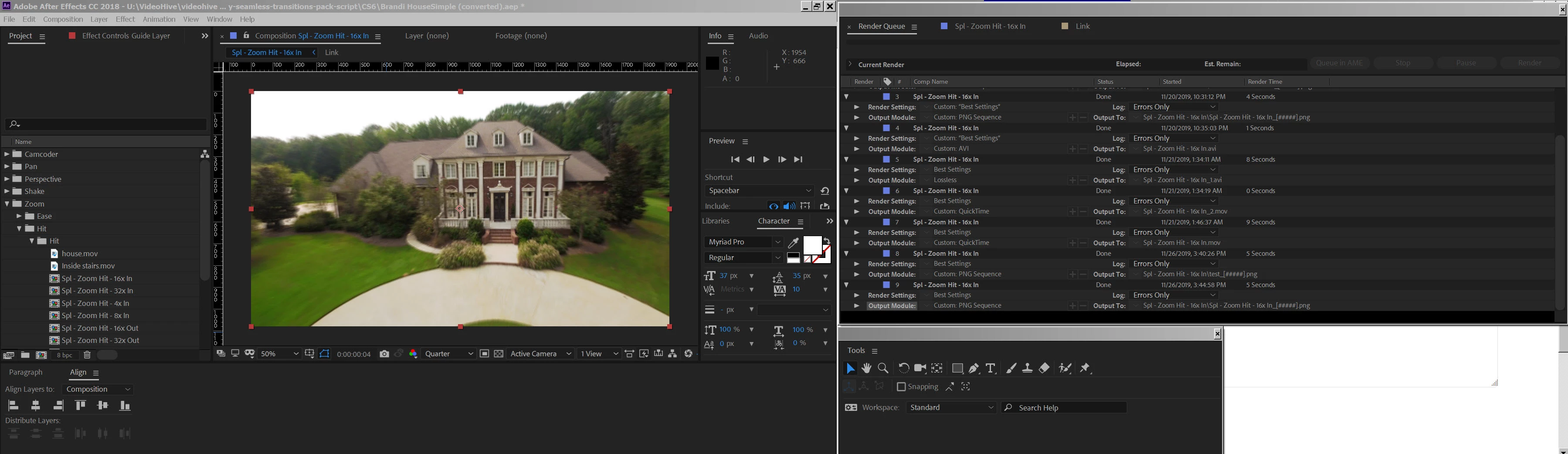
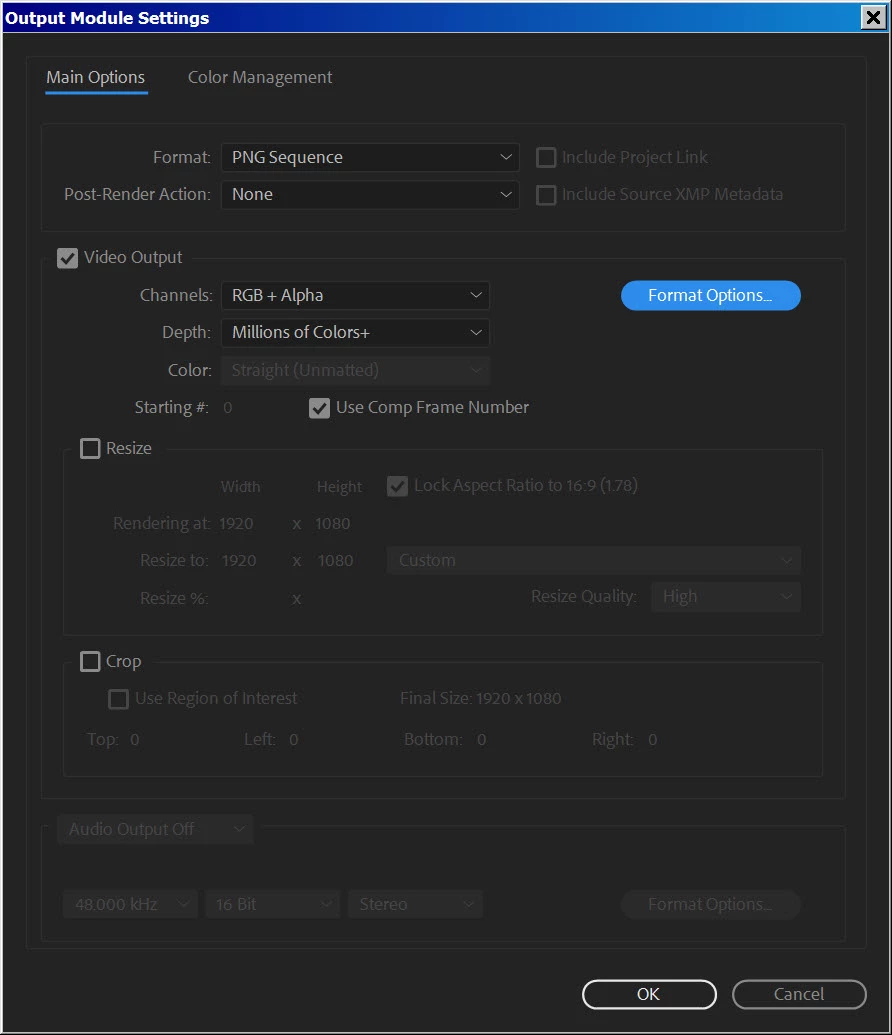
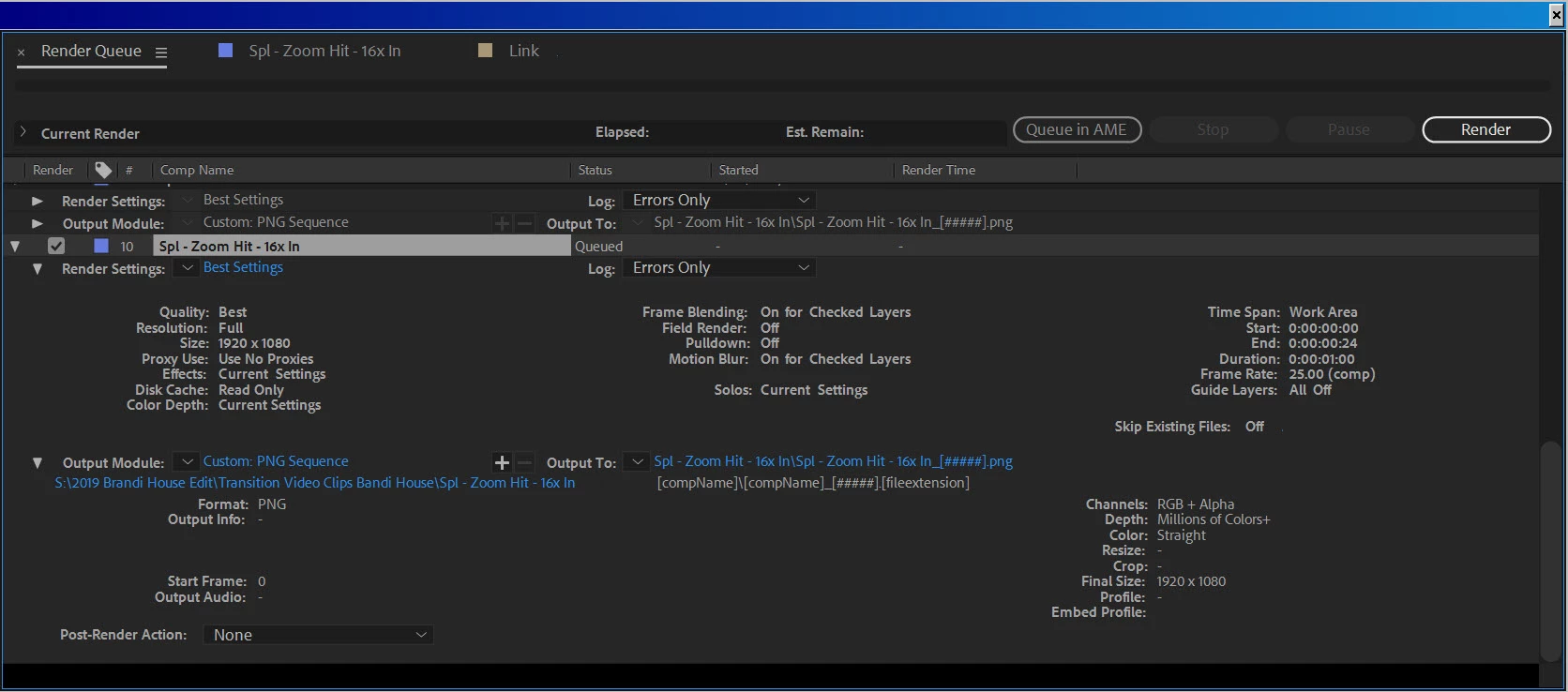
I need help. I'm editing in After Effects CC v15.1.2 and after the latest update I get black video after rendering the timeline. After Effects and rendering worked fine before the lates update. I'm editing on an PC HP z800 on Windows 7. I've read through the comments under "black video" after rendering and saw by exporting to Media Encoder is a work around. Unfortunately, Media Encoder says it's unavailable for my system. So, my rendering has to be done through AE. I've tried exporting multiple formats, (.png, AVI, and quicktime) with all the same black video results after rendering. I've included screen grabs of my timelines for your information to help fix my issue. THANKS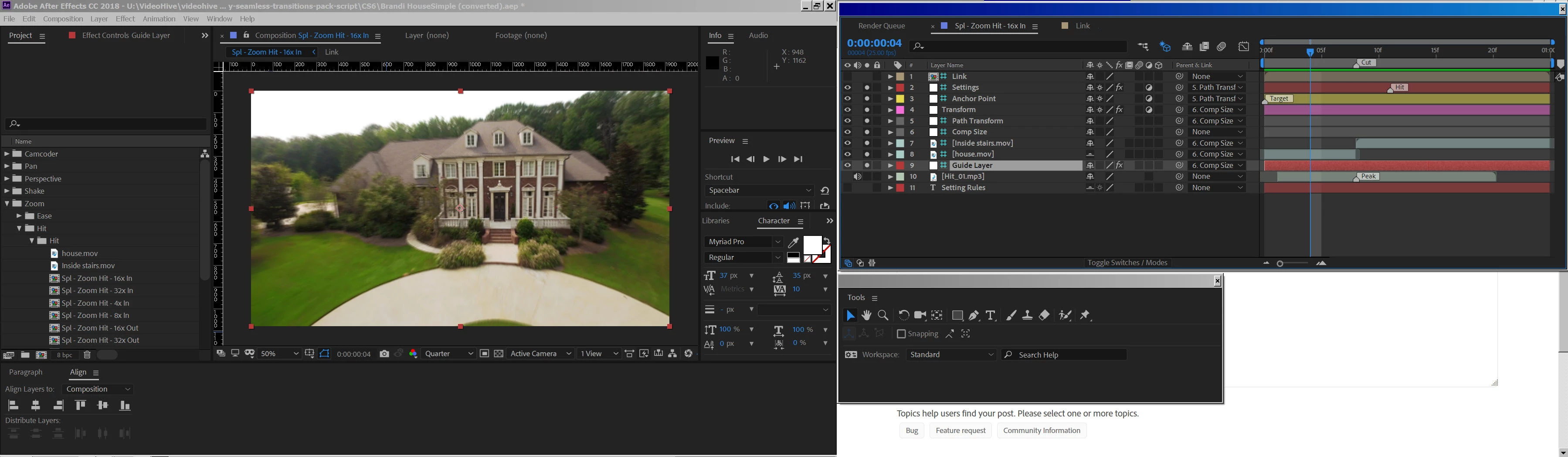
[Moving from generic Start/Help forum to the specific Program forum... Mod]
[To find a forum for your program please start at https://community.adobe.com/]
 AdChoices