
Inspiring
November 11, 2024
Answered

Blending 3D text in a scene

  • November 11, 2024
  • 1 reply
  • 390 views

Hi!


I'm using the 3D Camera Tracker to integrate text in a scene, but the text looks very fake. What could I do to blend it better?

Adding grain, noise, blur, and matching the depth of field are great initial steps, but they often aren’t enough to fully integrate the text into the scene. I was hoping for something like Photoshop’s 'Blend If' to better match lighting and textures.
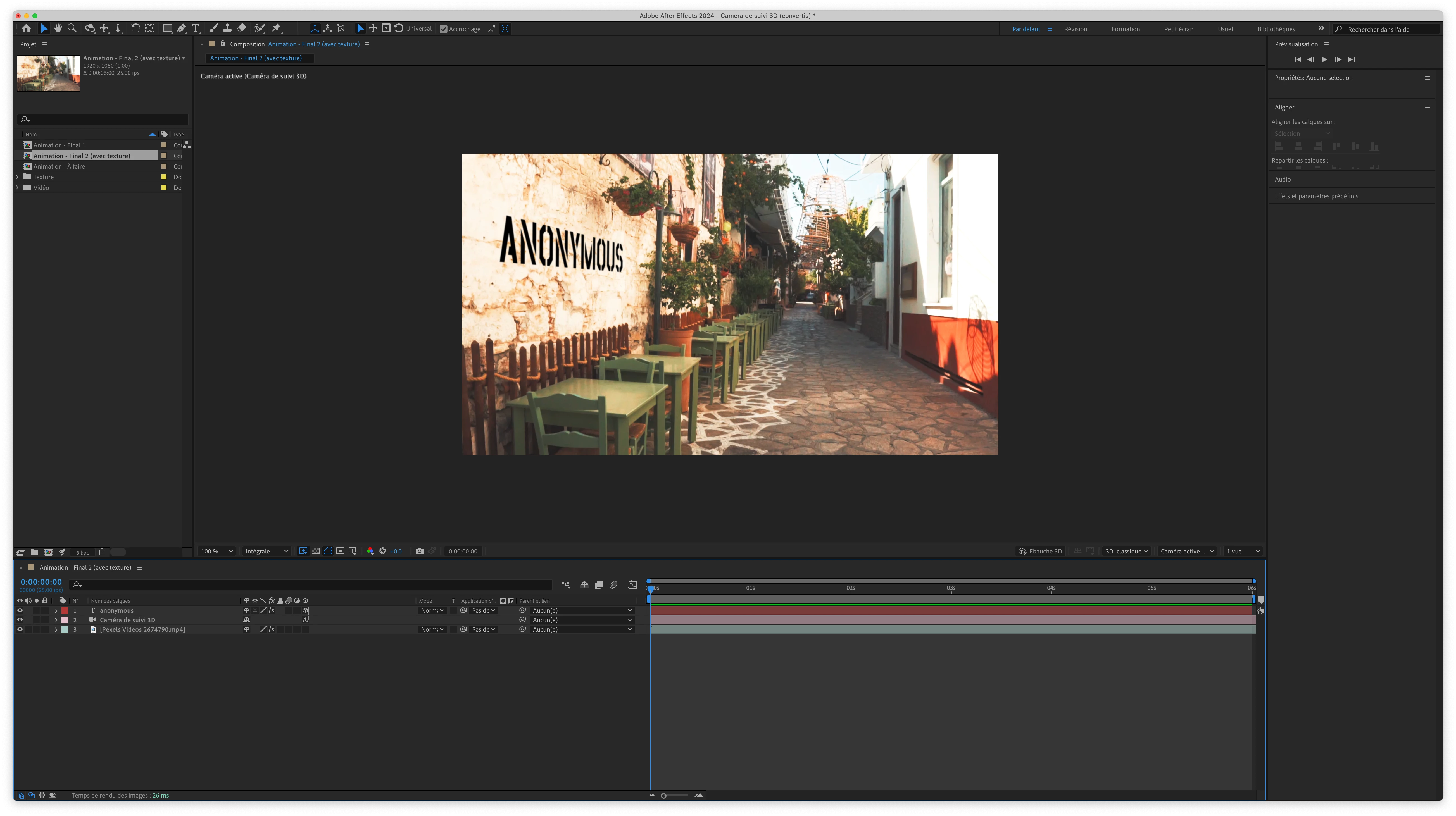


Thank you!


Christian.

This topic has been closed for replies.
Correct answer christianb5949572

I think I've achieved something acceptable by using the footage as a Luma Matte for the text.

1 reply

christianb5949572AuthorCorrect answer
Inspiring
November 12, 2024

I think I've achieved something acceptable by using the footage as a Luma Matte for the text.

Inspiring
November 13, 2024

I also just discovered the Compound Blur (that I applied to the text), which is perfect for this exact situation. Thanks to everyone who chipped in!