
Question
Blending modes not working (transparency of artwork lost when imported into AE)
I have encountered this strange issue while importing my AI artwork into AE. My AI artwork has some shadows & highlights created using blending modes screen & multiply. When I try to import the same into AE, those parts (the shadows & highlights turn solid. They loose their transparency. The artwork looks like this when imported into AE.

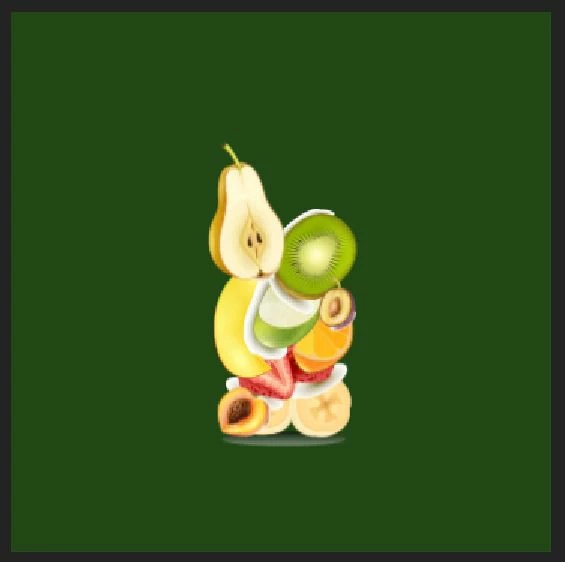
Instead of looking like this.
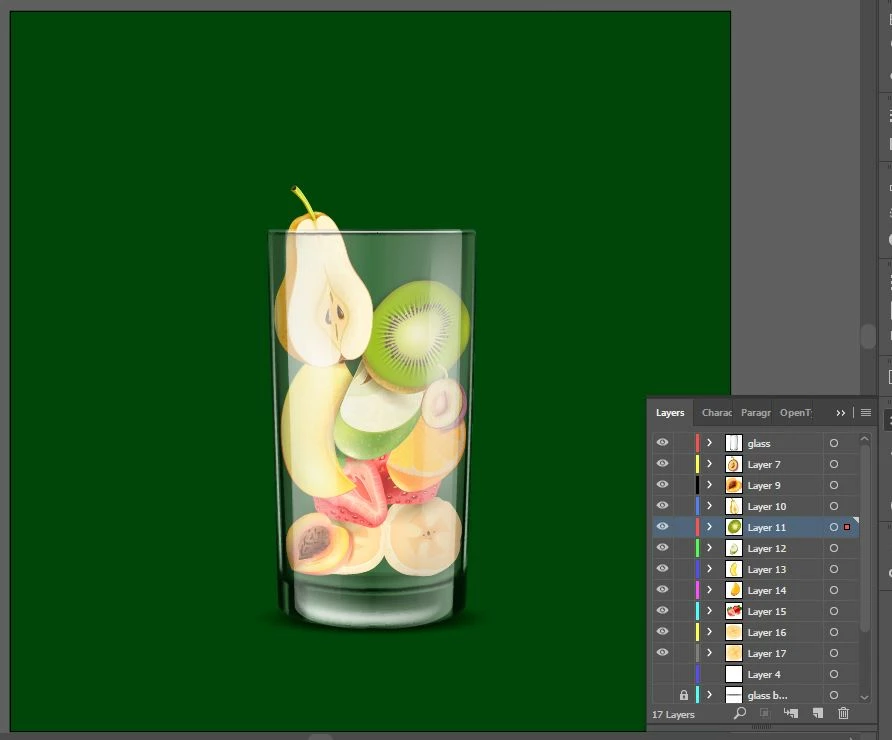
I tried playing with the transparency grid in AE. Also tried exporting pngs of each layer & importing them into AE but I am getting the same result. I went through numerous forums but couldn't find the solution. Can anybody pleaaaase help me with this? I am using windows 10 & AE cc 2017
 AdChoices