Answered
Blur Edge Effect
Hello how are you. I would like some of my images to be blurred. That they fade away with the environment and that it is not cut off suddenly
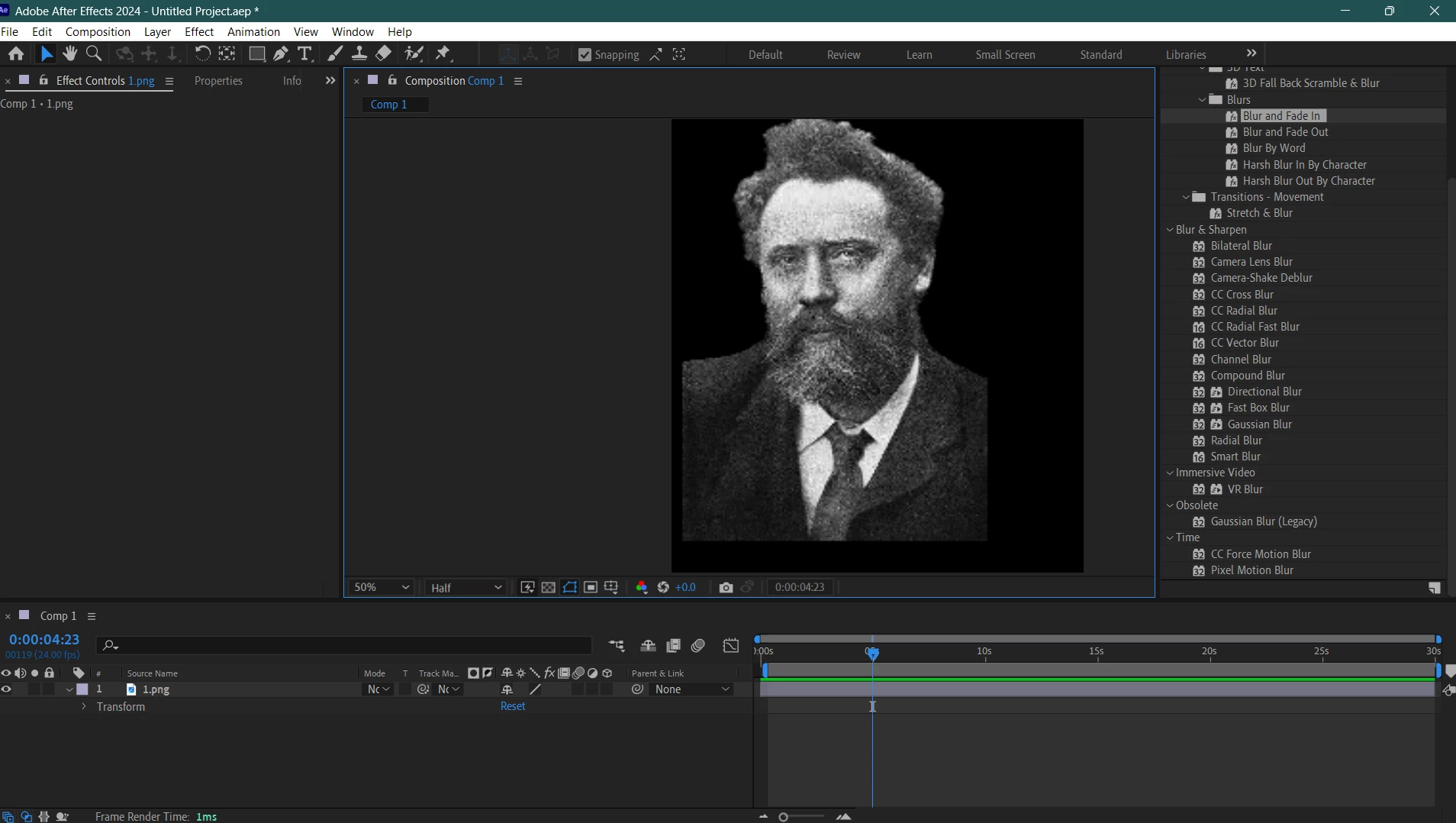

Hello how are you. I would like some of my images to be blurred. That they fade away with the environment and that it is not cut off suddenly
Assuming your image has a transparent bg.
1. If you don't already have a mask: Layer > Auto-trace
2. Set channel Option to Alpha.
3. Select the mask/masks created by the effect and set there Mask Feather to a positive number.
that should give you a feathered contoured edge.
If you just want something that fades out in a straight line you could instead use the effect Linear Wipe. Set the Transition completion and feather.
Already have an account? Login
Enter your E-mail address. We'll send you an e-mail with instructions to reset your password.


 AdChoices