Participant
January 5, 2021
Question

Blurry/pixely photo when imported
  • January 5, 2021
  • 3 replies
  • 553 views

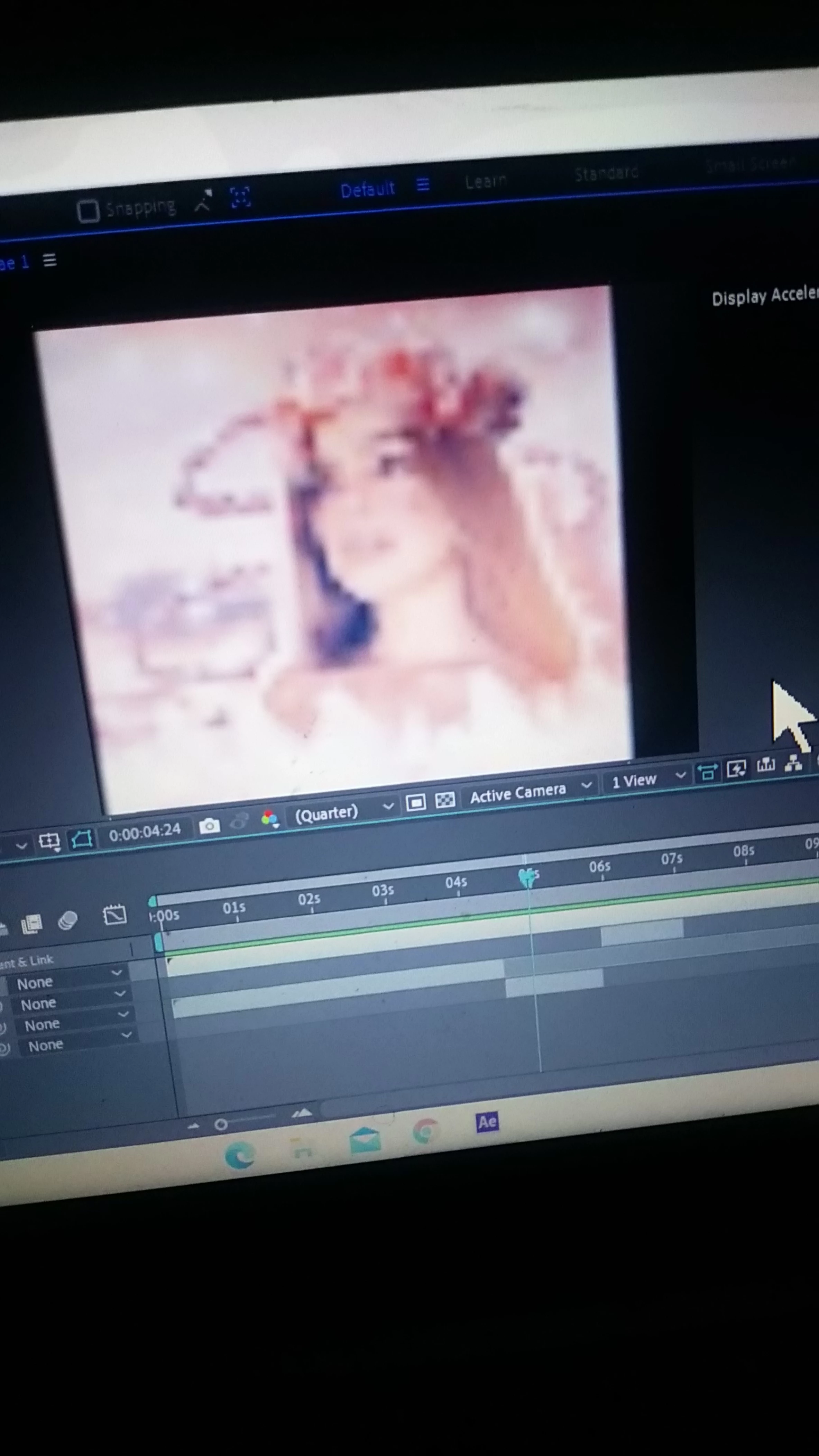
  1.   when I load in my picture, it turns blurry/pixely and I have searched everywhere in youtube on how to fix this but they say that is a button to click and when you I click it a star photo should pop up but the box you click on is not there. This problem is in after effects.
This topic has been closed for replies.

3 replies

Community Expert
January 22, 2021

Select the image in the Project panel so the dimensions show in the info panel to the right of the thumbnail or select the comp in the Project panel so we can see the project settings. At the same time select the image layer in the timeline and press the U key twice. Now take a screenshot of the whole thing and post it. There is a very good chance that the image layer, the bottom layer in your comp, has been scaled to something more than 200%. That would be the problem. 

Community Expert
January 21, 2021

I'm guessing that the comp is probably 4K because the comp panel window does not appear to be cropped and it looks like it is taking up about 1/2 of your screen. The bottom layer appears to be the image of the girl, it is possible that layer 1 is just an audio file because of the extension, so I have to assume that the image is significantly smaller than the composition and that you have scaled it up. If that is the case, then everything is normal and working the way it should. If that is not the case, solo the image layer, press the 'u' key twice to show us all modified properties of the layer, and post another screenshot. Describe your workflow, and if possible, have the image selected in the Project Panel so the thumbnail and the description tell us the image size.

Participant
January 21, 2021
I do have a audio file first and it’s the same length as the composition! Sorry to ask but what do I do again because I am extraordinary confused, sorry to say?

Sent from Yahoo Mail for iPad
Kyle Hamrick
Community Expert
Community Expert
January 5, 2021

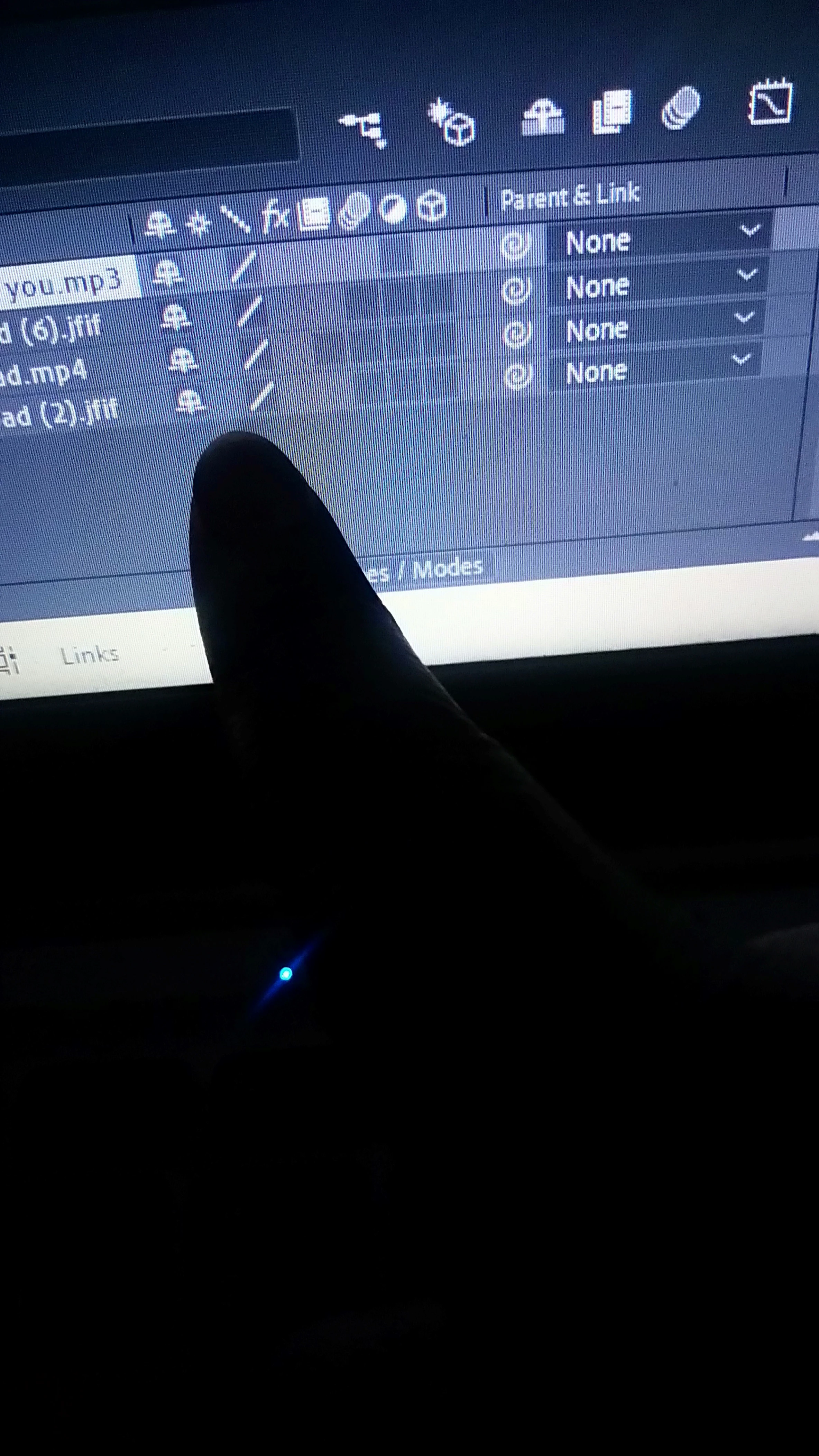
The "star" they're referring to is in the Switches column (per layer, in the Timeline), but only applies to vector art.

Your issue is that your viewer is set to Quarter resolution. It's the little dropdown menu at the bottom center of your viewer panel. Set that to Full, and you'll see things in full resolution (though it might slow down if you start adding several layers or heavy effects).

Participant
January 13, 2021

Thank you, I'll try it!! if it doesn't work, I'll contact you.