
Participant
March 12, 2025
Question

Bodymovin render failed and doesn't work

  • March 12, 2025
  • 1 reply
  • 786 views

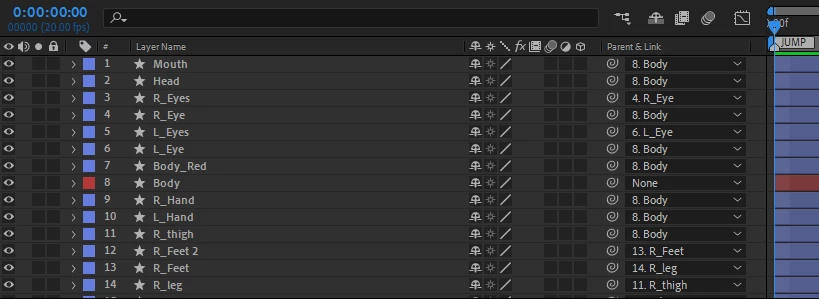
I used shape to create a 3 second animation.
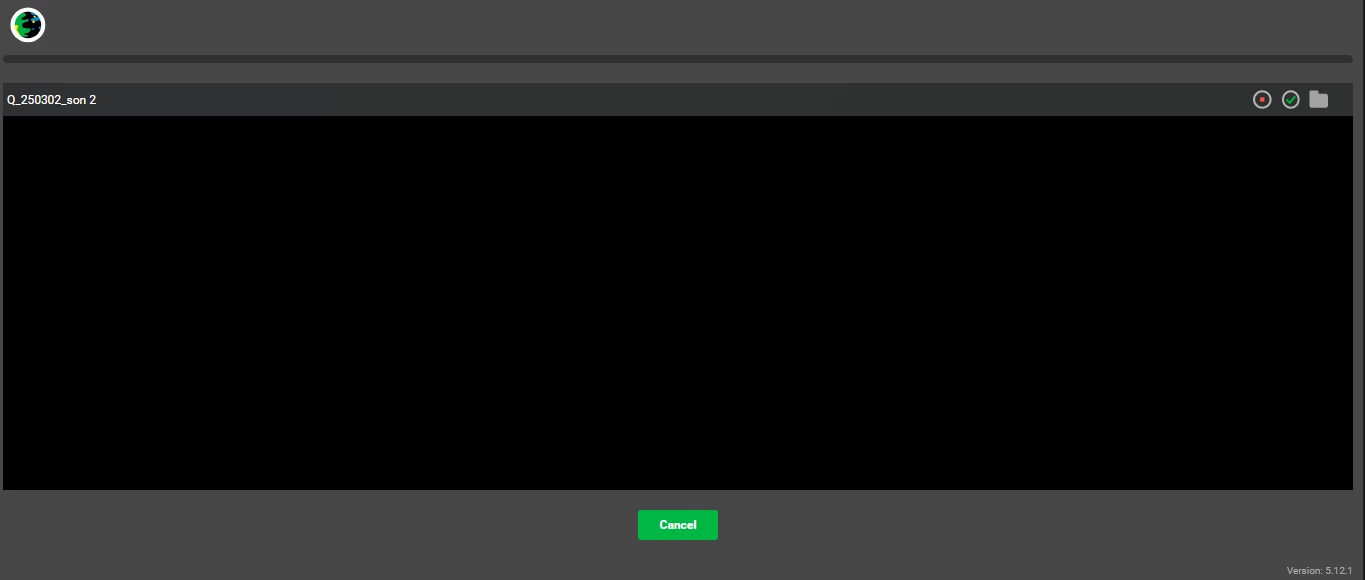
But I don't know why Bodymovin render doesn't have any response
I opened Glyphs &
Standard &
SMIL(svg)
No matter how long I waited, the progress bar didn't move.
There is no file in the specified path.

AE 2023
bodymovin_v5.12.1
Win 11
1 reply

JohnnyHSUAuthor
Participant
March 12, 2025

im turn on allow scripts to write amd access network already.TKS.

ShiveringCactus
Community Expert
Community Expert
March 12, 2025

I had this.  And ended up recreating my project layer by layer, rendering it out at each point.  The cause turned out to be a font (fontawesome) that bodymovin couldn't handle.  From your screenshot, it doesn't look like the cause will be the same, but it might be worth following the same procedure.  New comp, copy a layer, export it.  When successful copy the next layer and export again.  Slightly time consuming, but with luck you can identify the issue.

JohnnyHSUAuthor
Participant
March 13, 2025

Thank u
I dont have any words in this project(tks god...).
Finally i change the old version of bodymovin 5.9.0 to try it.
Although the second part of the rendering I set never worked.
That is, there are 3 seconds and 3 actions in one comp.
I need to render all actions, plus the second and third actions.
Separate files.
The second action exports the SVG which always fails.
its works!!! Thank u