Participant
August 5, 2021
Question

borders getting cut off after effects

  • August 5, 2021
  • 3 replies
  • 3029 views

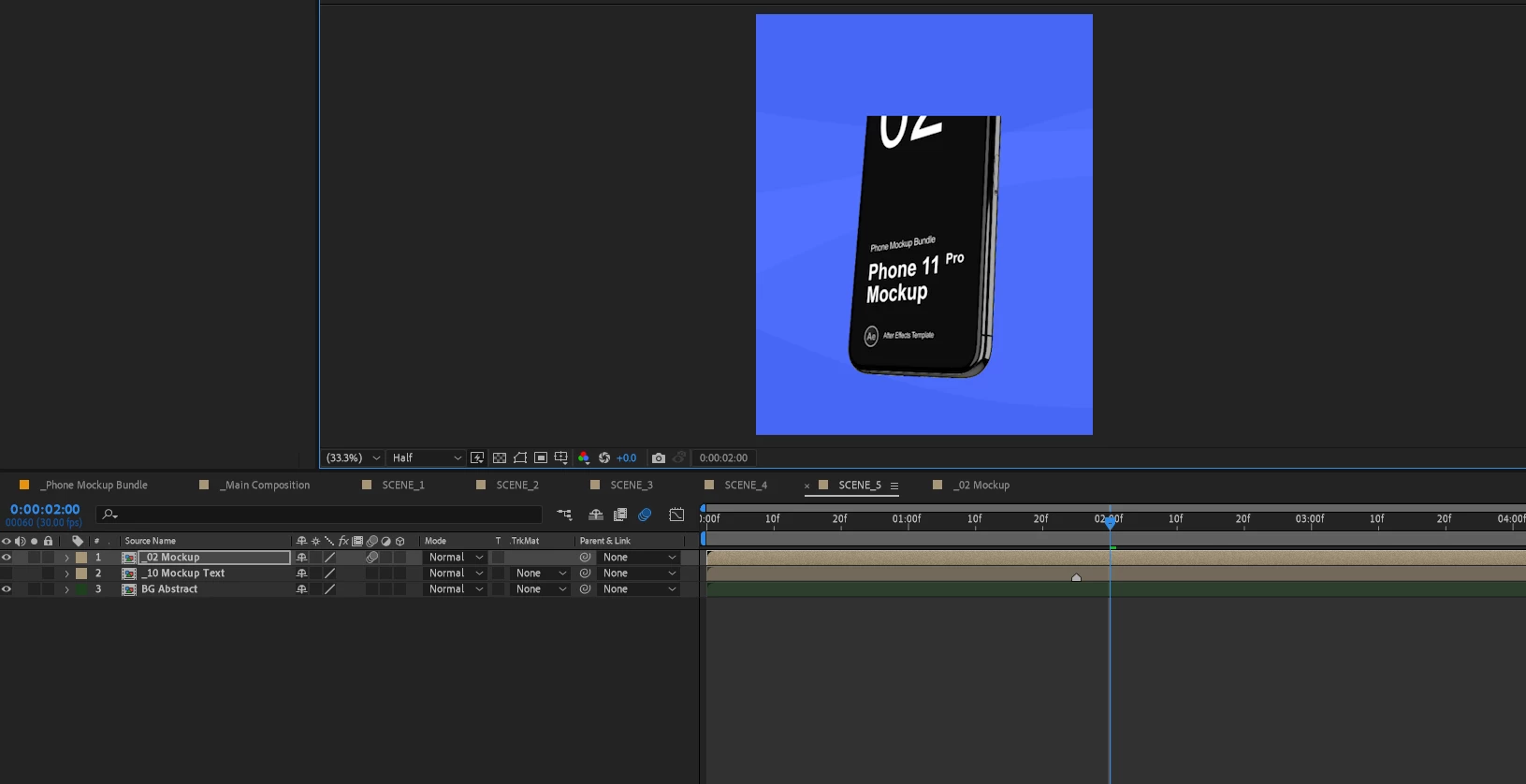
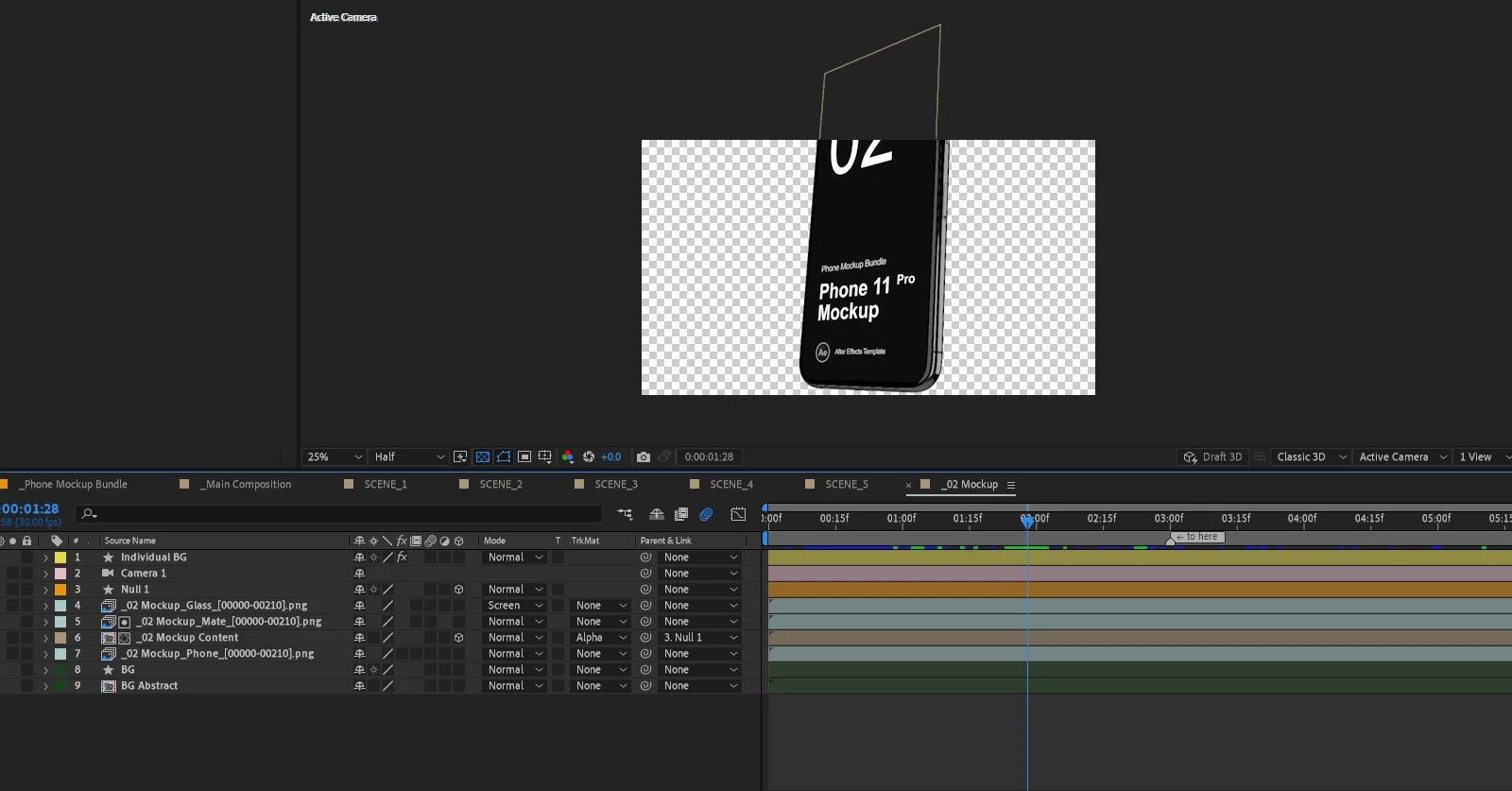
So Here I am trying to edit an after effect template. the issue I'm facing is that when I use any of the template original 16:9 compostion inside my 4:5 aspect ratio compostion, I don't know why but the borders/edges of the layer gets cut off. I don't seem to understand why this is happening as I just entered in this field. I am attaching screenshots of both the original template composition, and the 4:5 compostion which I am trying to create.  Any helps would be appreciated.


This topic has been closed for replies.

3 replies

Participant
October 18, 2024

The Grow Bounds effect worked for me. Put the effect before everything else and up the pixels to something like 2000px.

Community Expert
August 5, 2021

Your cropped screenshots cut off important information. The top screenshot does not show what layers are visible or which layers are showing the phone. If the phone is pre-composed then Collapse Transformations all the way down to the original phone will fix the problem in the comp with the blue background. 


The phone is cut off in the first comp. Is the first comp, the one with all the layers, the template? If it is and if it still works if you collapse transformations on all the nested comp layers, you should be able to remove the frame border in your Scene 5 comp.

ahmed165Author
Participant
August 6, 2021

I am attaching the non-cropped screenshots below, As I mentioned that I am a complete beginner and I just entered in this feild of work. Can you please guide me step by step thorugh the process? I would be extremely thankful.


Mylenium
Legend
August 5, 2021

This is normal AE behavior. You may want to read the online help and watch a bunch of tutorials. AE does not render off-canvas content. That being the case, you have to either scale the layer to fit into your 16:9 comp or change the composition size in the comp settings to accommodate your pre-comp layers.


Mylenium