

Question
Bounding Box of imported Illustrator files not correct
This might be a problem not concerning many, not even being noticed by many, but I just stumbled upon it.
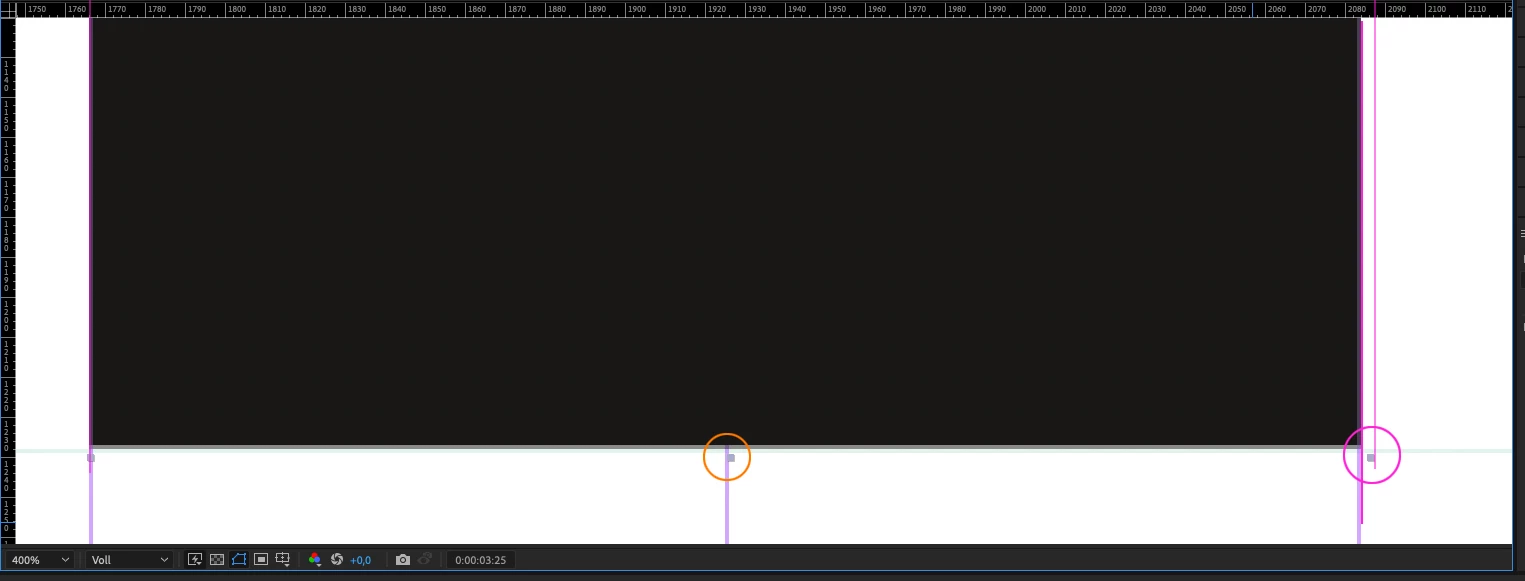
When importing an .ai file the bounding box always is overlapping a few pixels to the right and the center is not correct. Not matter which import options are used – Layer size, Document Size. You can create a simple suqare in Illustrator, import it and zoom in to see the problem.
I am working with a corporate design where the workarea is divided into many squares and elements aligned to that, that's how I noticed it because like that I cant correctly align my stuff.
Any tips for this?


 AdChoices