
Petr Holusa
Inspiring
July 12, 2022
Question

Brush and mask is not working in after effects

  • July 12, 2022
  • 2 replies
  • 258 views

Hi, 


Why brush is not respecting mask shapes?


I did brush on image but and mask is applied on it but somehow mask is ignored. 


This images I filled with brush around the image:
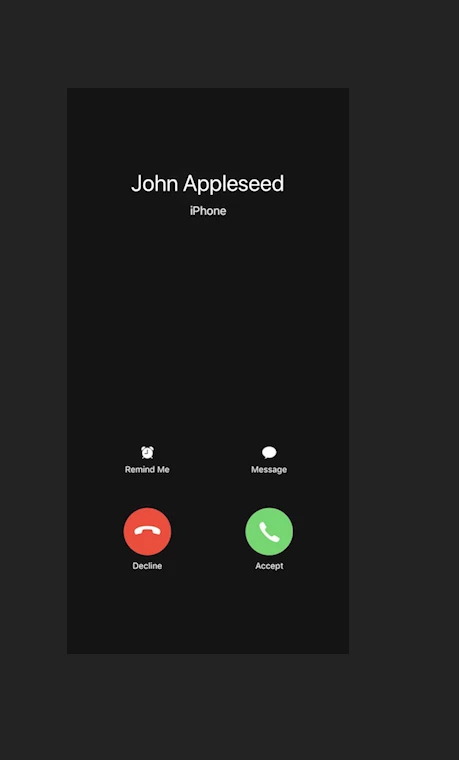
 

Mask is applied but still reamin on left side outside of the mask. Don't get. 
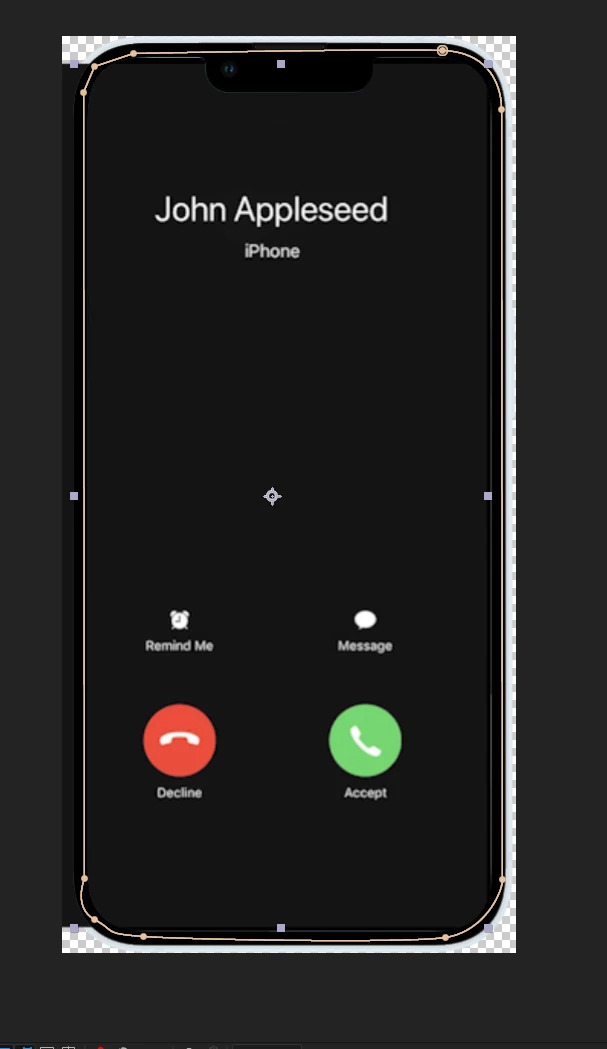


I tried add, sunstract what ever, brush still not respecting masks. 
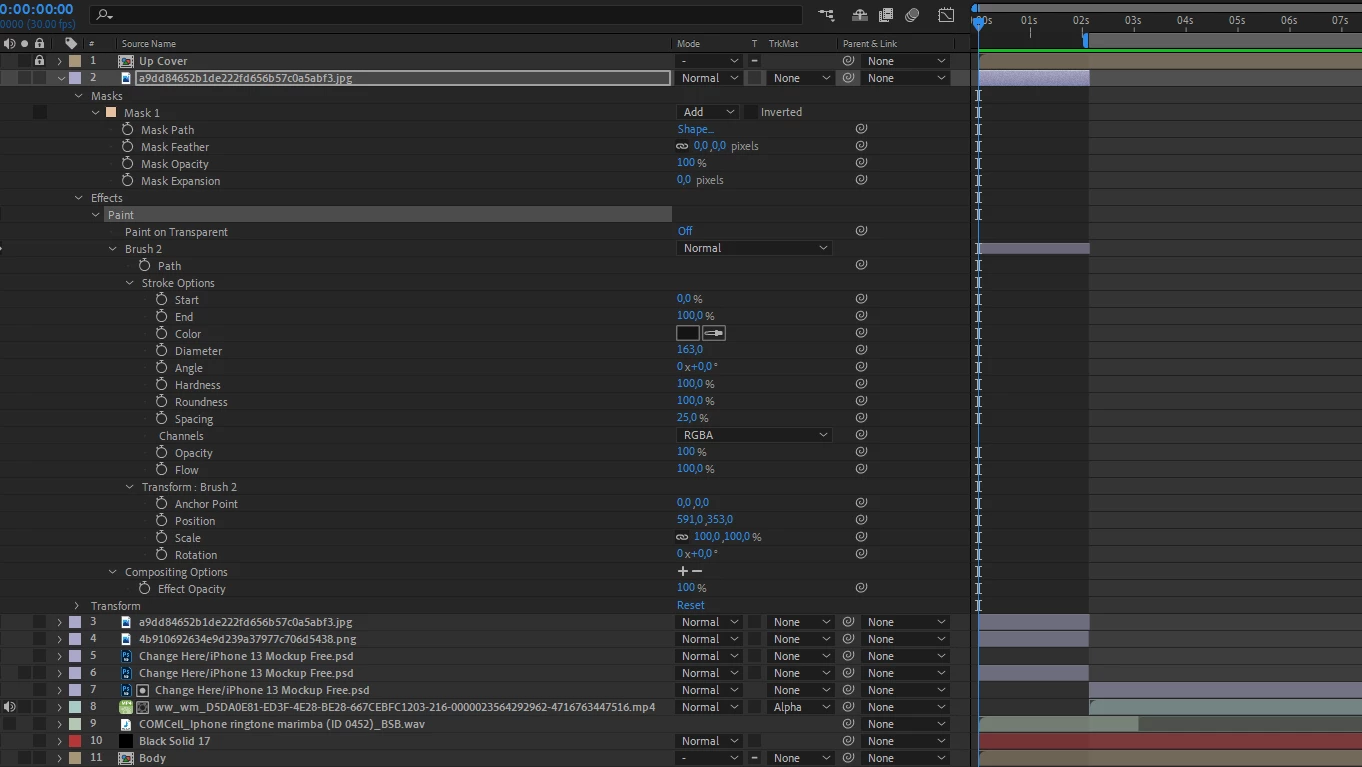


Thanks. 

This topic has been closed for replies.

2 replies

Warren Heaton
Community Expert
Community Expert
July 12, 2022

After Effects renders layer attributes in the order that they appear under the layer and Masks always render before Effects.  


So, you'll want to find a way to apply Mask 1 after the Effects, not before.  One option is to click the plus ("+") icon for Compositing Options under the Paint effect.


This tells After Effects to use a Mask that's applied to the Layer to mask the corresponding Effect.  However, after doing this, you'll want to select Mask 1 under Masks and make a duplicate (Edit > Duplicate while Mask 1 is selected).  Mask 1 will mask the Effect.  The resulting Mask 2 will mask the Layer. 


Petr Holusa
Inspiring
July 12, 2022

Going to check that. Thank you.

Petr Holusa
Inspiring
July 12, 2022