
Question
bug? applying 'roughen edges' distorts edges of shapes
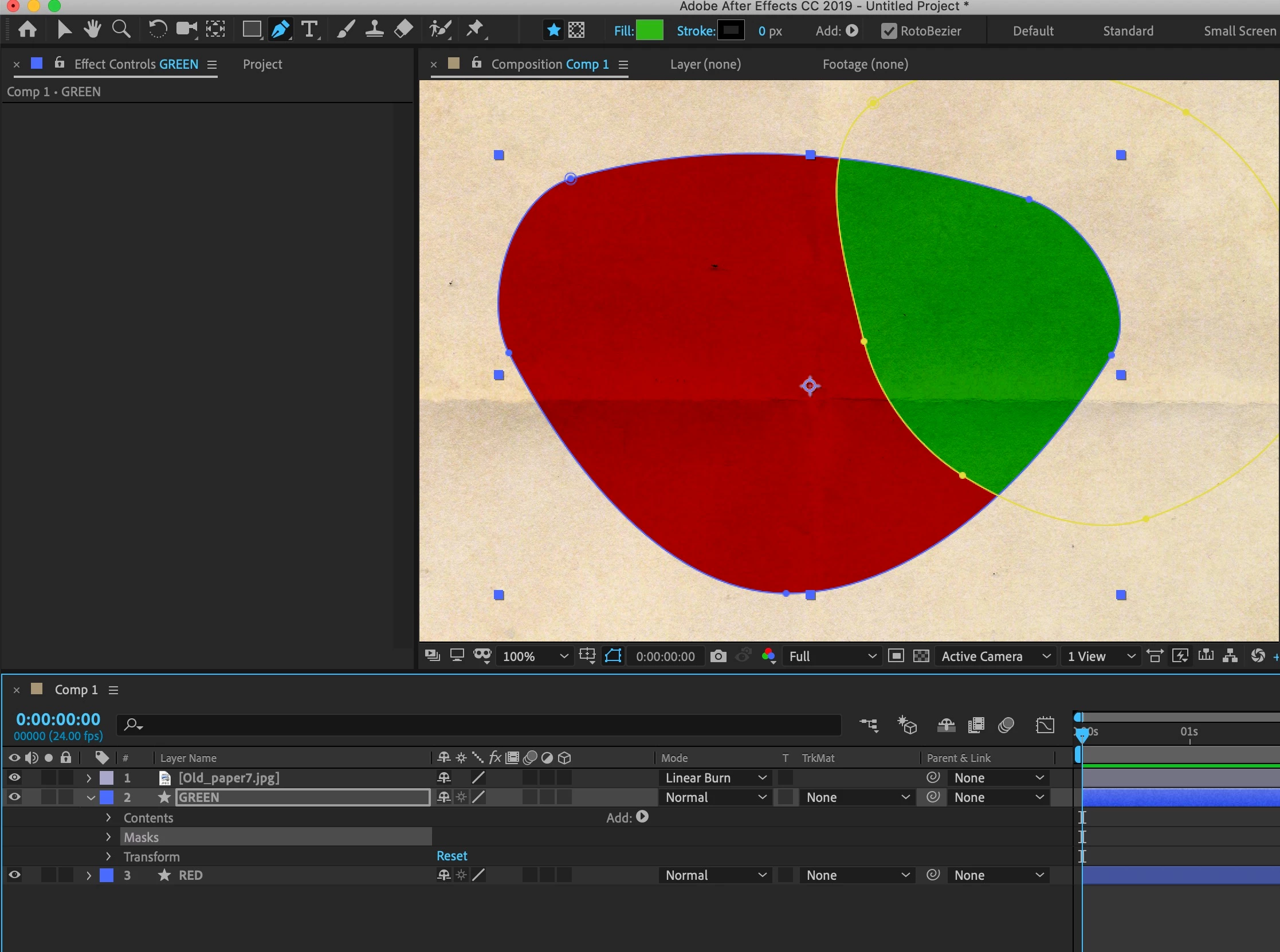
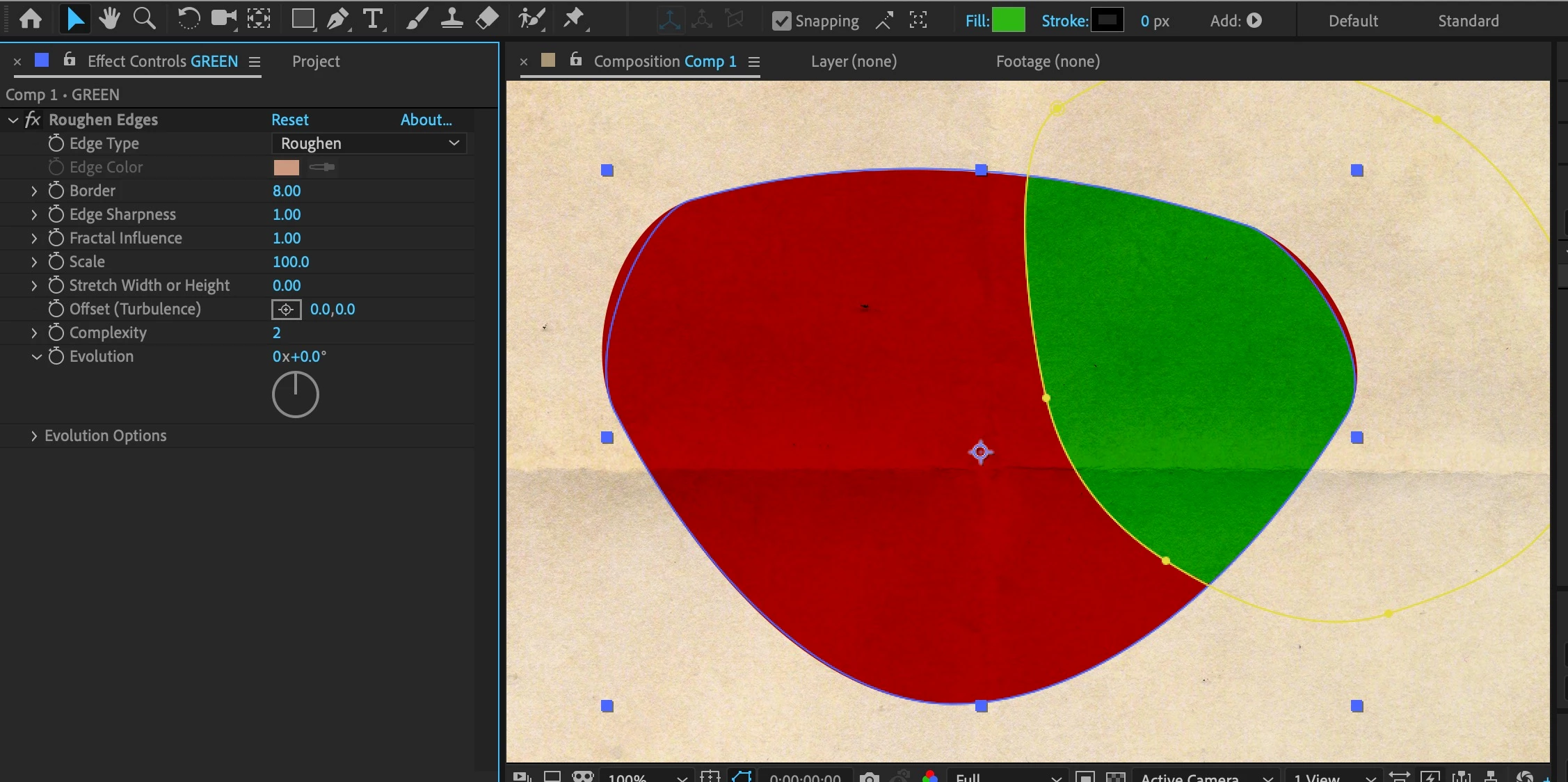
Not sure what's going wrong, but when I apply "roughen edges" effect to a layer, it ends up shifting the edge of the masked layer even after I remove "roughen edges" effect. I've never seen this happen before until today. But if you look closely at the second image below, you can see that the edge of the masked green shape has slightly shifted. It doesn't make sense because I simply duplicated the red image and changed it's color to green. Then after applying the roughen edge effect, the edge of the duplicated shape (green) shifted slightly so that the green shape is not longer exactly over the red shape. Even after removing the roughen edge effect the problem remains. Has anyone else run into this problem?
 AdChoices