
Bug/error while converting footage from HDR to SDR
I shot some footage in HDR for a movie, but that movie is going to be edited in SDR and rendered in SDR, I only shot it in HDR because they were dark scenes with strong light sources, so although I didn't get the same result in SDR as HDR, the information was recorded and so I could see if I wanted to expose the footage for highlights or for shadows, and to simply have more information to work with.
When I imported the HDR footage into the SDR after-effects, it didn't look good at all, but that's obvious, and I was already out of it, so I did what I'm supposed to, “Interpret footage --> Main --> Color) and changed the color space of the HDR videos to REC.709, because that was the one that gave me the best results, then I just adjusted the footage with some effects and it looked amazing.
The problem is, only 10% of the frames look beautiful, the other 90% are totally buggy, and it seems to be totally random.
I know for a fact that it's not the video, because the VLC player I use automatically converts from HDR to SDR, and the video looks beautiful for 100% of its duration, it's only after I do the “Interpret footage” in after effects that this bug or error starts to happen.
As a last resort, I've thought about recording the screen in vlc to make it look good. But I really value quality and wouldn't want to be doing that.
Someone please help me.
Attached are two screenshots, the first, one of the normal frames, and the second, one of the bugged frames.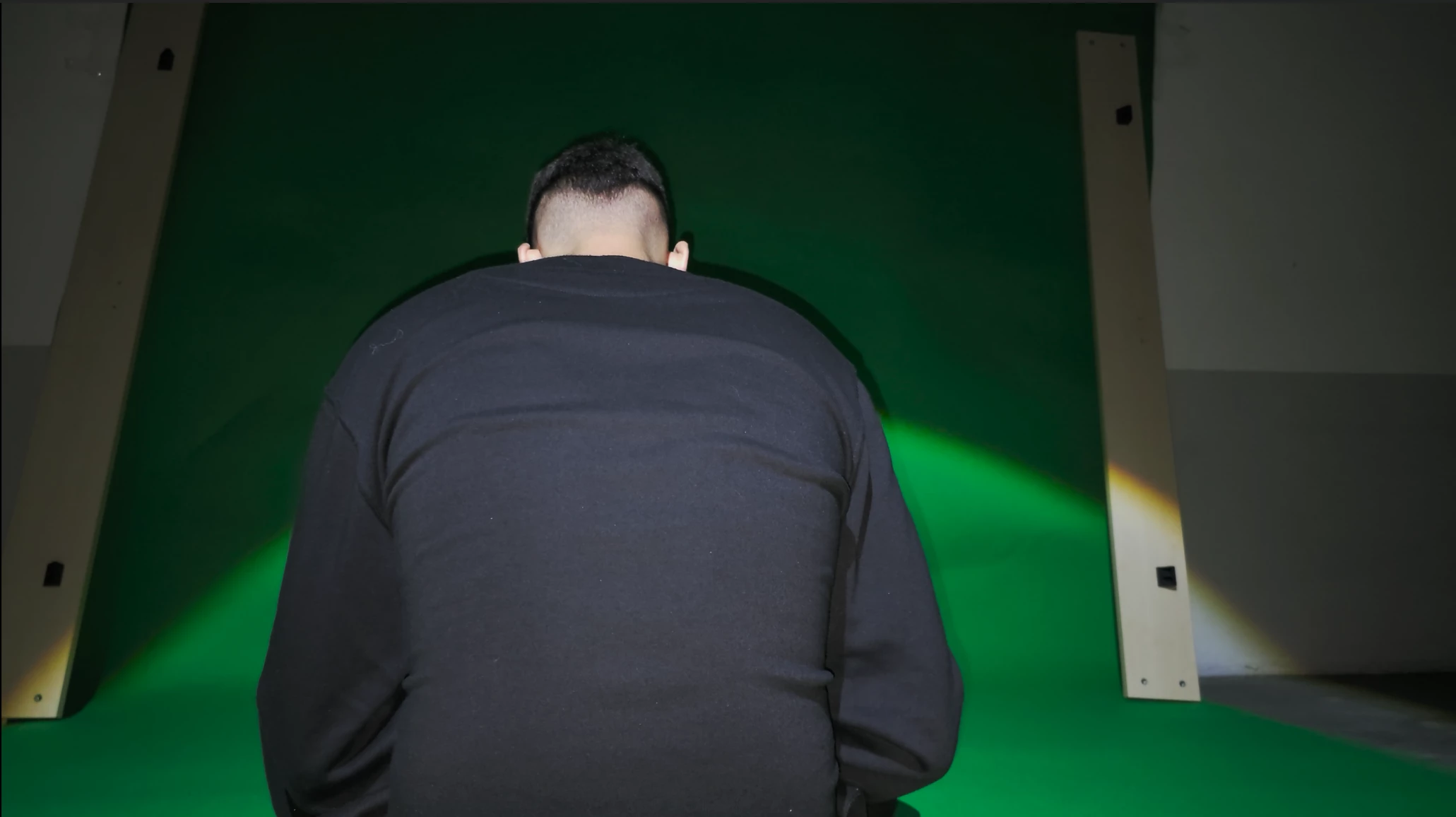
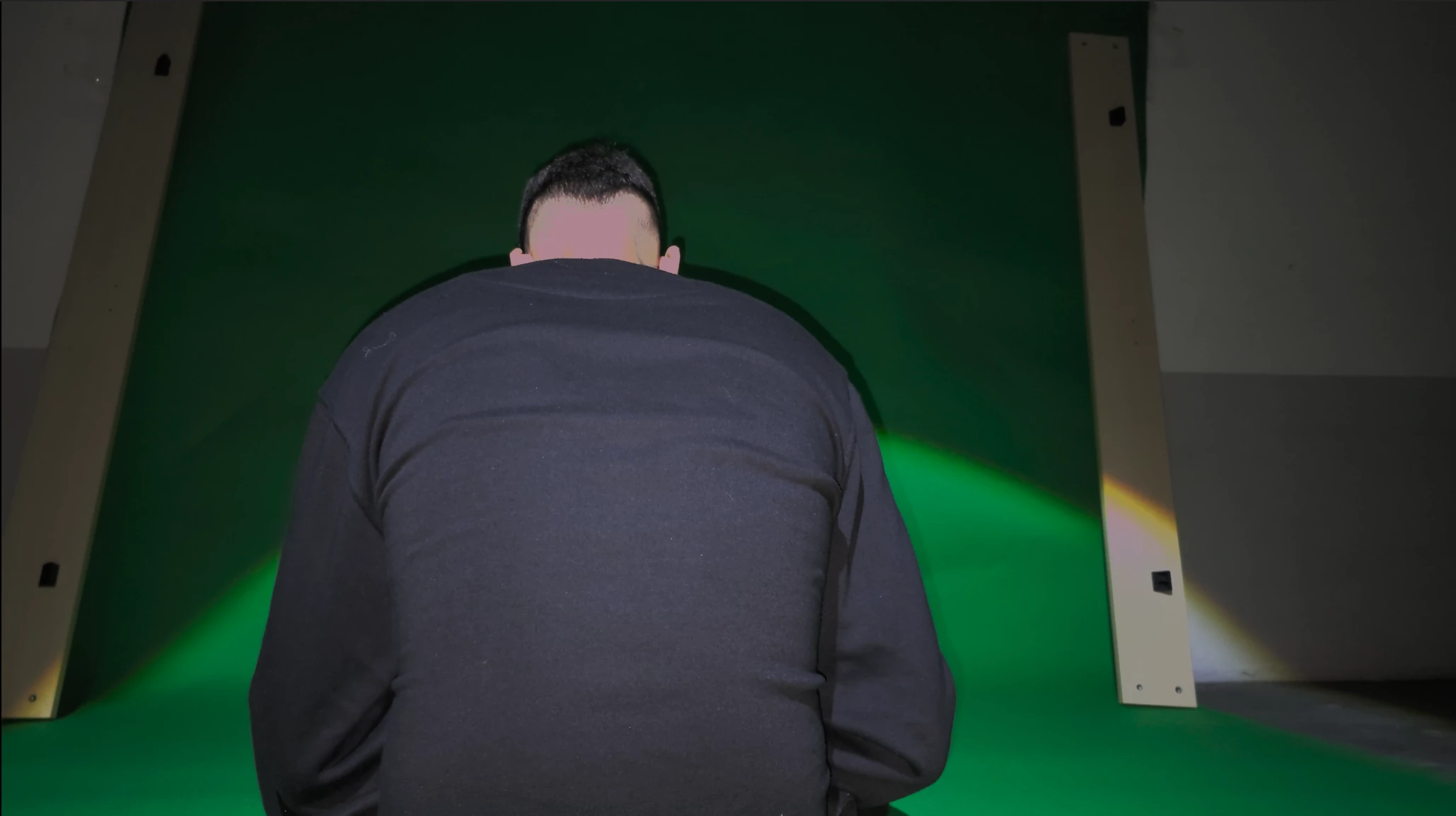
Thanks in advance.


 AdChoices