

Syntax_One
Known Participant
August 11, 2023
Question

Bug with simple reverse curved position animation

  • August 11, 2023
  • 2 replies
  • 386 views

Hi!


I have this circle that goes from left to right in a curve:
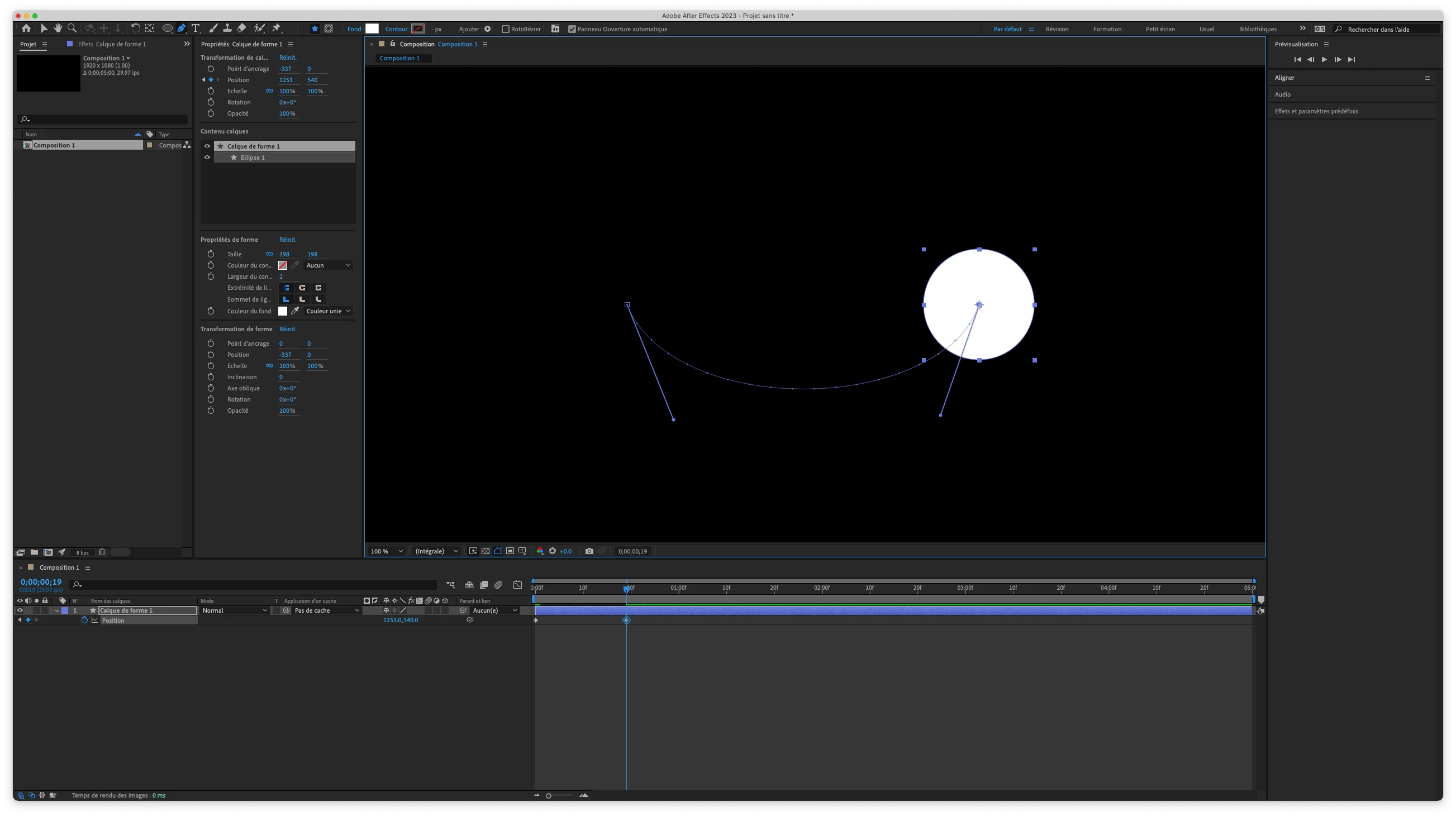


All is good. However, when I copy/paste the first keyframe after the last one in order to do the reverse animation, I get this:
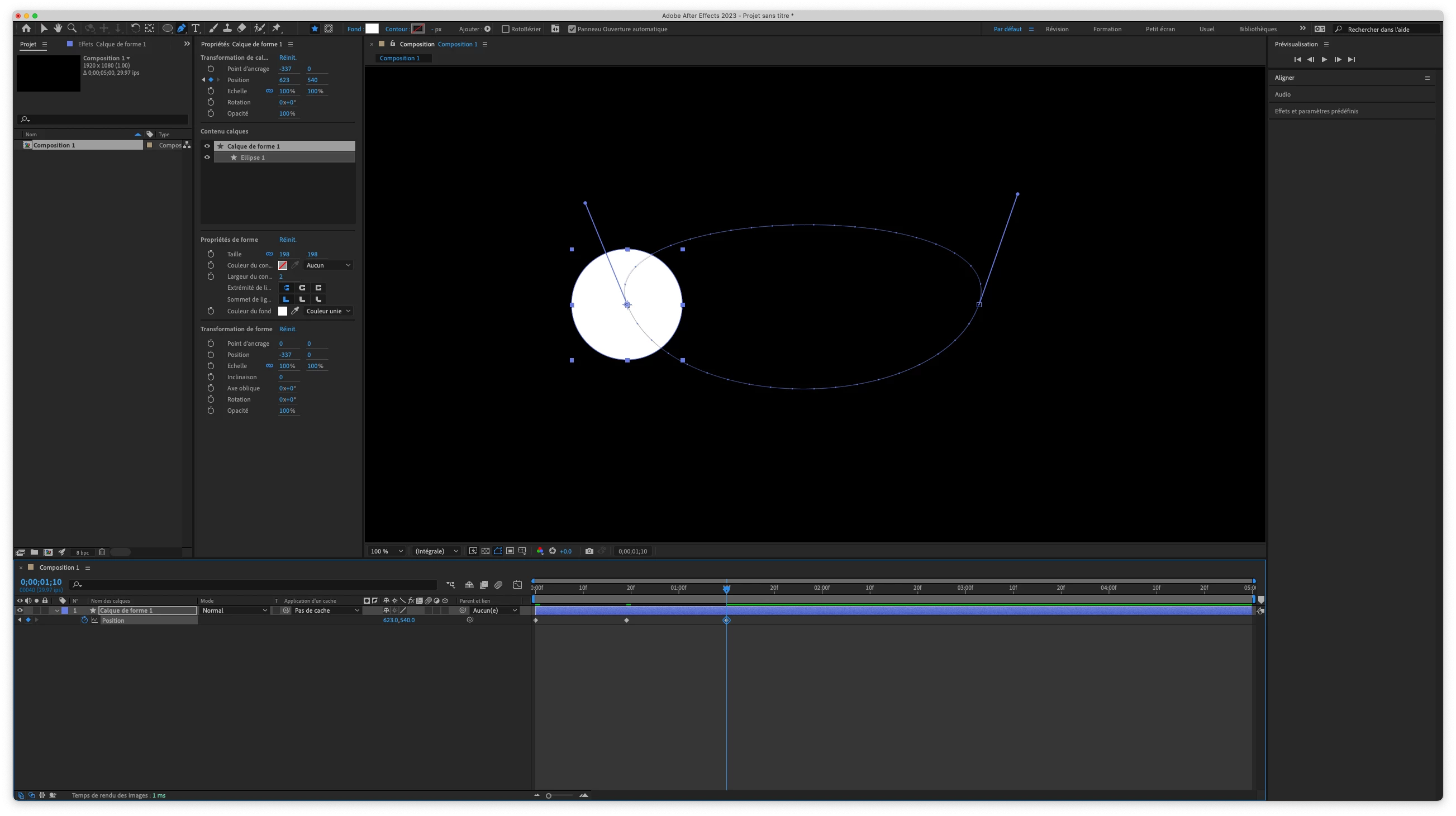


I tried playing with the Spatial Interpolation, but I never got the desired result. I did, however, get the wanted result by copying/pasting/reversing the keyframes, but this method seems a bit long.
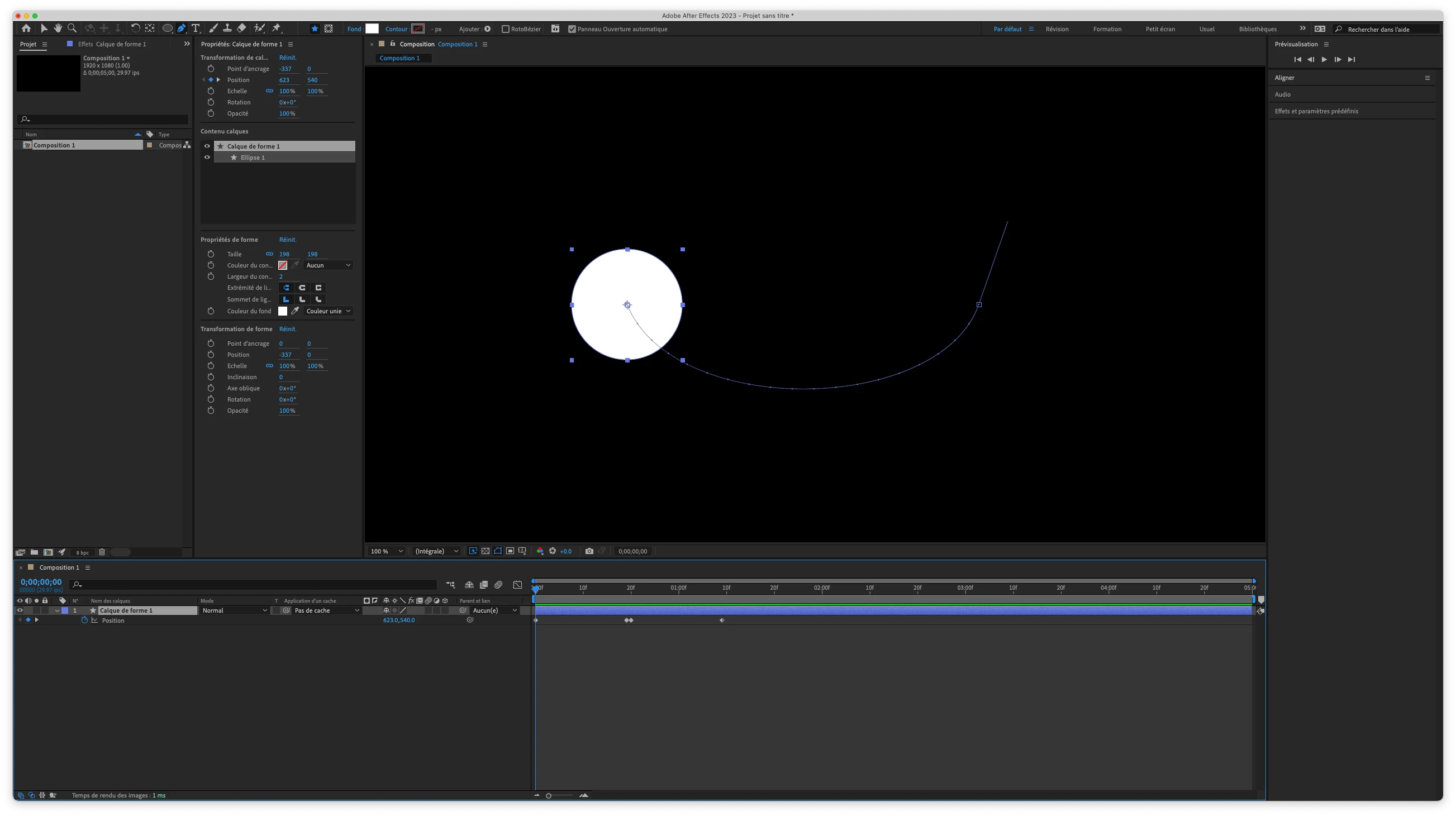


What am I missing?


Thanks!


Chris.

This topic has been closed for replies.

2 replies

Community Expert
August 11, 2023

If you want the curved path to repeat forever, just set two keyframes and add this expression:

loopOut("pingpong");

If you want the circle just to go back and forth once, try this expression:

loopOutDuration(type = "pingpong", duration = 100)

Technically, the out-and-back animation will repeat every 100 seconds, but you'll get one bounce-back animation if your timeline is only 5 seconds long. 


Syntax_One
Known Participant
August 12, 2023

Thank you so much!

I decided to use this expression, and it works great!
if (time - inPoint < 2){ loopOut("pingpong"); }else valueAtTime(inPoint)

Mylenium
Legend
August 11, 2023

There is nothing wrong. You just seem to misunderstand how keyframes work. How should AE even know to use the same path to return to the first position when clearly the tangents point in a completely different direction? Not how it works. You seem to expect some deeper intelligence where there is none. Either use your alternate workflow or adjust the tangents to not be continuous and produce the same curvature.


Mylenium 

Syntax_One
Known Participant
August 11, 2023

Thank you very much! 😄