

Bubbly_yogi8160
Participant
May 21, 2026
Question

Bug with using track matte in After Effects.

  • May 21, 2026
  • 1 reply
  • 21 views

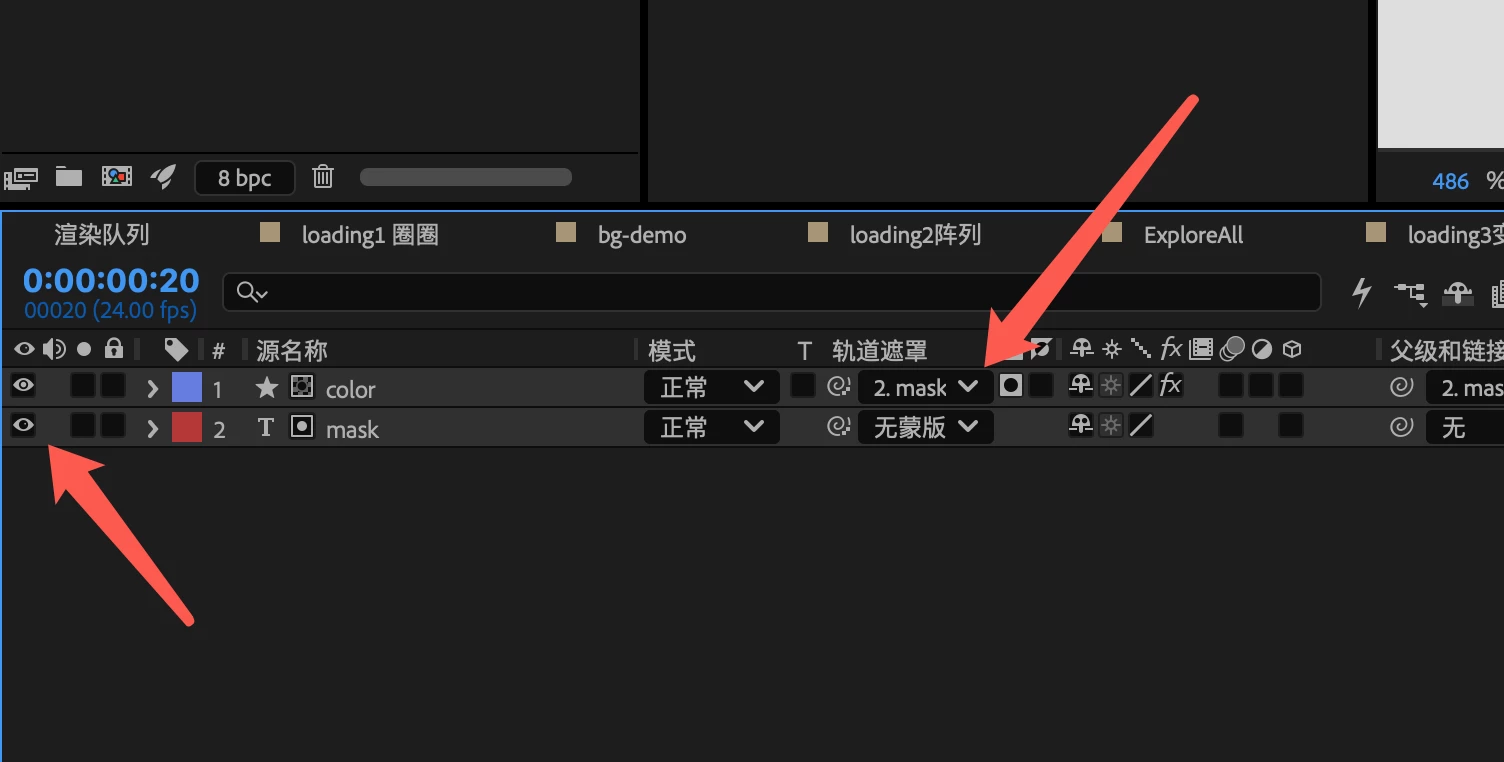
In After Effects, when using a lower layer as a track matte for an upper layer, if the lower layer is also visible, a stray edge (or matte line) will inevitably appear in the composition.

This will significantly cause issues with what I see in the viewport.

he green edge in the image below should not be visible. I suspect this may be caused by sub-pixels of the matte not being fully covered by the upper layer.

 

    1 reply

    Nishu Kushwaha
    Community Manager
    Community Manager
    June 1, 2026

    Hi there,


    Sorry for the delayed response and thanks for the report and the screenshots. The thin edge you're seeing is most likely caused by anti-aliased sub-pixels along the matte boundary. This is expected compositing behaviour rather than a bug.

    You can try:
    Apply a Simple Choker or Matte Choker effect to the matte layer to pull the matte edge slightly inward and eliminate the fringe.

    Let me know how it goes. Moving this thread from Bugs to Questions for troubleshooting.


    Thanks,

    Nishu