alexandroj84889843
Participant
November 20, 2018
Answered

Bulge Line Effect

  • November 20, 2018
  • 3 replies
  • 2704 views

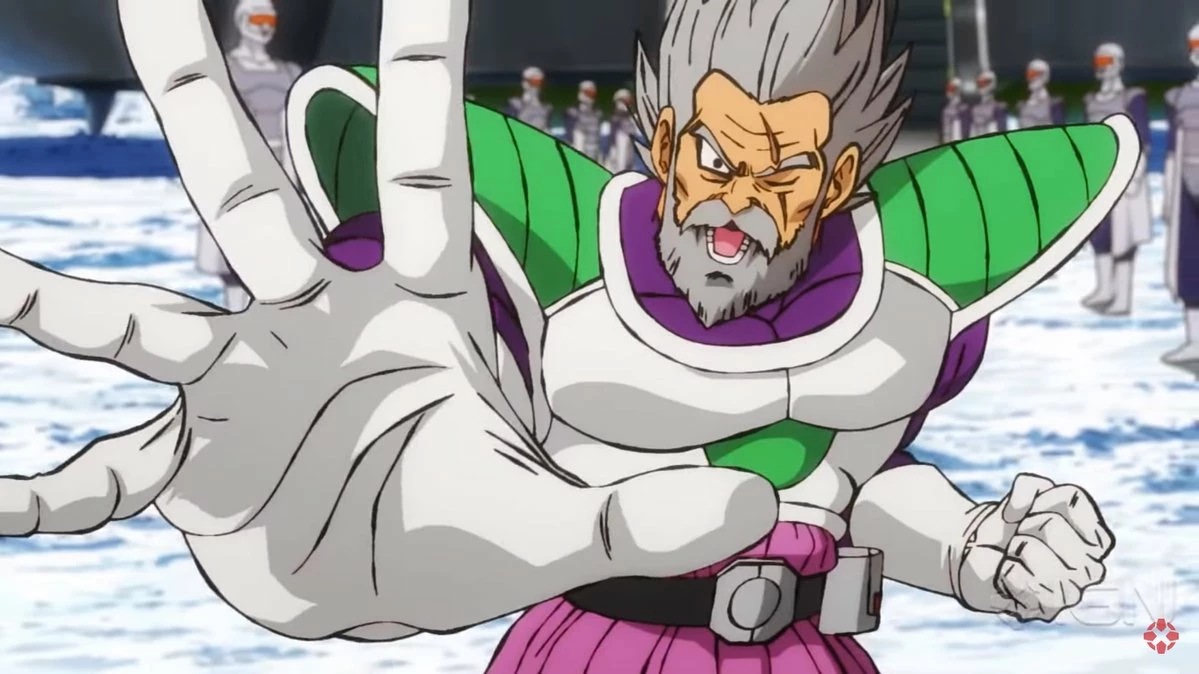
Hey guys, I'm currently working on animation and I was wondering if someone knew what effects in AE could achieve this random bulge and distort look in the example images. I tried using roughen edges but it seems to make the line work just disappear in certain spots.

EXAMPLE IMAGES:

    This topic has been closed for replies.
    Correct answer Mike_Abbott

    I do tend to agree that this is probably best done in the original artwork - eg: Photoshop or Illustrator. But here is a simple solution in AE:

    Duplicate your lines layer.

    Top layer: Effect > Roughen edges : tweak to taste, but don't worry about any parts disappearing. Note you can set the sacle value for Roughen Edges right up to 1,000% which will give you a smoother / larger scale variation.

    Set layer to multiply or darken blending mode if needed.

    Second layer: Effect > Simple choker: set choke matte to reduce the thickness of the lines to the minimum you want to see.

    The combination of the two layers should give you what you want.

    Pre-compose when done.

    3 replies

    alexandroj84889843
    Participant
    November 23, 2018

    Thank you to everyones suggestions! With combition of both the tips and settings I was able to achieve the look.

    Thanks once again!

    Mike_Abbott
    Legend
    November 20, 2018

    I'm assuming you're talking about variation in the 'inked' line widths?
    In that case Roughen Edges with a larger scale value is probably what you want.

    Having said that - this sort of artwork would typically be drawn / inked in Illustratior, using a variable line with tool; or created in Photoshop with a width sensitive drawing / painting brush. Those assets would then be brought into AE and animated.

    What is your intended workflow?

    P.M.B
    Legend
    November 20, 2018

    Ohh.. the line work    Sometimes I'll use a little roughen edges in combination with a simple choker.

    ~Gutterfish
    P.M.B
    Legend
    November 20, 2018

    I don't know that it's entirely clear what random bulge effects are present in the images you provided.

    Apart from that you can try the Bulge Effect to achieve whatever your trying to do.  Also look through the distort effects in the effects list.

    You can also utilize masks to isolate the effects.

    Again the images you provided really don't help to illustrate what you're trying to achieve.   All I see is careful & intentional artwork.  I don't see any "random bulge and distort"

    ~Gutterfish