
C4D Render Quality Issues
Hey,
I am building a complex 3D scene based on C4D capabilities and I have at least 2 questions:
#1 I imitate convex object by layering multiple layers of the same masked image.
However, seems I have hit the limit of 40’ish layers where I get those black artifacts, even my Comp’s Settings for Render Quality is set to 99% – it renders ok in precomp, but that’s not enough to render the final image. Unfortunately, that’s the limit of render quality value, can’t overdrive. Or, is there a way? How would you fix it?
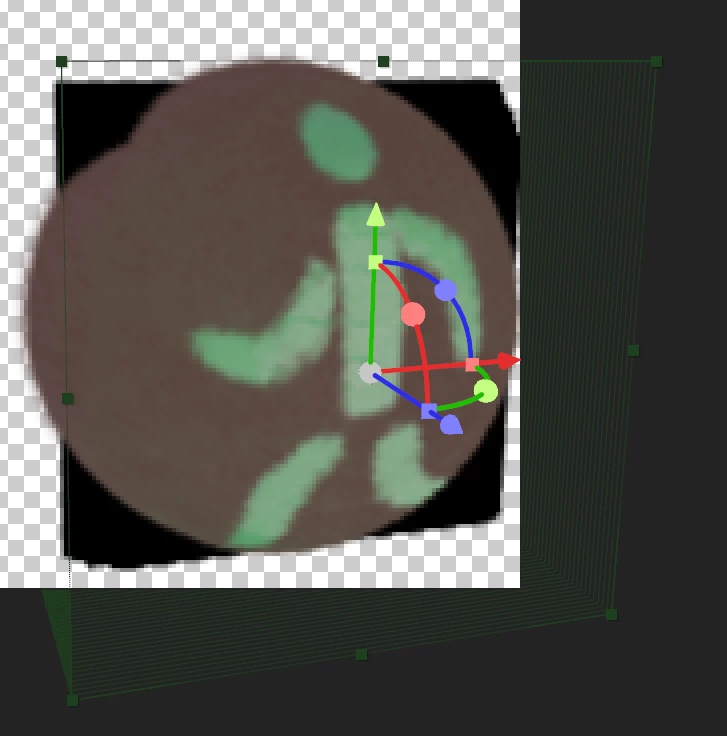
Or, perhaps there are other approaches in creating 3D bulges/hemispheres, that bypass the use of Advanced 3D Renderer, which at the moment seems little of use in creating quite complex hand-drawn environments. Classic 3D renderer, seems, has no issues of rendering this particular image, yet it lacks the geometry and shading options the C4D counterpart has for the other objects in the scene; afaik, can’t combine results from different renderers.
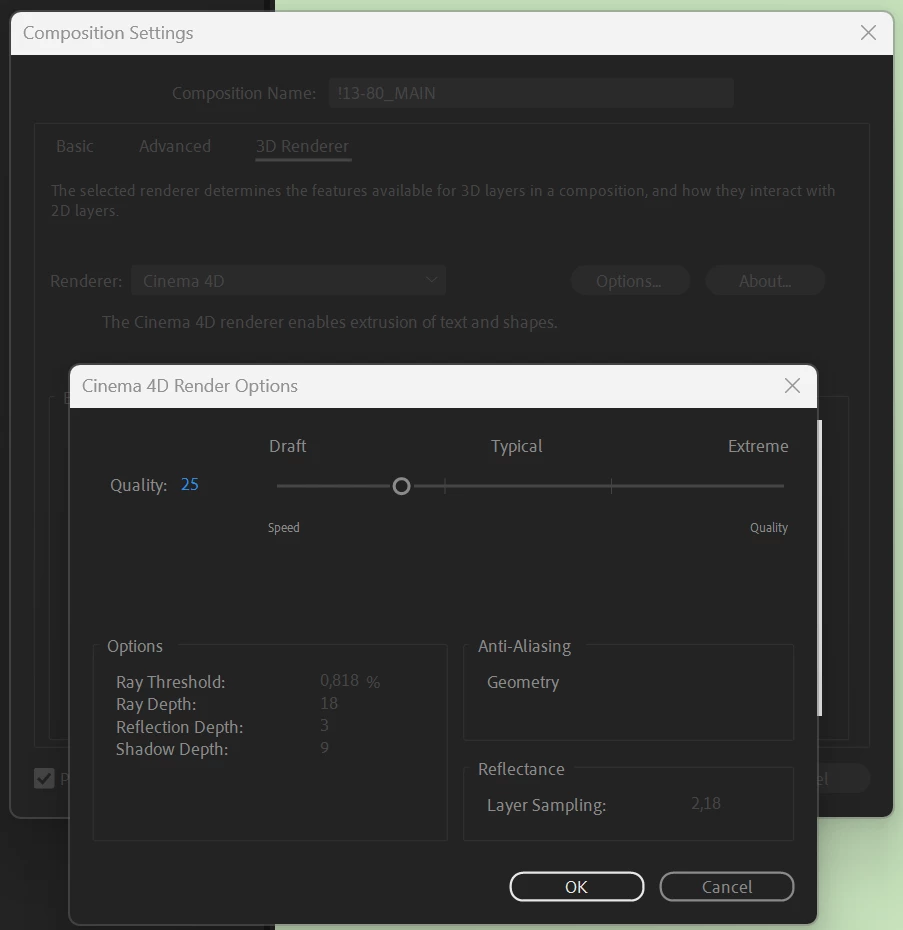
#2 Issue: When Render Quality is set to 99%, the frame update becomes impossible.
Solution: Quality setting needs to be decreased. However, it needs to be turned back upon rendering, which is prone to be forgotten, and sometimes it is just one element that needs to be previewed, so this means jumping 4 clicks back and forth, as there is no top-level indication of actual Quality setting, puts out of the zone.
Consequentially, I wanted to create a Text object with sourceText containing info about the COMP's (not RenderQueue!!) render attributes. Unfortunately, I failed to find a way to find that setting neither via expressions nor scripting documentation. Failed so far:
- the app.project.activeItem.renderQuality or app.project.activeItem.renderingQuality appear to be nonexistent ("undefined");
- could not find documentation on "ADBE Ernst" (C4D render engine), nowhere;
- Copilot-generated script solutions also lead nowhere.
How to access Quality property, anyhow?


 AdChoices