Karen.Karen
Inspiring
July 21, 2022
Question

cache after effects so slow!!
  • July 21, 2022
  • 3 replies
  • 676 views

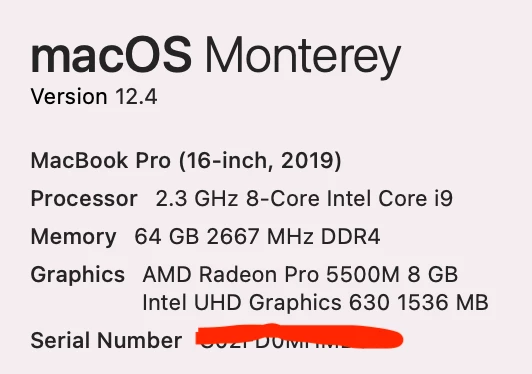
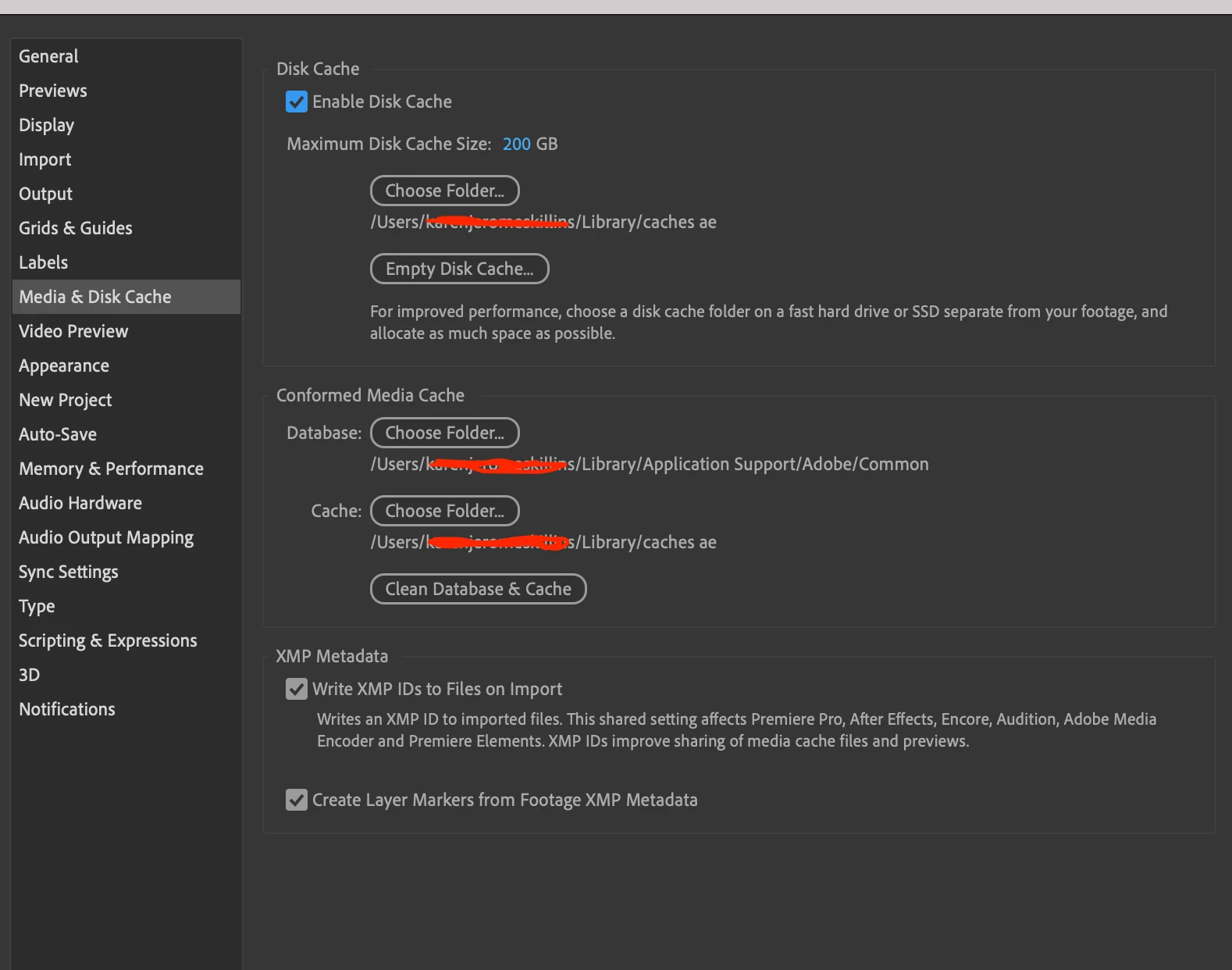
 Can anyone tell me if I have this set up correctly for using After Effects.  I just love using this program but it gets so slow.  Maybe I just need a better laptop.  Thank you!

    This topic has been closed for replies.

    3 replies

    ShiveringCactus
    Community Expert
    Community Expert
    August 1, 2022

     I think it's likely AE is using your GPU, but you can check your project settings (File > Project Settings)


    As @nishu_kush says, After Effects isn't a video editor.  That type of software plays the clips directly from the video files.  Instead After Effects builds up each frame into its RAM (the green line shows its progress).  If you need to check timings, try this:

    • Solo just the layers you need to check
    • Hit 0 on your keypad to preview the timeline without sound.
    • Once it has run through this, use the spacebar to preview the timeline again with sound.

    You can also preview the audio and use the keypad's * to add markers to your comp, so you can have a visual indicator to line up animations.

    nishu_kush
    Community Manager
    Community Manager
    August 1, 2022

    Hi there,


    Thanks for the screenshot.

    Which effects are you using in the project? After Effects preview doesn't work like an NLE. Click here for more details.

    If it doesn't explain your issue, please share a screen recording that shows the problem.

    We're here to help.


    Thanks,

    Nishu

    Known Participant
    August 1, 2022

     Effects in this project include turbulance dispalce, fill, a bit of cc bendit, masks everywhere, trim paths.  Does this help.  I end up clearing the disk often.  Just didn't know if you could tell if I am using a graphic card?  I bought it thinking this would help with speed.  Maybe it would be slower if I didn't have it? Answering another answer...project>project settings...where is this to see if this setting?  Thank you for any help.

    Ishan Y
    Community Manager
    Community Manager
    July 21, 2022

    Hey nerakanne!,


    We're sorry about the poor playback performance. Your hardware doesn't seem to be the issue here. Can you tell us more about the issue you're experiencing? Is After Effects slow while performing any specific task, or is it completely random? Are you using any third-party plugins? Are you having this issue with a particular project? Let us know. We're here to help.


    Thanks,

    Ishan

    Known Participant
    July 28, 2022

    No plug ins.  I am rather new at this...two years on my own. Slow to get the green bar back to preview most times.  I do have many layers, comps.  I have been reducing the comps in 'dependencies and working on most comps separately.  I just wanted to make sure I had the setting for the preview 'ram' and the memory ...whatever set up correctly.  I do have a graphics card that I bought and I think it's being used.  Can you tell from what I sent you?

    Known Participant
    July 28, 2022

    I do turn off the music also for faster time....