fairy_ley
Known Participant
December 5, 2021
Frage

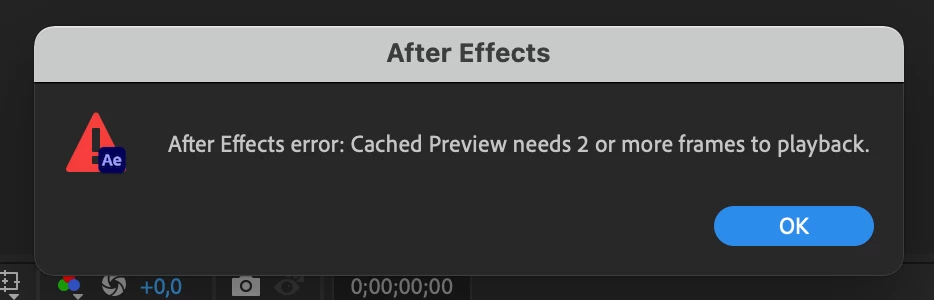
cached preview needs 2 or more frames to play back

  • December 5, 2021
  • 1 Antwort
  • 170 Ansichten

I know how to fix this error (purge Media caache, close unnecessary apps,etc ) but in this post I just want to ask what it always happen from Adobe After Effect 2021 (18.0) until the latest version (22.0) but when I downgrade to ver.2020 it never happened even I open multiple applications. It is really annoying when I should close another application that I use in the same time like google chrome or docs only to fix this error. I hope this error will be fixed soon. 

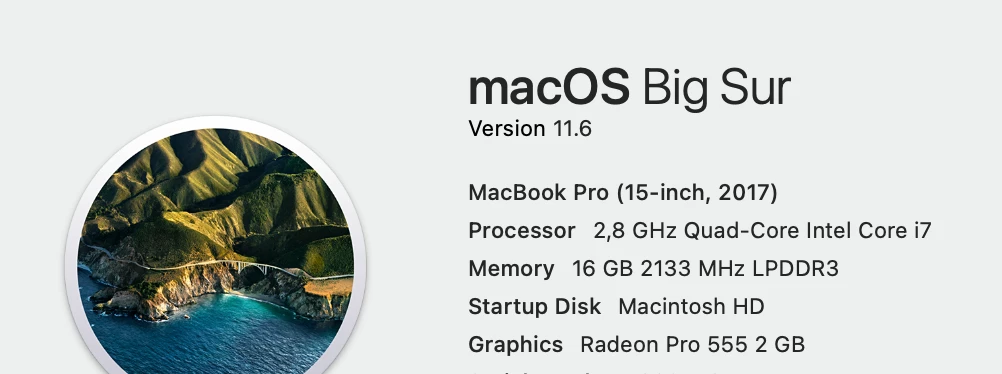
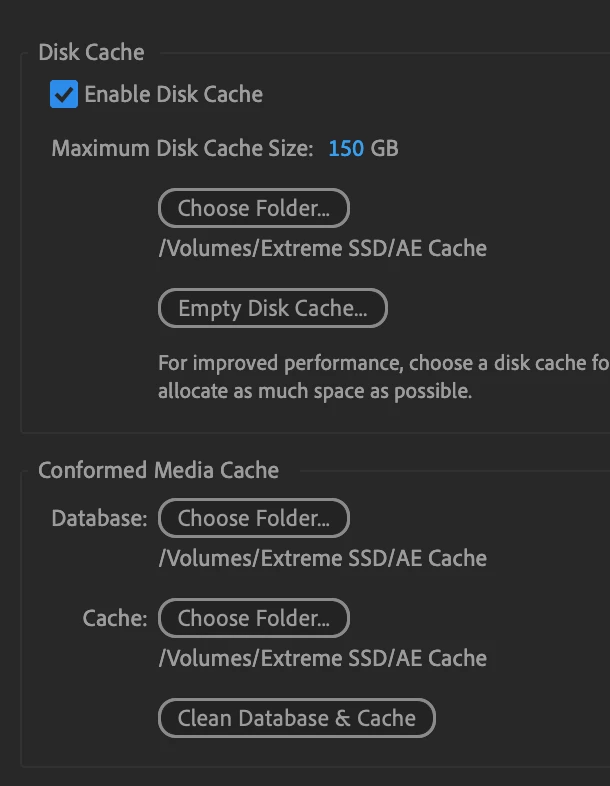
FYI this is the system I used.
Dieses Thema wurde für Antworten geschlossen.

1 Antwort

Mrtn Ritter
Participating Frequently
December 5, 2021

I got this error when:

1. the render area was in fact just 1 frame long

2. I broke puppet pin effect, because of switching CR mode


Check if any of those apply to your case.


*Martin

fairy_ley
Known Participant
December 5, 2021

No.1 is not my issue.

No.2

What do you mean by "Switching CR Mode" ?

Mrtn Ritter
Participating Frequently
December 5, 2021

Continuous Rasterization.

If it was on when you apply the pins and you switch if off, the effect breaks and brings this error message. It's the same vice versa.


*Martin