laurie_4427
Participant
February 13, 2026
Question

Camera cannot focus on close object

  • February 13, 2026
  • 3 replies
  • 1 view

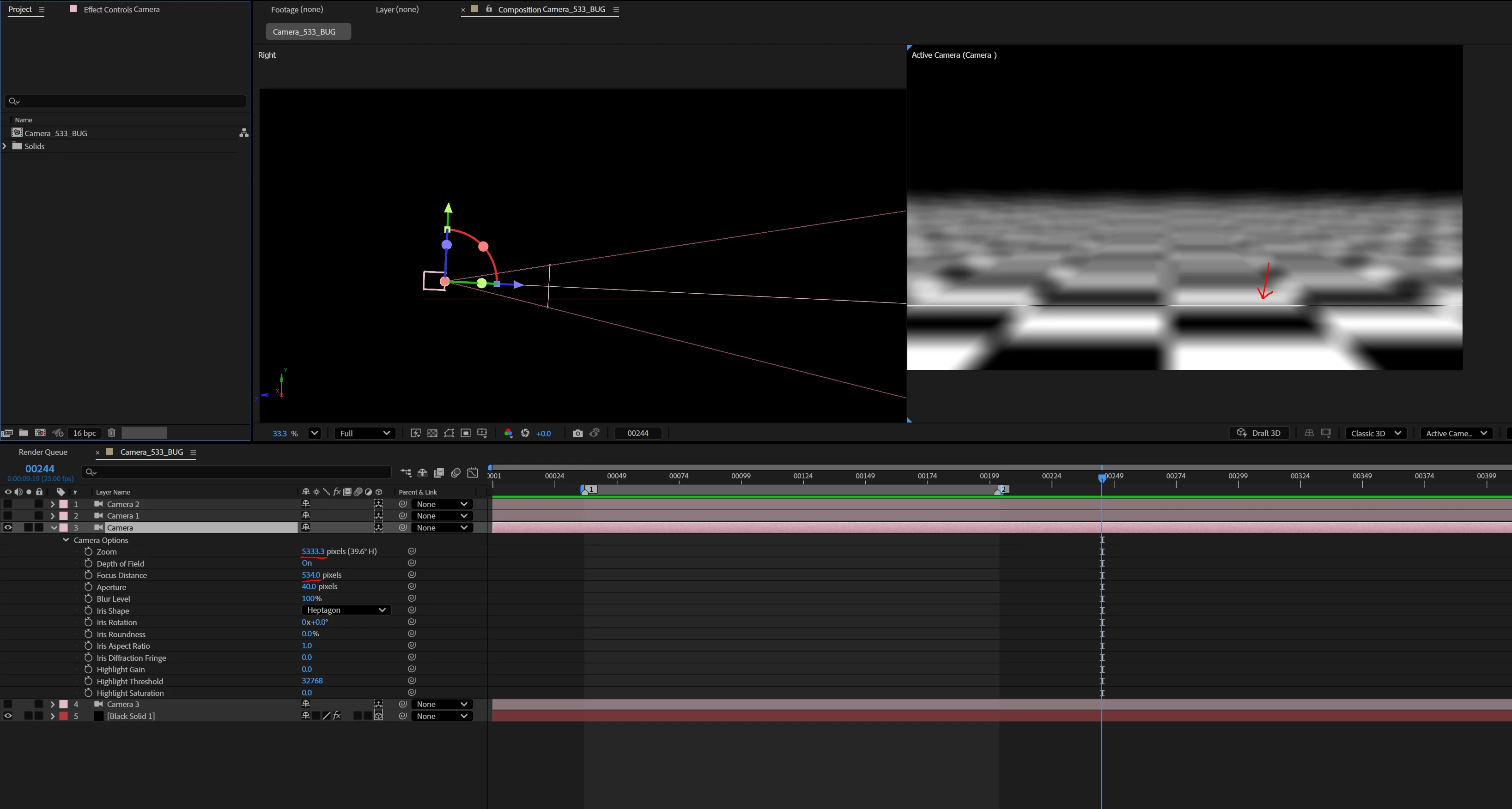
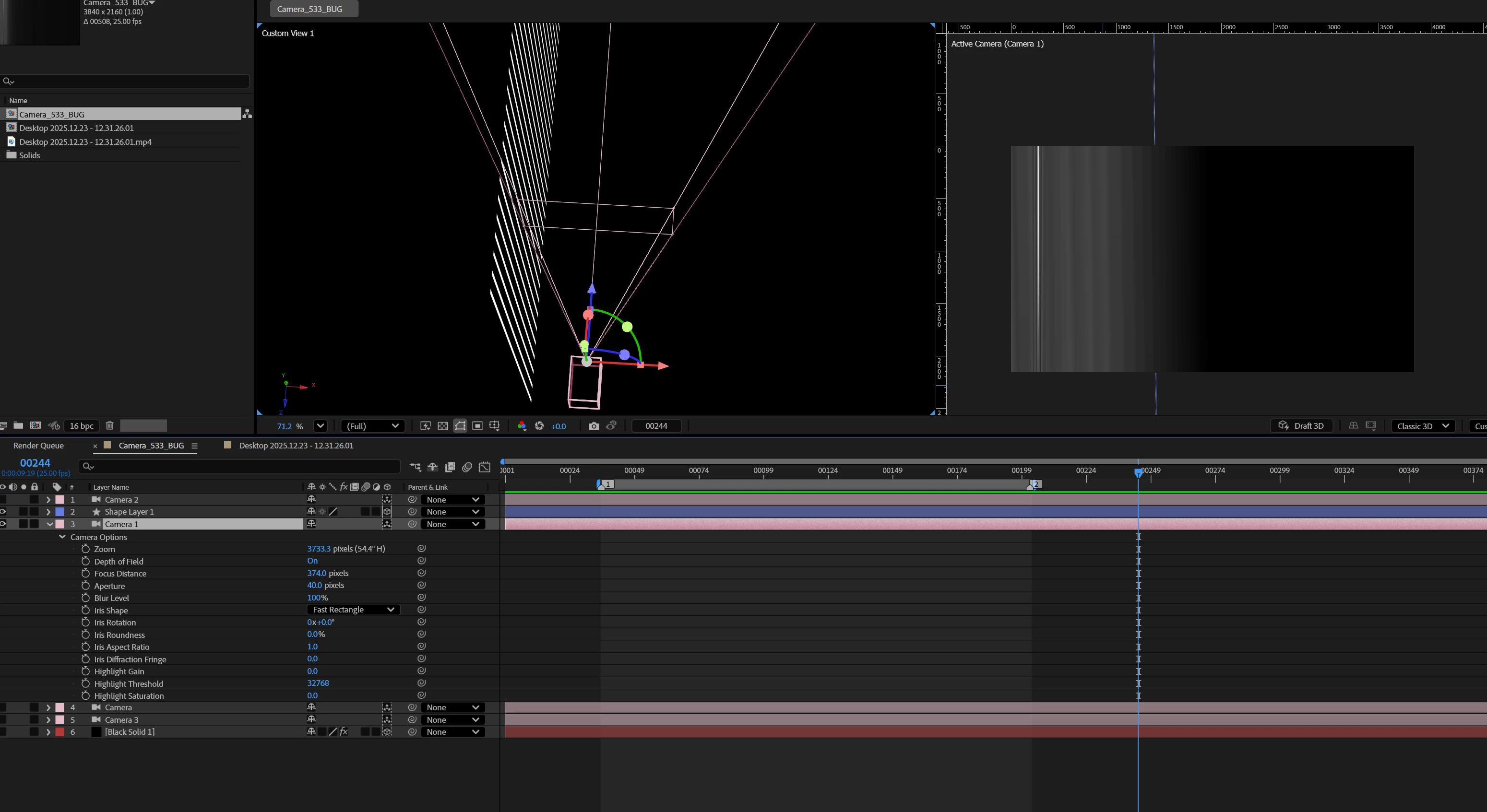
My AE cameras have a definite cut off point, go any closer and they will not focus on anything. 

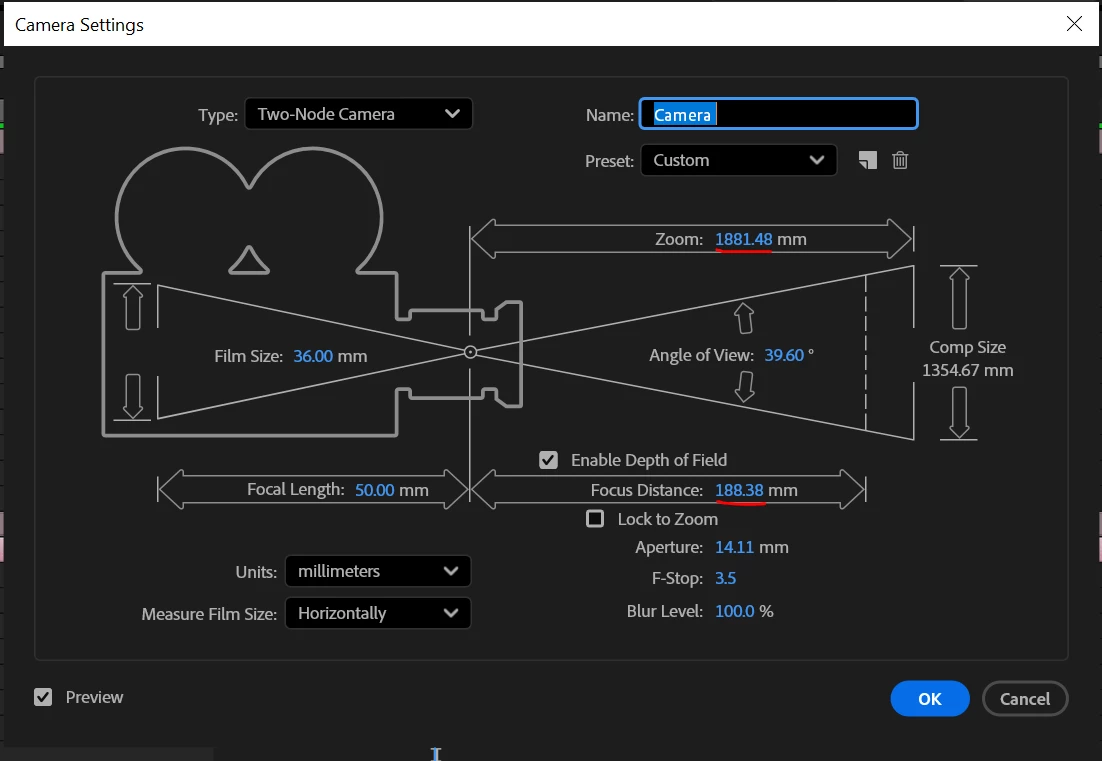
I have done some tests using different camera settings and it seems that the cut of point is exactly 10% of the zoom value:

If the zoom is 5333.3 pixels, it will not focus less than 533 pixels away.

If the zoom is 1500 pixels, it will not focus less than 150 pixels away.

Here is a video of the issue

A work around to this is to scale up the entire scene and the camera:

- Create a 3D Null,
- attach all 3D layers and your camera to that null,
- scale up the null (as much as you need maybe 400%)
- unlink the layers and camera
 

Unfortunately this doesn't seem to work for cameras that are linked to nulls as part of a camera rig. As I use lots of camera rigs, I’d really appreciate if anyone can provide a solution to this.

Thanks,

Laurie
 

    3 replies

    Community Expert
    February 16, 2026

    I do this kind of thing all the time with an expression tying the distance to a null to the focus point. Add a null, make it 3D, Shift + parent it to the layer you want to focus on so you can then move the null around on the surface using the appropriate controls, then remove this parenting and add this expression to the project:

    ref = thisComp.layer("Null 1").transform.position;
    cam = transform.position;
    length(ref[0, 1, 2], cam[0, 1, 2]);

    I’ve uploaded an AEP file for you to look at.

    Community Expert
    February 16, 2026

    looks like my post got put up twice...

    ShiveringCactus
    Community Expert
    Community Expert
    February 16, 2026

    Not come across this issue myself,  but in your video when you went to an extreme amount and only had a slit in focus, it made me wonder if there is a clipping issue.  By that I mean the nearest parts are inspecting the plain of the camera.

    I’m not sure if there is a setting to address this, but I suppose a workaround would be to use a larger comp, with the camera further away and then make this a precomp and scale up?