Same here. I've followed every solution and double-checked where people find they have issues (ex. I'm on the Active Camera AND 'Show Layer Controls' is checked) yet I don't see the red targets show up when I hover over the tracking points. My only option, when I hover over the tracking points, is to move the layer itself. If I attempt to click a marker (still no red targets showing up), I ended up selecting the whole layer and moving it by its Transform (as you can see from the small tan-colored squares at the corners, indicating I can drag the layer round to change its transform).
P.S. In the screen shot it hides it, but my active camera is Default 2, as shown in the timeline. 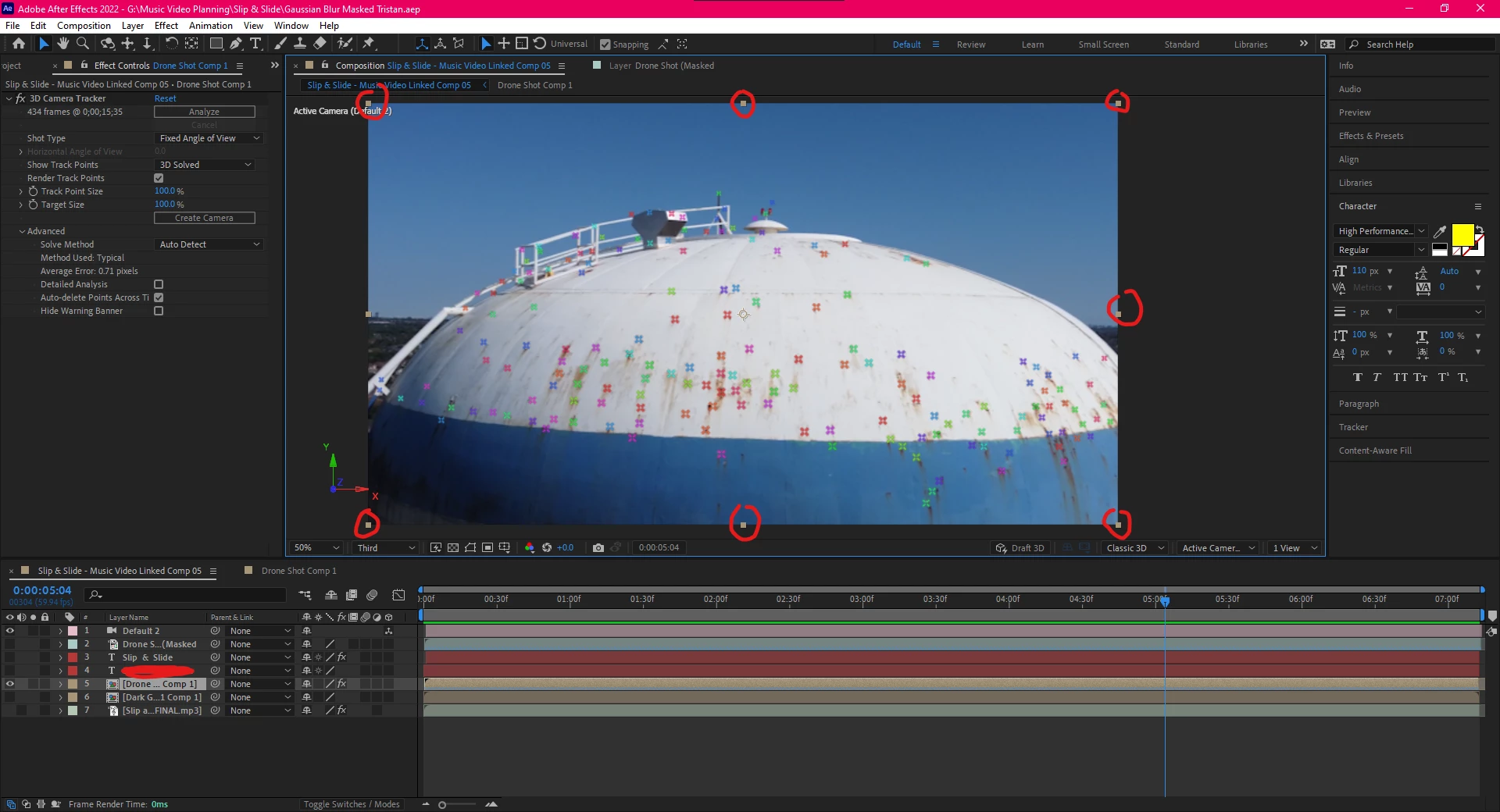
I fixed it MINUTES later!!
In my previous screen shot, you can see that the "Analyze" button is NOT greyed out. I clicked it again and re-analyzed it. Now it works perfectly. I don't know why I had to analyze it a second time, maybe it got interrupted.
But either way, make sure that Analyze button under the 3D Camera Tracker is greyed out. IF NOT hit it again and it should be just fine, you'll see the targets.
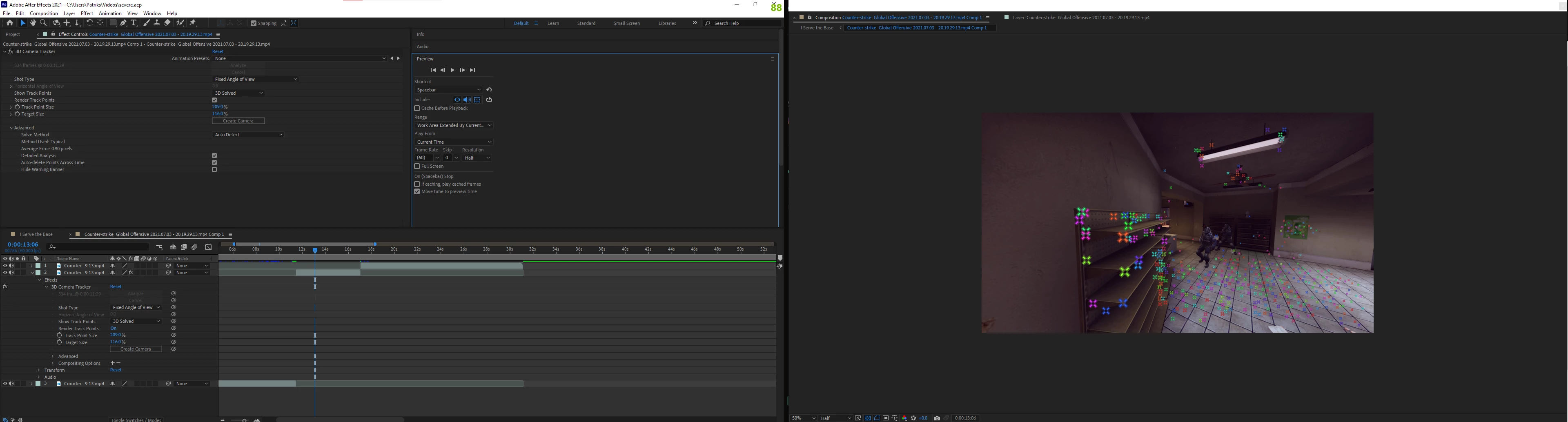
 AdChoices