


Answered
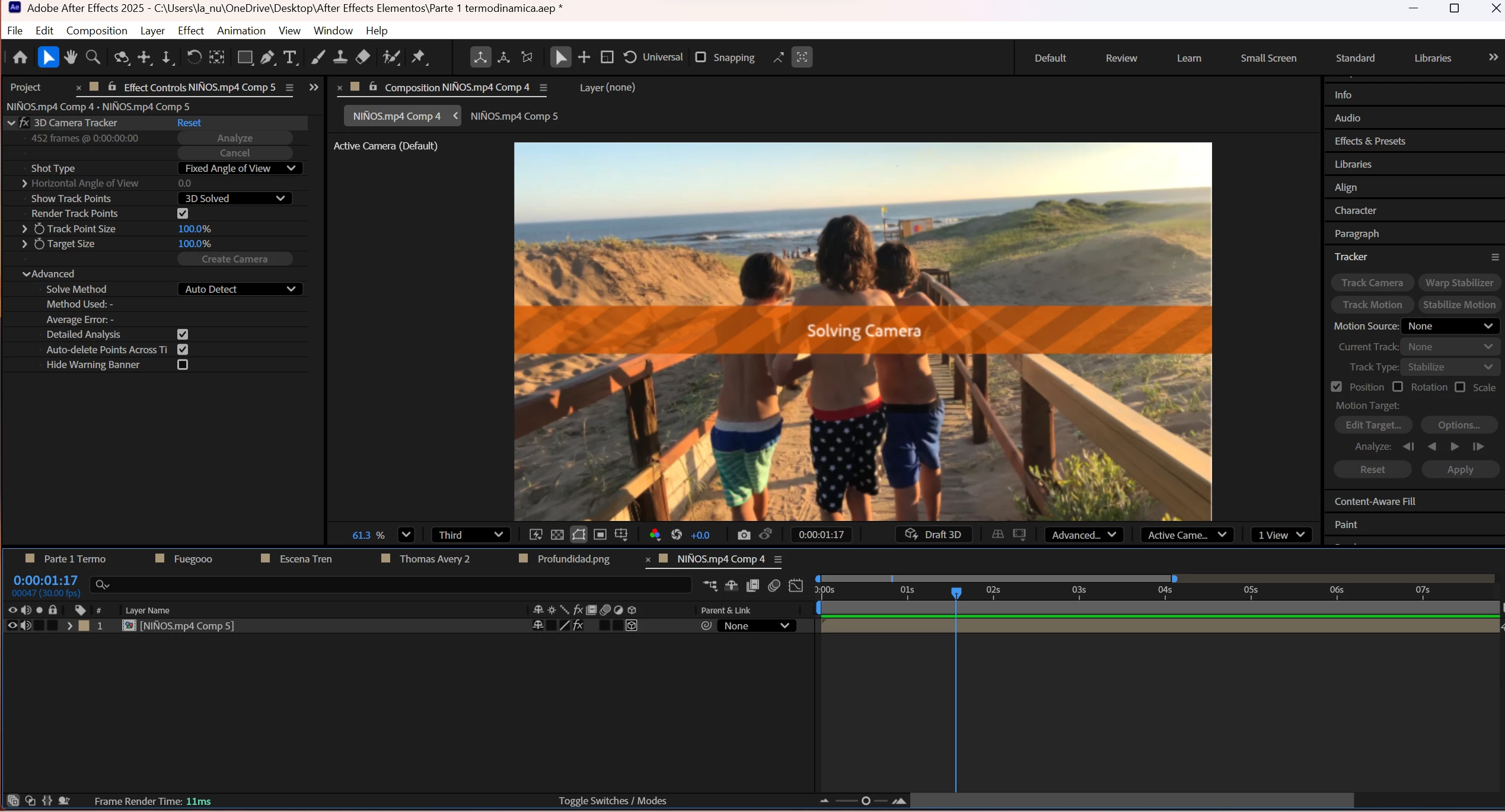
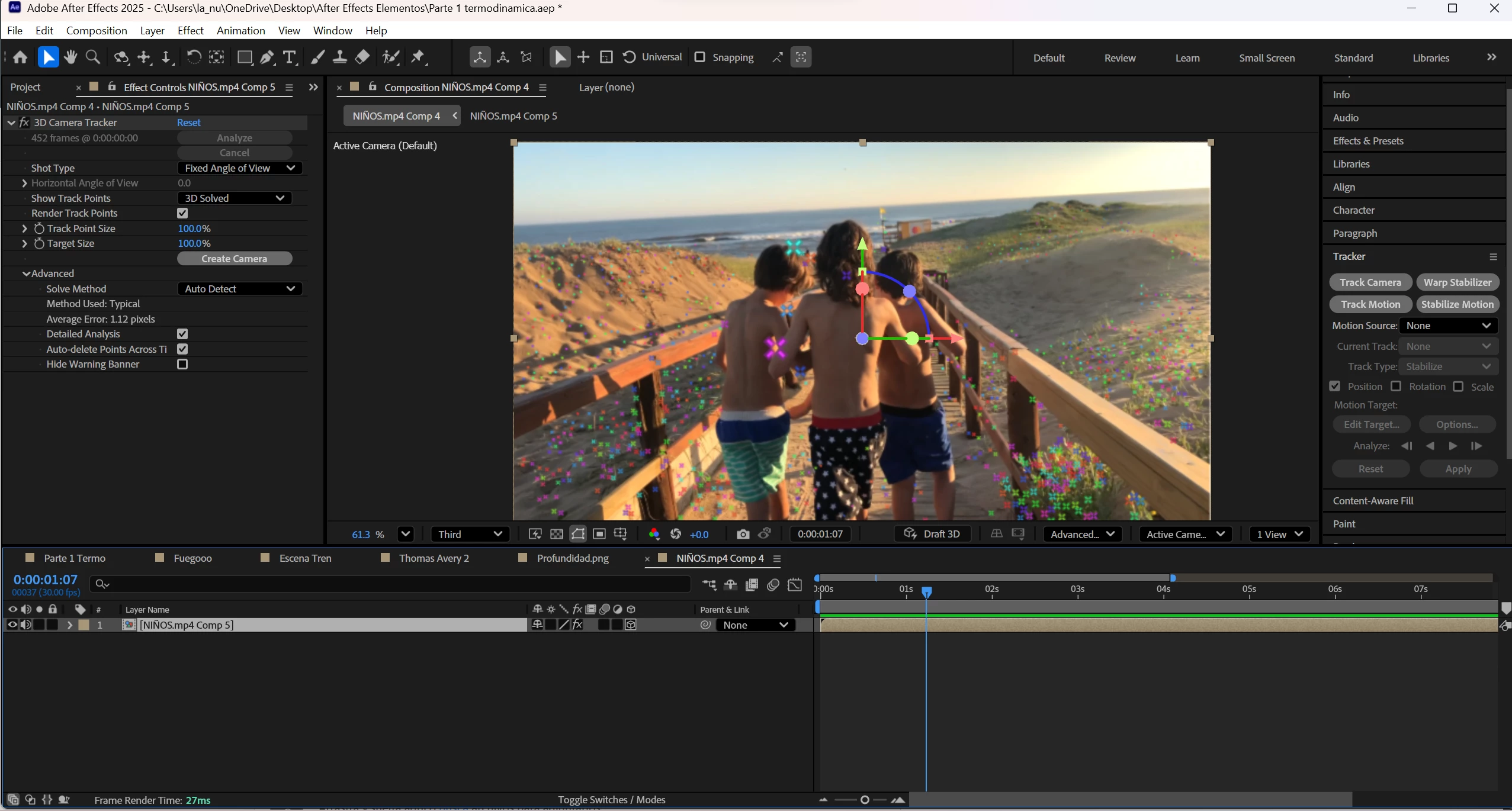
Camera tracker red Target circle not show
Hello community,
I have read some posts about this issue, but I still have the problem.
After the analysis finishes, I cannot select any point because the red target is not showing. I would like to know if there is another option or workaround I can try.
Here is what I’ve already attempted:
"Show Layer Controls" is activated.
Pre-composing the layer and applying the tracker afterward.
Making the layer 3D and then applying the tracker.
Any help would be greatly appreciated.
 AdChoices