Participant
September 27, 2018
Answered

Can anyone Help Advise On How To Create This Effect?

  • September 27, 2018
  • 1 reply
  • 328 views

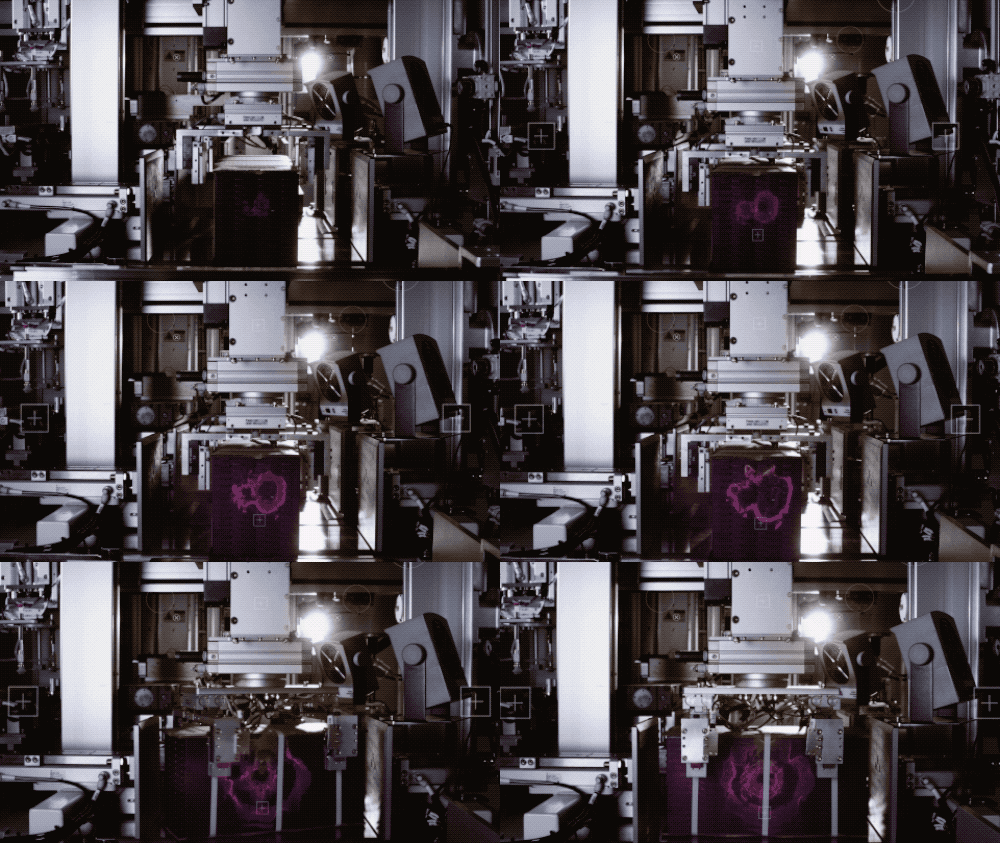
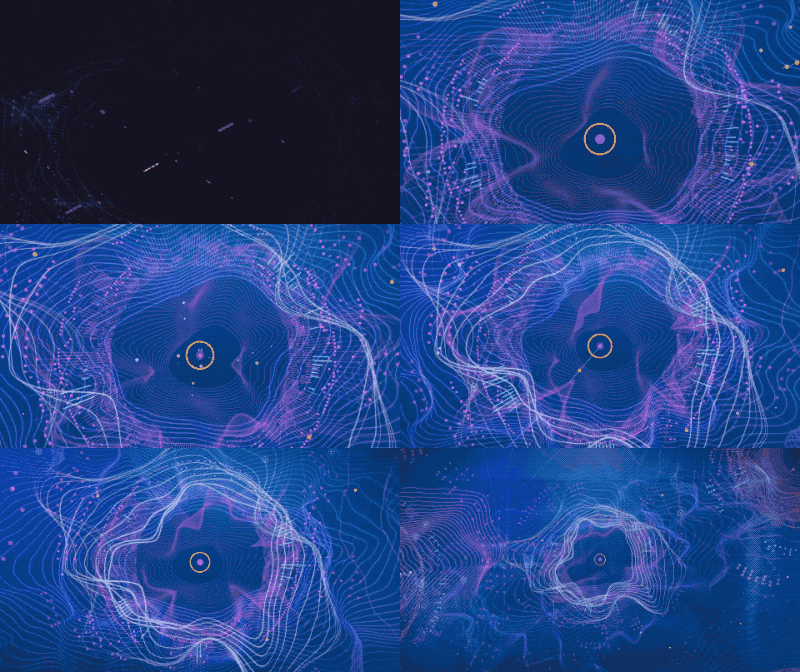
Hi all. I have been trying to recreate this effect with After Effects "Radio Waves" effect with little success.. I just wondered if anyone would have any insight into how else to achieve it? Super greatly for any advise..

    This topic has been closed for replies.
    Correct answer Rick Gerard

    You can approximate the effect by applying radio waves, using an animated mask and setting the source as the mask. This will give you an expanding changing shape. Here's everything I modified revealed in the timeline to get an expanding changing shape:
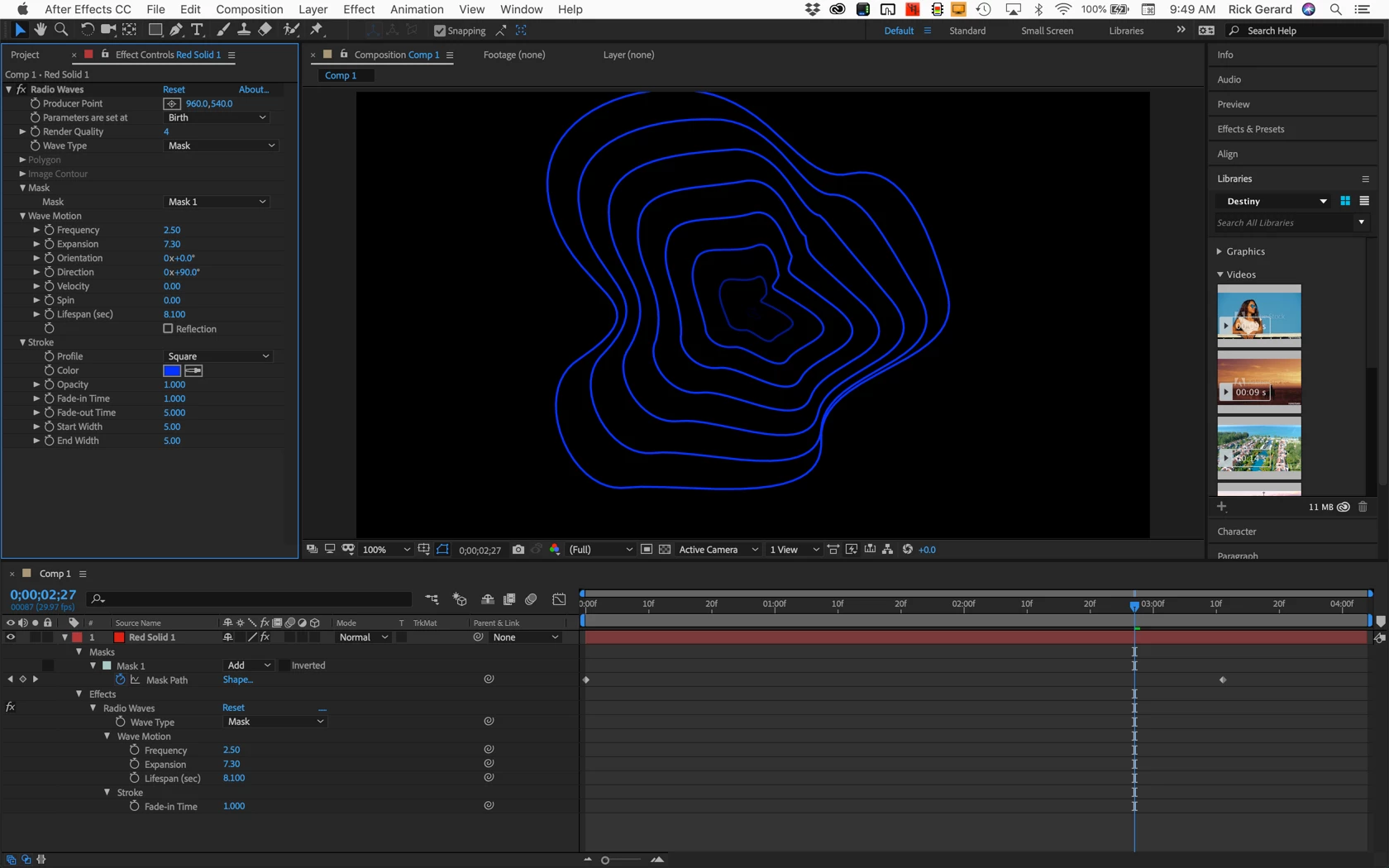
    To get the shape to contract pre-compose (Shift + Ctrl/Cmnd + c) moving all attributes then apply Time Remapping (Alt/Opton + Ctrl/Cmnd + t) then use the Keyframe assistant to time reverse the keyframes (Menu>Animation>Keyframe Assistant>Time Reverse Keyframes). I prefer this to just using Time Reverse layer because you have more options to change timing and it does a better job most of the time.

    You may need to layer more than one version of the effect, add some glow, force motion blur, work with blend modes and other things to get it to look closer to the original.

    If you have Trapcode Tao, Form or Mir you can get a lot closer to the sample.
    1 reply

    Rick GerardCommunity ExpertCorrect answer
    Community Expert
    September 27, 2018

    You can approximate the effect by applying radio waves, using an animated mask and setting the source as the mask. This will give you an expanding changing shape. Here's everything I modified revealed in the timeline to get an expanding changing shape:

    To get the shape to contract pre-compose (Shift + Ctrl/Cmnd + c) moving all attributes then apply Time Remapping (Alt/Opton + Ctrl/Cmnd + t) then use the Keyframe assistant to time reverse the keyframes (Menu>Animation>Keyframe Assistant>Time Reverse Keyframes). I prefer this to just using Time Reverse layer because you have more options to change timing and it does a better job most of the time.

    You may need to layer more than one version of the effect, add some glow, force motion blur, work with blend modes and other things to get it to look closer to the original.

    If you have Trapcode Tao, Form or Mir you can get a lot closer to the sample.