Answered
can not show handles in the position
i was tring to animate a 3d textin the comp and the handles dont show up what can i do?
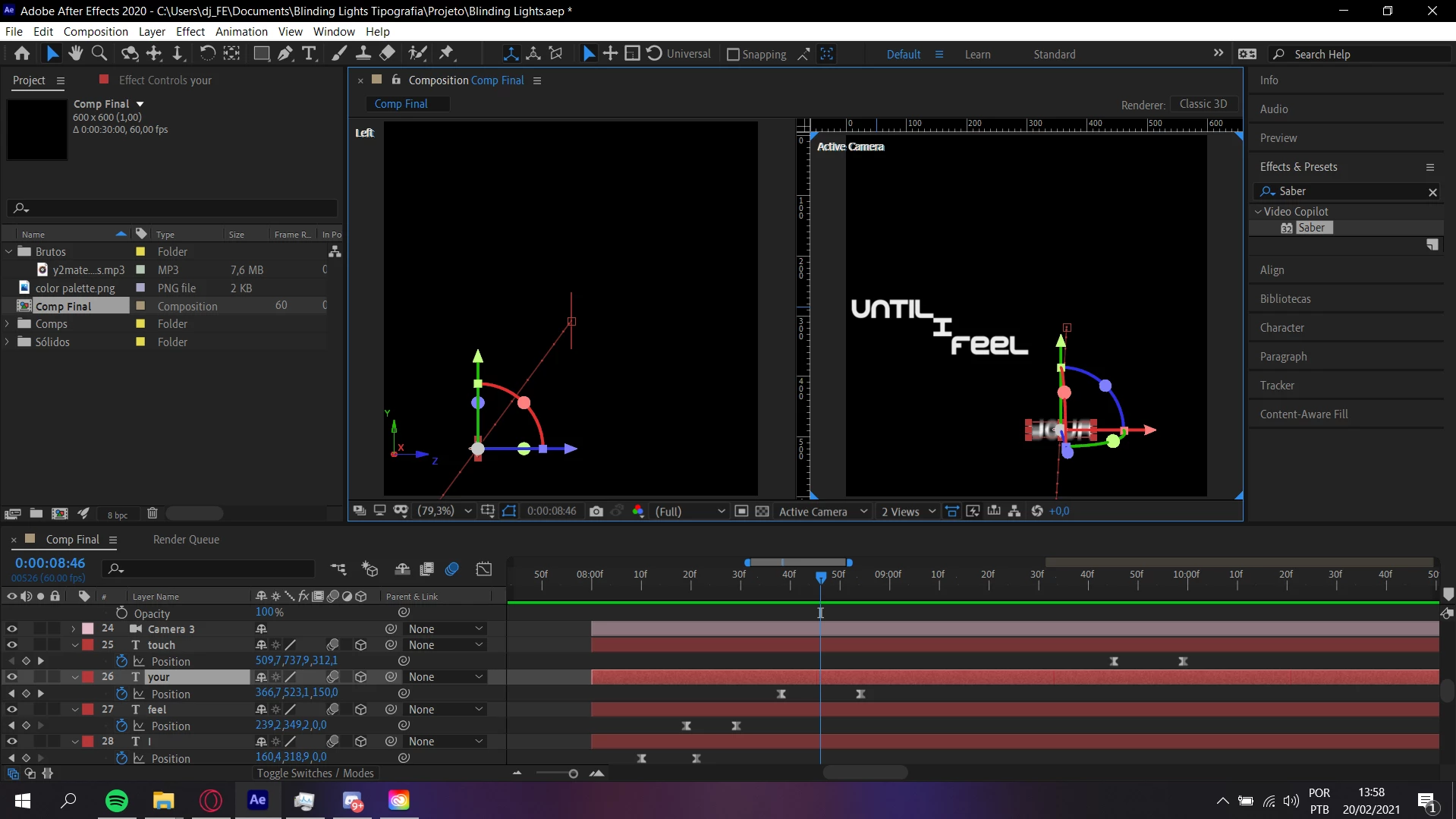

i was tring to animate a 3d textin the comp and the handles dont show up what can i do?
Your bezier handles should be showing up. Try clicking and holding the pen tool on the top toolbar, then select the tool that looks like a slanted V - this will change your vertices from bezier to linear etc. Use that to click and drag from one of your vertices. Also - you will lose your ability to pull the bezier handles if you separate the dimensions of your position keyframes in the graph editor. I can tell that you haven't done that, just letting you know - you can have bezier handles in the preview window or in the graph editor, but not both.
Already have an account? Login
Enter your E-mail address. We'll send you an e-mail with instructions to reset your password.
 AdChoices