Hi there,
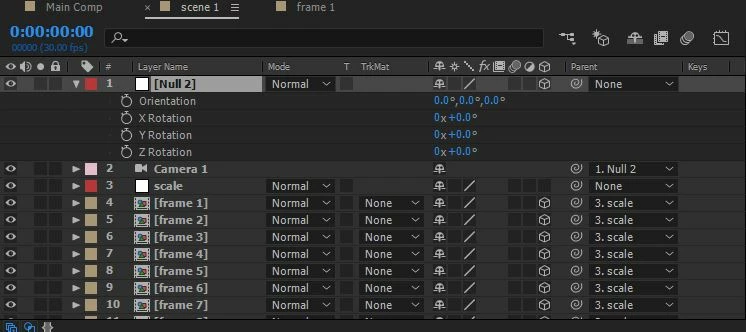
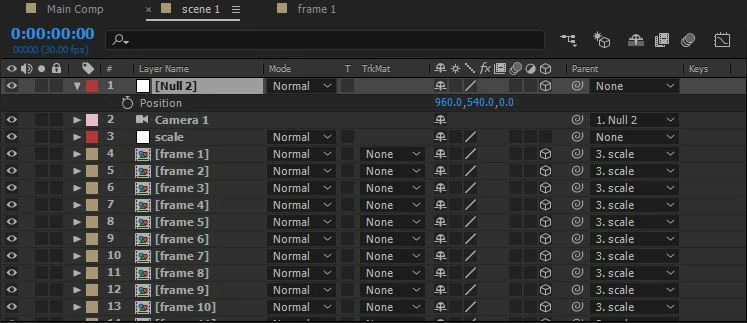
Thanks for reaching out. As I understand by looking at the screenshots, you are not able to expend more than one layer property at a time. I am assuming that you are using the keyboard shortcut to reveal the property like P for Position and R for Rotation. Am I correct?
You will need to press the shortcut key with the Shift key to reveal more than one property. For example, if you have Position already revealed, you need to press Shift + R to reveal Rotation along with the Position. Here's a YouTube video that will help: https://www.youtube.com/watch?v=F7s1Z2MoioI
Let us know if this is not what you are looking for.
Thanks,
Nishu

 AdChoices