Participant
April 24, 2020
Question

Can't export After Effects Composition to Adobe Media Encoder (URGENT!!)

  • April 24, 2020
  • 1 reply
  • 384 views

Hello everyone!

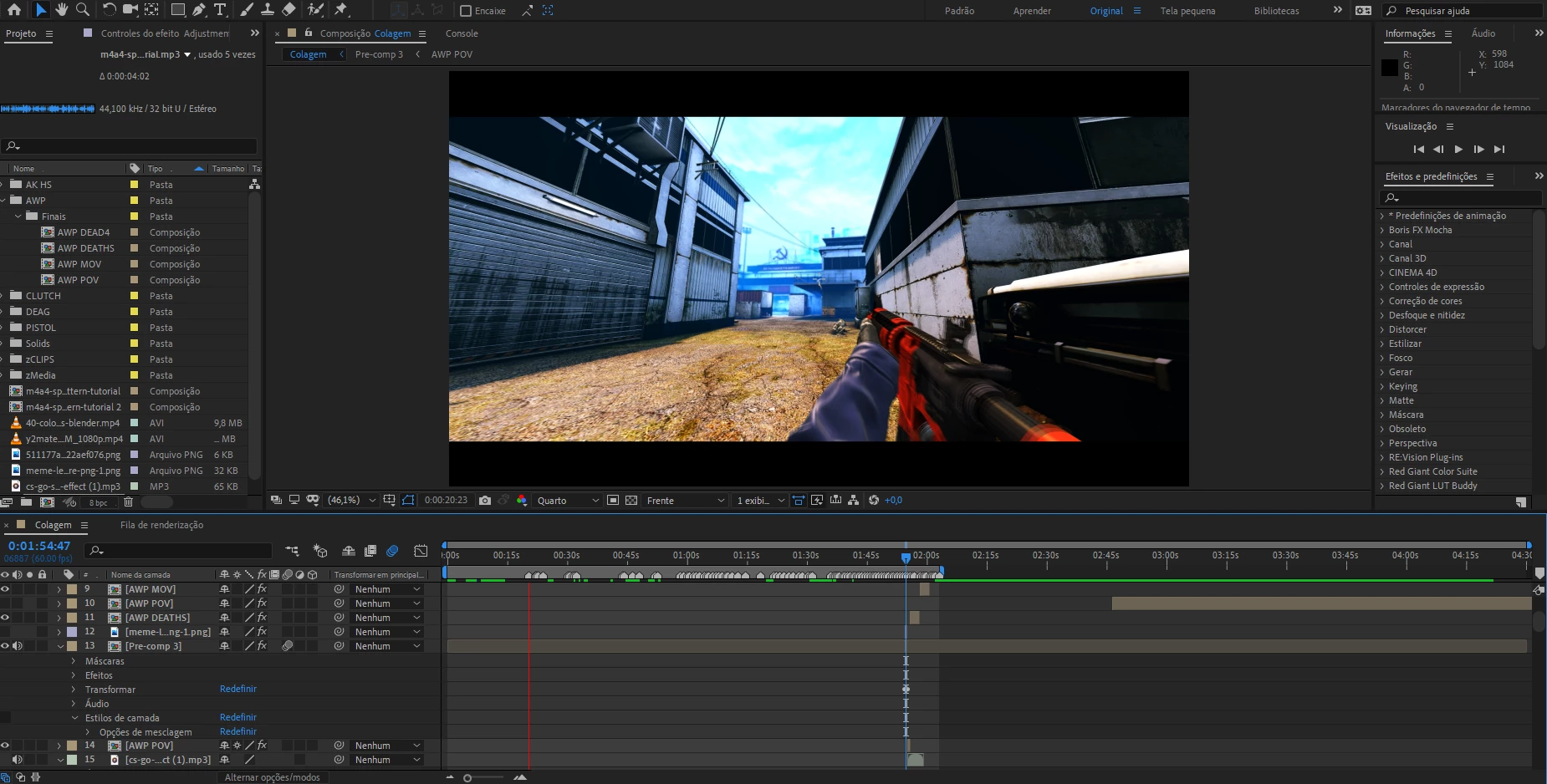
Im facing a problem where I can't export my composition.

First of all, nothing happens if I export the composition to AME... It opens, but nothing happens.

Tried to do it manually but it said that was impossible to open the project.

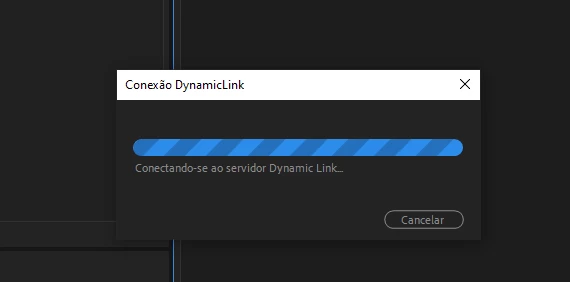
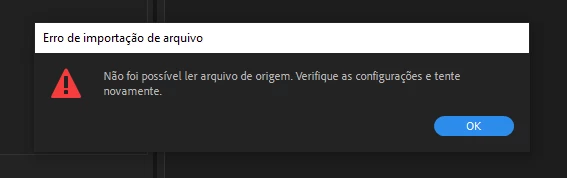
I even added to render queue > Queue in AME and it popped up in AME (Image 2) but when I clicked to change the settings of the render, appaers an error saying "Unable to read from the source. Please check the settings and try again" (Image 3).

I needed this to sunday night and didn't want to deliever a 30gb product do the client


This topic has been closed for replies.

1 reply

Martin_Ritter
Legend
April 25, 2020

Those GS:GO videos seem to be very famous right now... you are the second one posting here.


First, check if you can preview render your composition in full resolution in AE. If it fails at some point, you have to find the comp/layer/effect/keyframe which is causing this and you have to solve it, befor going further. Any export attemp will fail otherwise.

If you can preview render everything but AME makes trouble, just export the video as image sequence right in AE. This will create thousend of files, but that's the best option, still.

When rendering is finished, import the image sequence and put it into a new comp as top layer. Now grap the comp you rendered from and put it into the new comp as second layer, but with image switched off (the eye icon). If the image sequence is shorter or longer then the comp you rendered from, right click the image sequence in project panel and check the fps (I don't know how the option is called in English, Footage setting or something). FPS of image sequence must meet fps of your project and comp, of course.

Now make a safe and export this new comp through AME as video.


You can also try to export the comp as loseless and convert the file to H264 or whatever with AME. The workflow is easier, but requieres a lot of disk space.


*Martin

SUCO21Author
Participant
April 25, 2020

Alright thanks a lot , I'll give it a try