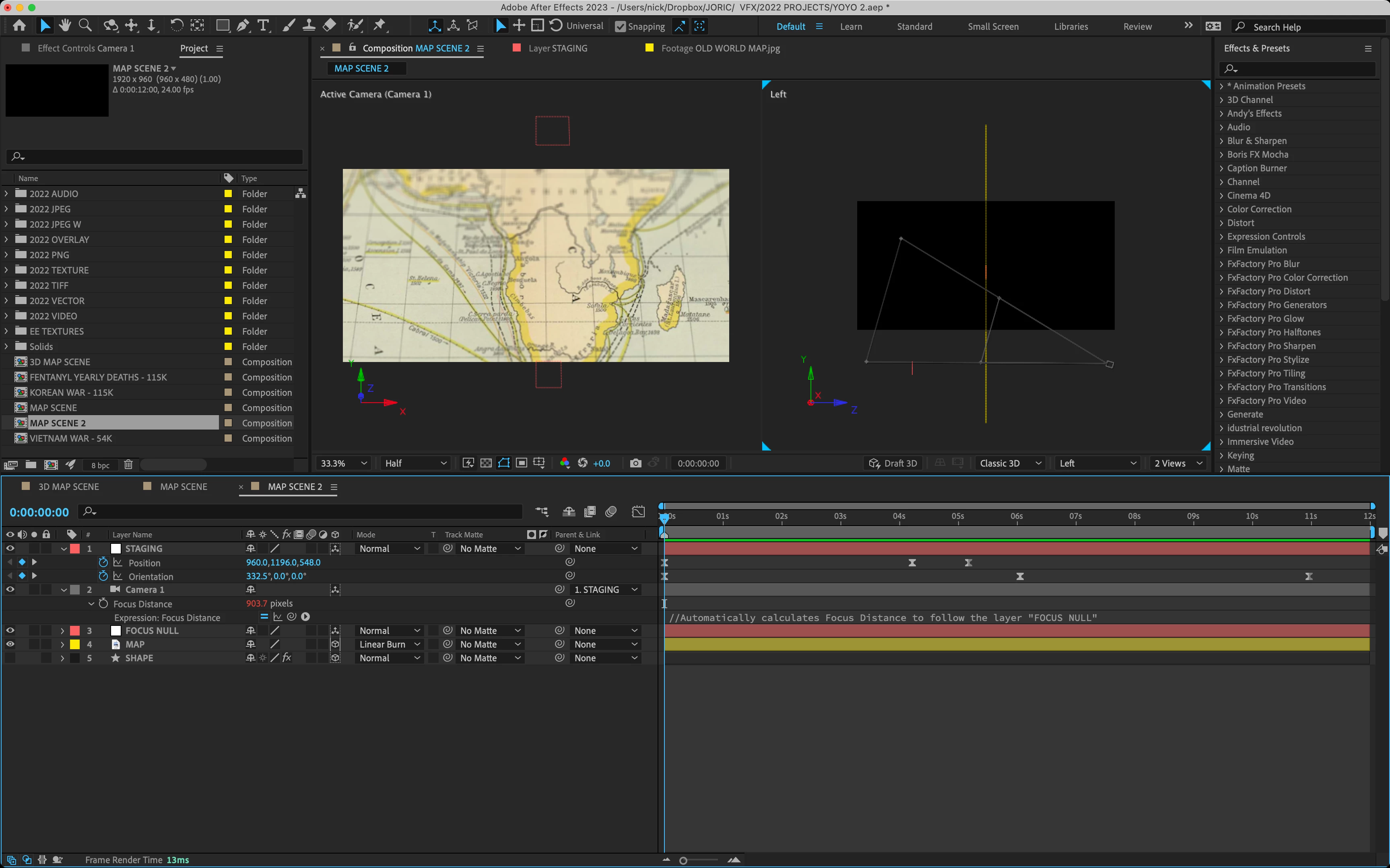
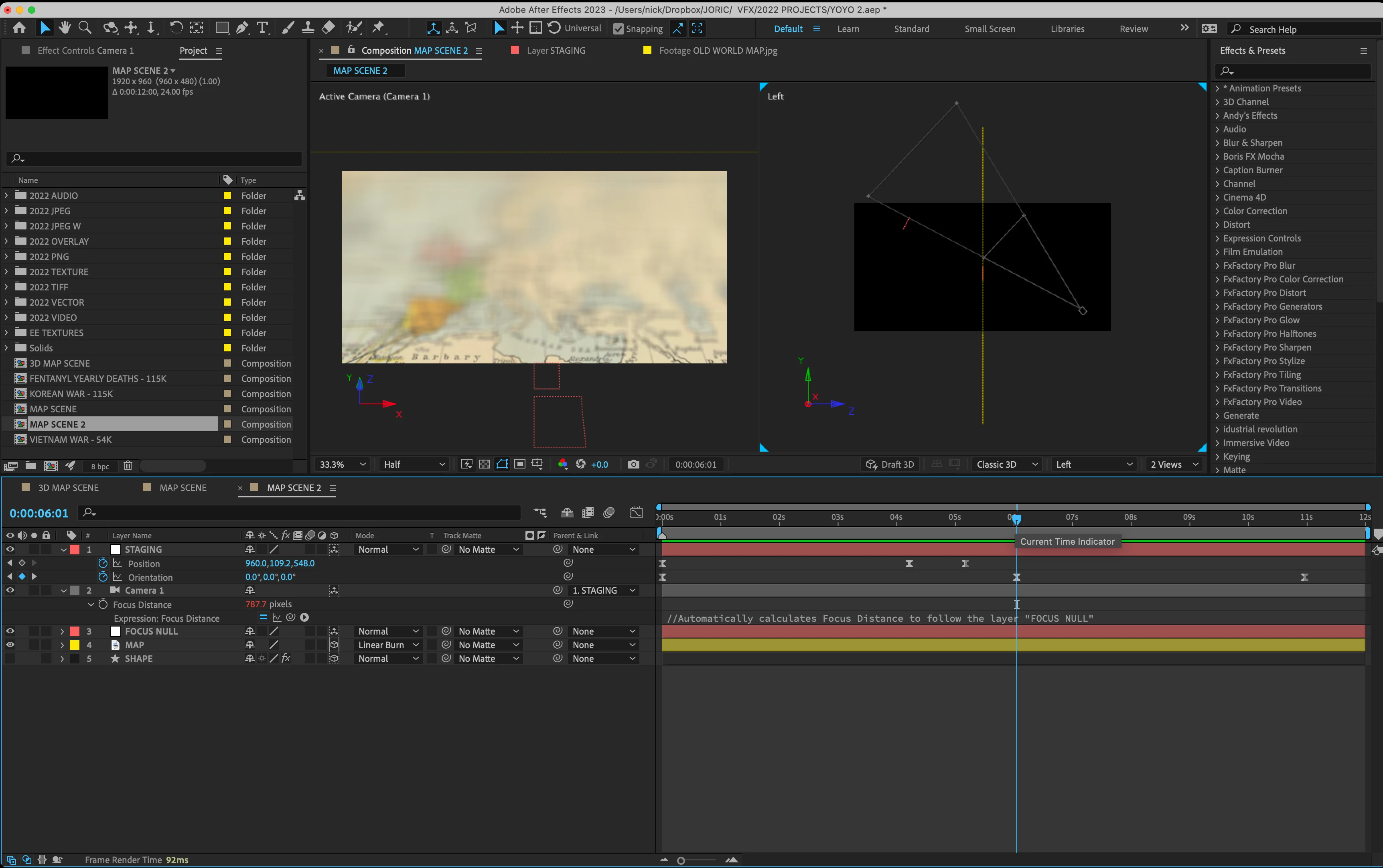
You have to move the focus null to the position on the map where you want the focus. I use this expression:
target = thisComp.layer(index + 1);
v1 = target.toWorld(target.anchorPoint) - toWorld([0,0,0]);
v2 = toWorldVec([0,0,1]);
dot(v1,v2)
It comes from the Animation Presets, and as long as you position the layer (Focus Null) under the camera layer, the focus will always be in the same plane as the camera. If you have a steep angle between the layer you want to focus on and the camera, you will have to move the "Focus Null" to the point on the layer you want in focus.
The easiest way to position your focus null on the surface of the map is to hold down the Shift key and Parent the Focus Null to the map. Then you can just use the X and Y values in the timeline to move the focus point around on the map. As long as you never fiddle with the Z value, the Focus Null will remain attached to the surface of the map, and you can keyframe the position as the camera moves. For a project like yours, I would probably use a small (100, 100) bright red or green solid set as a guide layer instead of a Null so I could easily see and move the focus point on the map. Guide Layers preview but don't render. This makes it a lot easier to see exactly what is in focus.




 AdChoices