Inspiring
October 16, 2024
Answered

can't import 3d files
  • October 16, 2024
  • 13 replies
  • 1029 views

 3d 파일은 불러왔지만, 정상적으로 import 되지 않았습니다.

3d 파일을 불러오게 되면, 갑자기 검은색 화면이 나타나며

key 움직이면 잠시동안 Silhouette  등장합니다.

물론, 이와 같은 현상은 glb, gltf, obj에서도 동일하게 나타납니다.

그런데, 다른 3d에서는 import가 잘 됩니다.

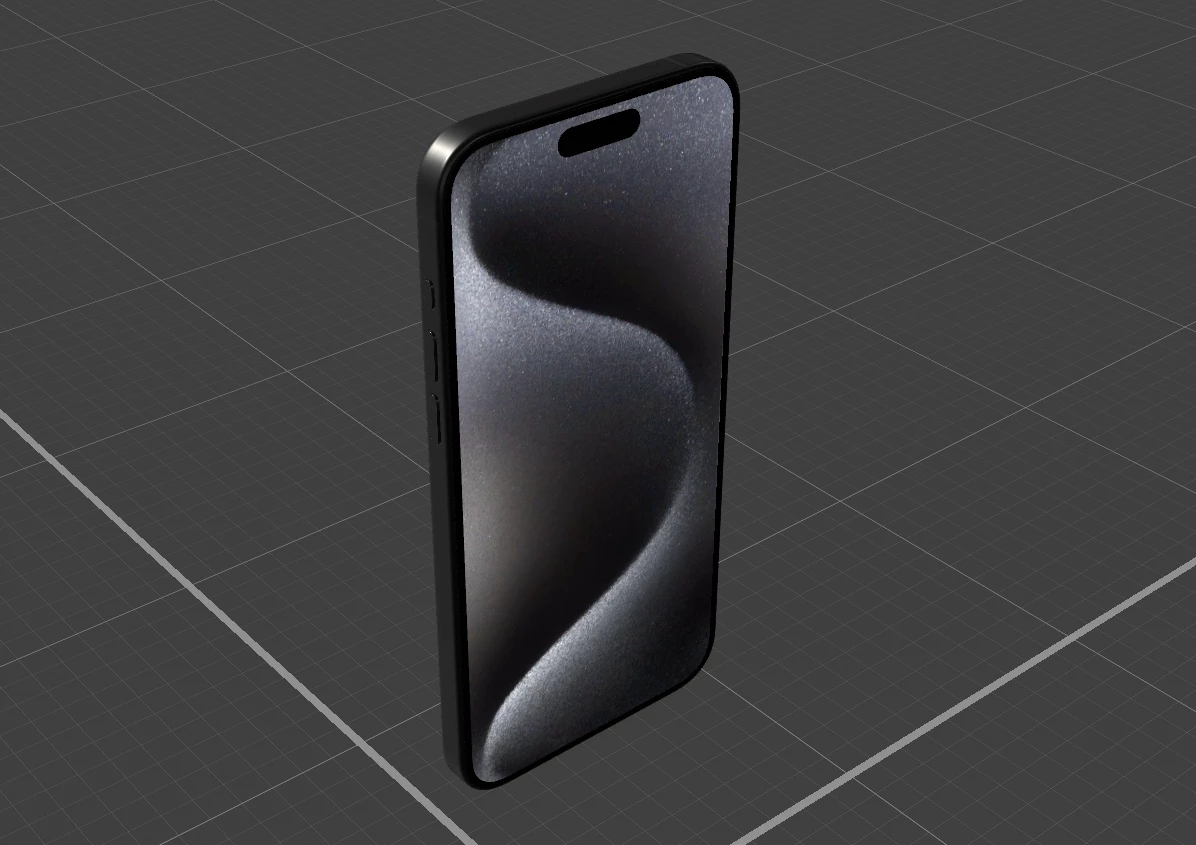
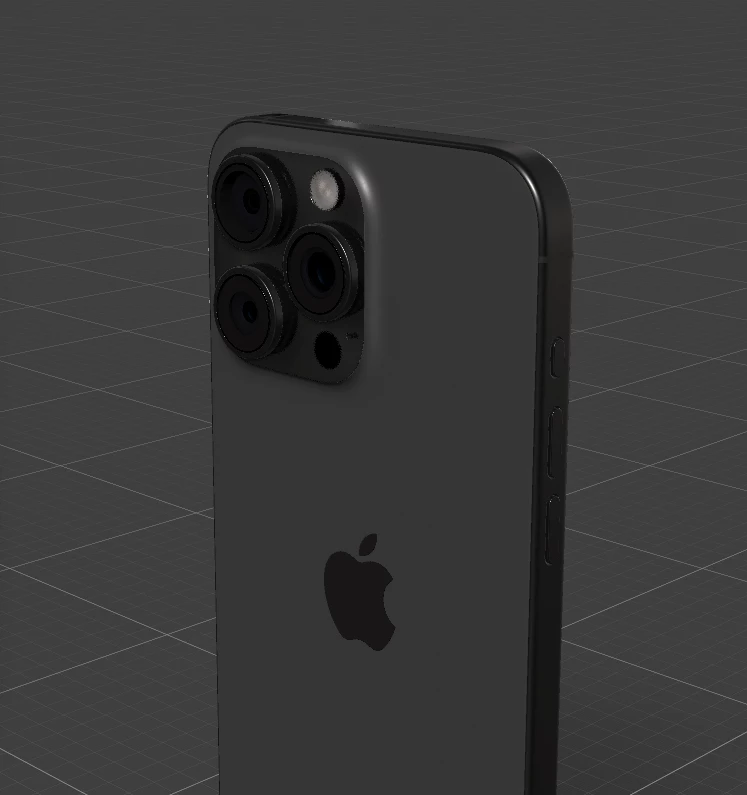
아래의 사진을 보세요. 동일한 파일을 가지고 실험했습니다. 
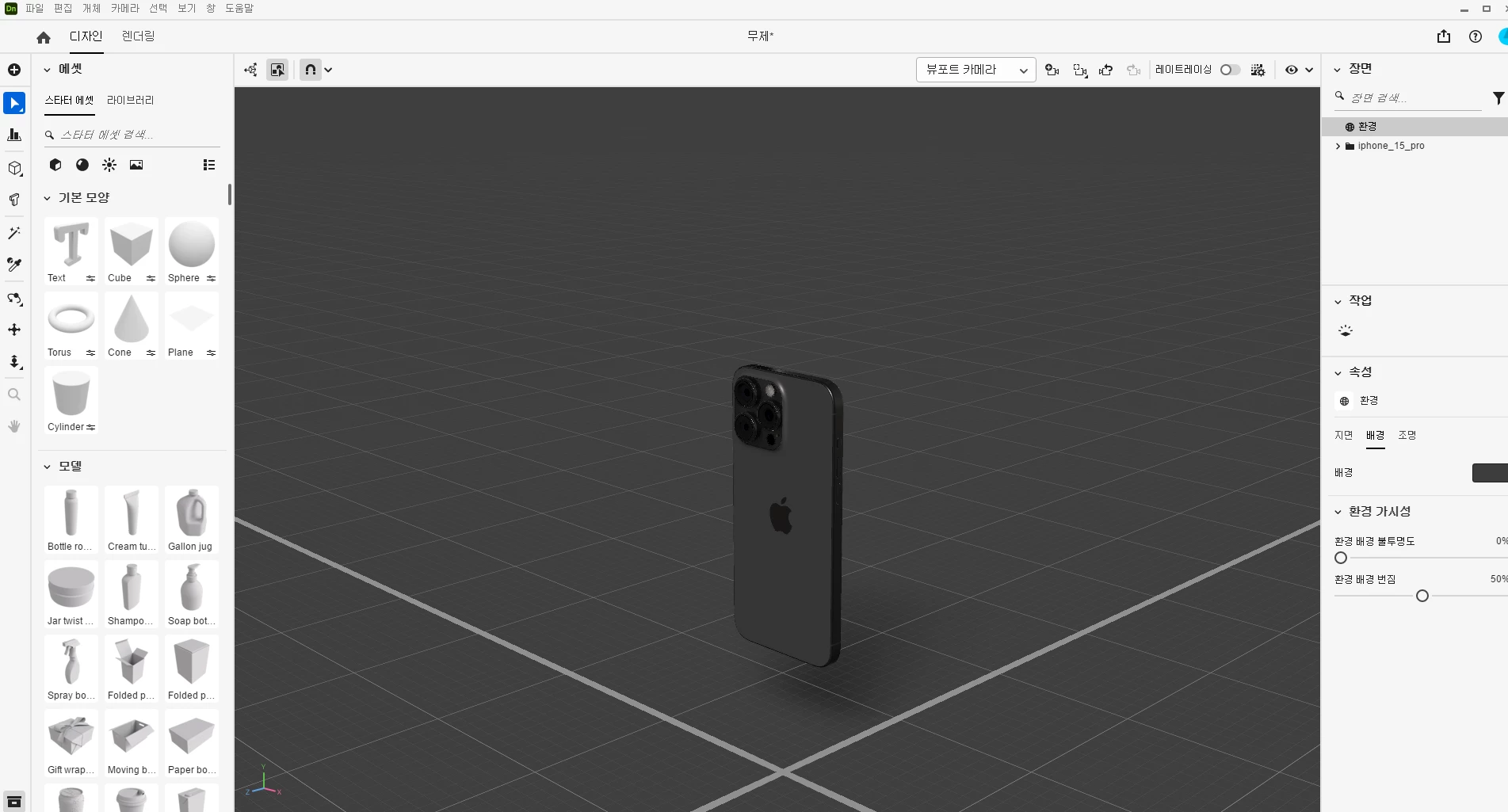
#관리자 모드, 안전 모드 등등 해 보았지만, 소용없었습니다.

#통합gpu를 "사용하지 않음"으로 설정한 뒤에도 소용이 없었습니다.

#그래픽 드라이브는 모두 최신 상태입니다.

# 컴퓨터 사양

CPU : Radeon 그래픽이 탑재된 AMD Ryzen 7 4800H

GPU : RTX 2060 6GB

램 : 32GB

현재 이 문제로 상당히 힘들어 하고 있습니다. 빠른 답변 부탁드립니다.

This topic has been closed for replies.
Correct answer 구준37257546nm0d

great teachers, nishu and tom sir, i solved this problem FINALLYYYYYYYYYYYYYYY!

The method was simple, that is just formatting. I touched a lot of settings to solve the problem, so things were getting worse. Additional problems arose, so I finally made the decision to format the computer. And then 3d files was working!!! Thank you so much for your help so far, and I hope you always stay healthy.


13 replies

Inspiring
October 16, 2024

파일을 첨부하는 방법을 모르겠습니다.


어떻게 첨부하나요?

Inspiring
October 16, 2024

안녕하세요 니슈님


정확히는, scale or position 을 조절할 때 물체를 볼수있는 것이 아닌, Silhouette box만 등장합니다. 아래의 사진을 보세요.  제 말을 잘 표현하는 사진입니다.

현재 위 사진과 같이 Silhouette box만 보이는 상황이며, 실제 3d 물체는 보이지 않습니다.


해당 3d files를 아래에 첨부하겠습니다. 하지만, 다른 곳에서 다운로드한 것이기에, 파일에 문제가 없을 것 같습니다.

그리고 all memory and disk cache는 모두 제거하였지만, 효과가 없었습니다.

nishu_kush
Legend
October 16, 2024

Thanks for writing in. We can get it checked.

You can see the object while scrubbing; it's probably not an issue with the 3D file. But I'd like to test it on my end. Please share the file. Feel free to DM me the download link if you do not want to share it publicly.

Also, try clearing the media cache (Edit > Purge > All Memory and Disk Cache).

Let us know how it goes.


Thanks,

Nishu