


Can´t import files as composition in After Effects
I hope someone can help me. Since this week I can't import any photoshop file (with multiple layers) as a composition in After Effects. I've never had any problems with this until this week.
I've even tried photoshop files, with just blank layers (no shadow effects or something, because I read that might be a problem), and AE still freezes over this. Importing them as a footage file, is no problem at all.
I re-installed AE, removed the preferred settings....but the problem is persistent. And I really need help with this because I need to animate some logos for my work asap.
I don't think the problem is my laptop - because I have no problems opening my bigger AE projects and working in them. Just importing as a composition makes the program crash.
(and yeah I know I can cheat by uploading the files in premiere and then going into a AE project, but that is such a side road and I would like to work more productive).
My laptop specs:
AMD Ryzen 7
RAM 16GB
64 bits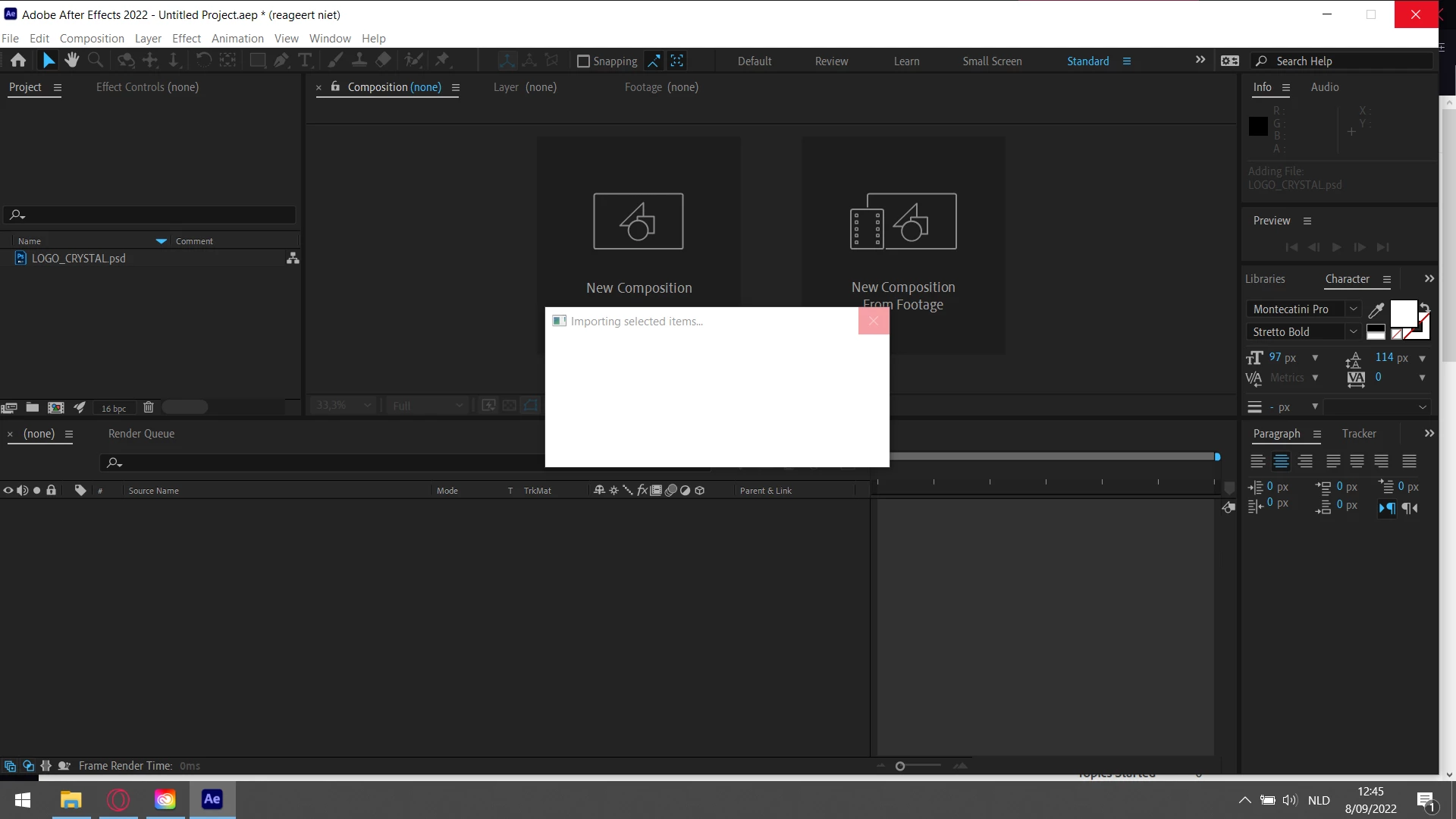
 AdChoices