
ziangoartista74494743
Participant
September 25, 2017
Answered

can't move anchor point

  • September 25, 2017
  • 1 reply
  • 3811 views

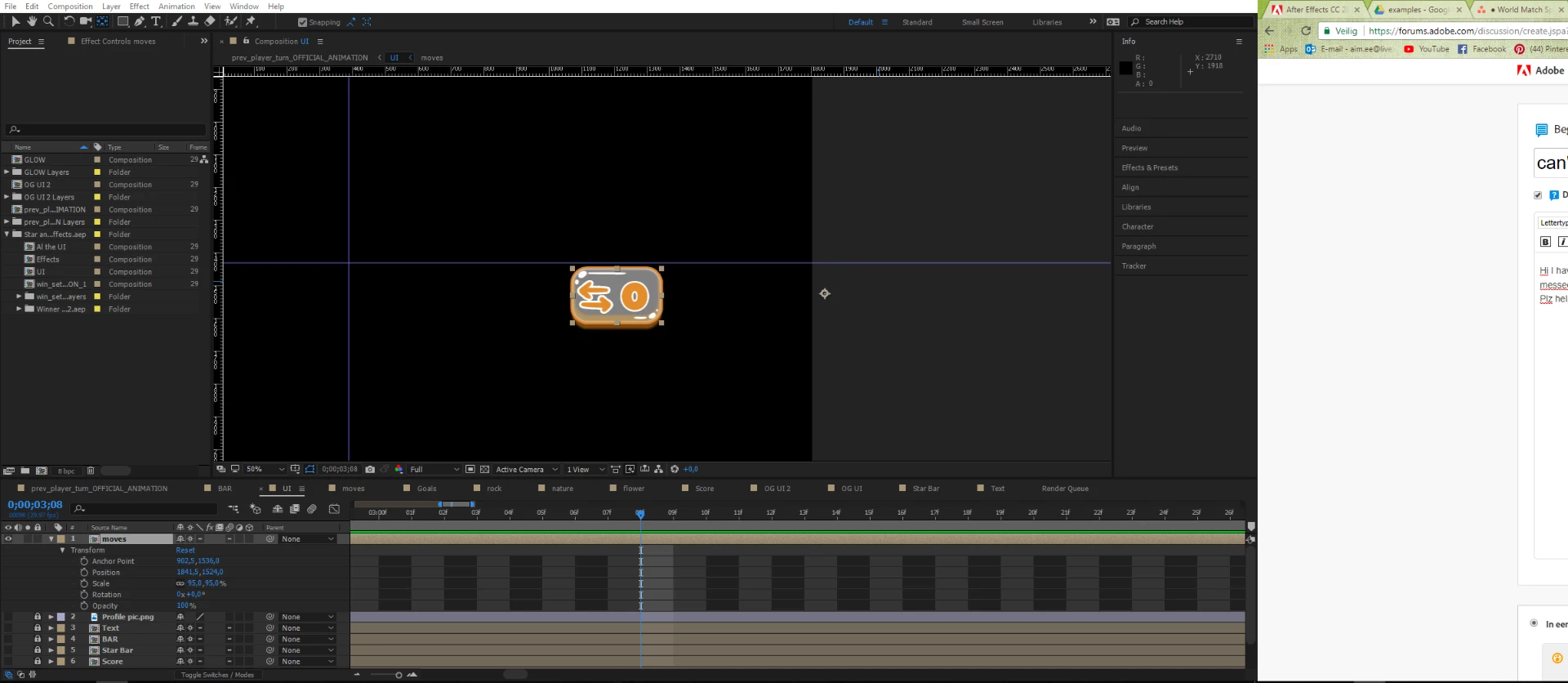
Hi I have a problem. I can't move the anchor point from my composition. I scaled the composotion but the pivot point is al the way to the right. So the porportions wil get messed up. I already tried the pad behind tool but when i try to select the anchor point it deselects the whole composition

Plz help!
    This topic has been closed for replies.
    Correct answer ziangoartista74494743

    Well fixed it by creating a new comp with the layers inside the comp I was trying to change the anchor point from.

    1 reply

    ziangoartista74494743
    ziangoartista74494743AuthorCorrect answer
    Participant
    September 25, 2017

    Well fixed it by creating a new comp with the layers inside the comp I was trying to change the anchor point from.

    Mike_Abbott
    Legend
    September 25, 2017

    What you needed to do:

    temporarily toggle off the 'collapse transformations' switch (second box from the left on the comp layer - looks like a 'sun' icon). Then you should be able to adjust it.

    September 19, 2020

    Mike your advice just saved someone's sanity three years and one pandemic later 🙂